01
One Beat — Multilingual Hip-Hop MV
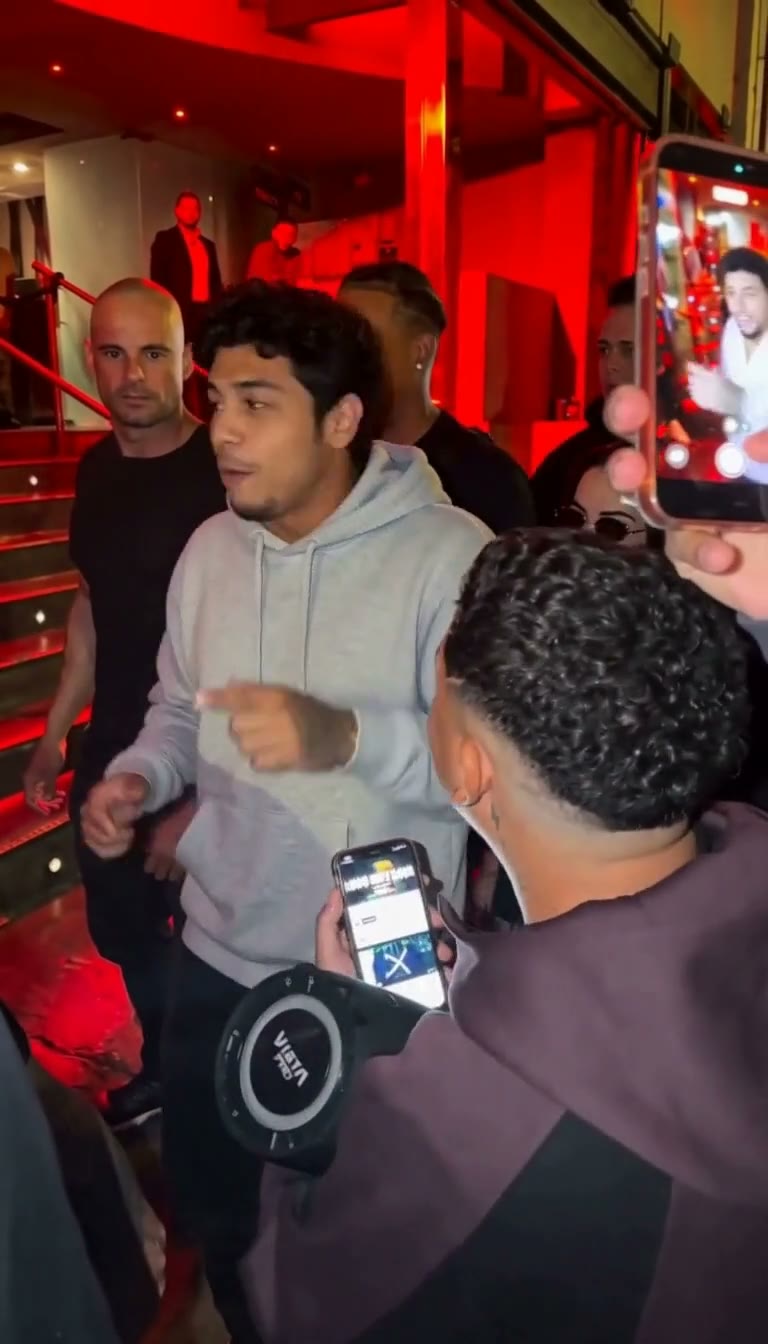
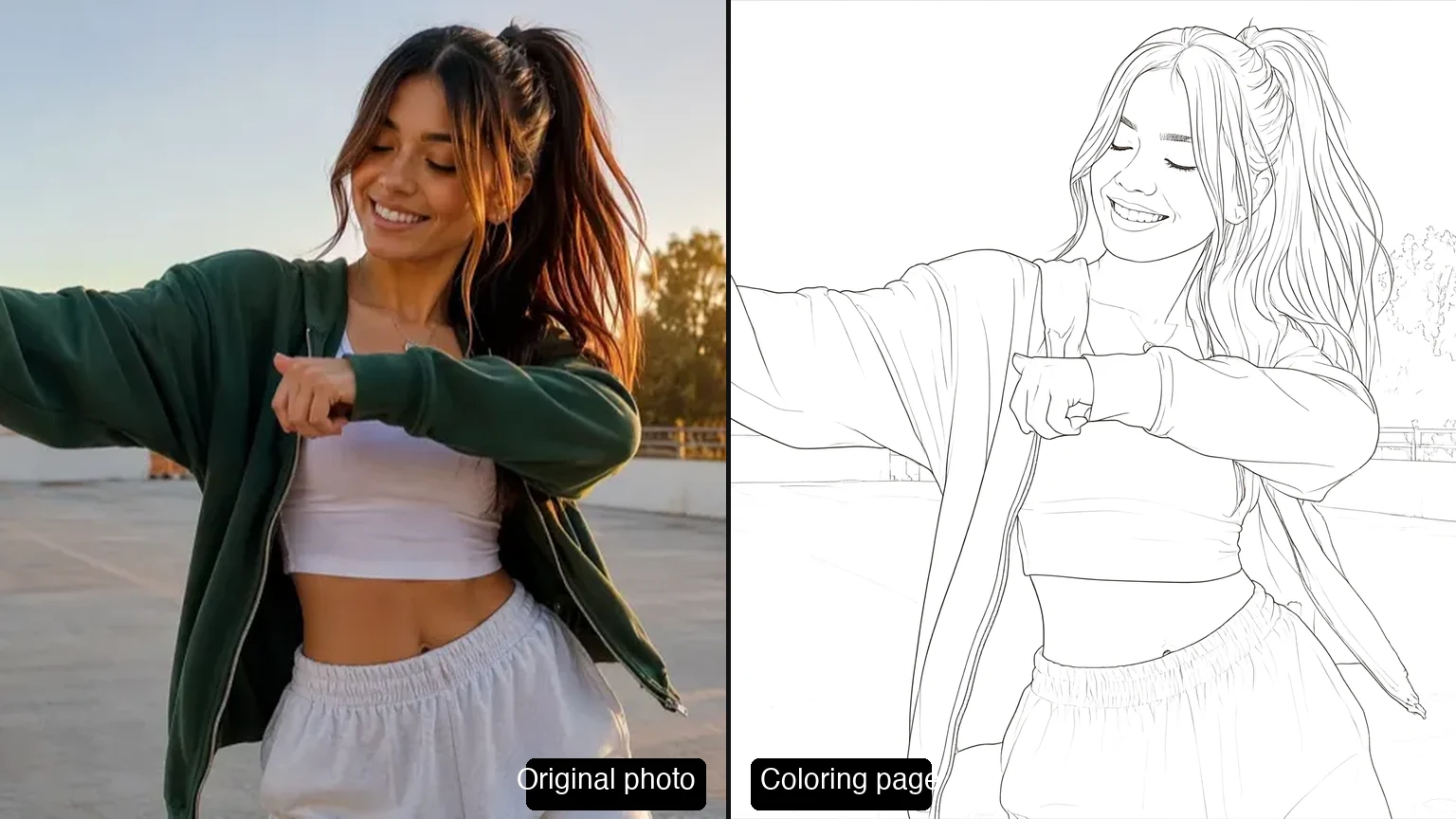
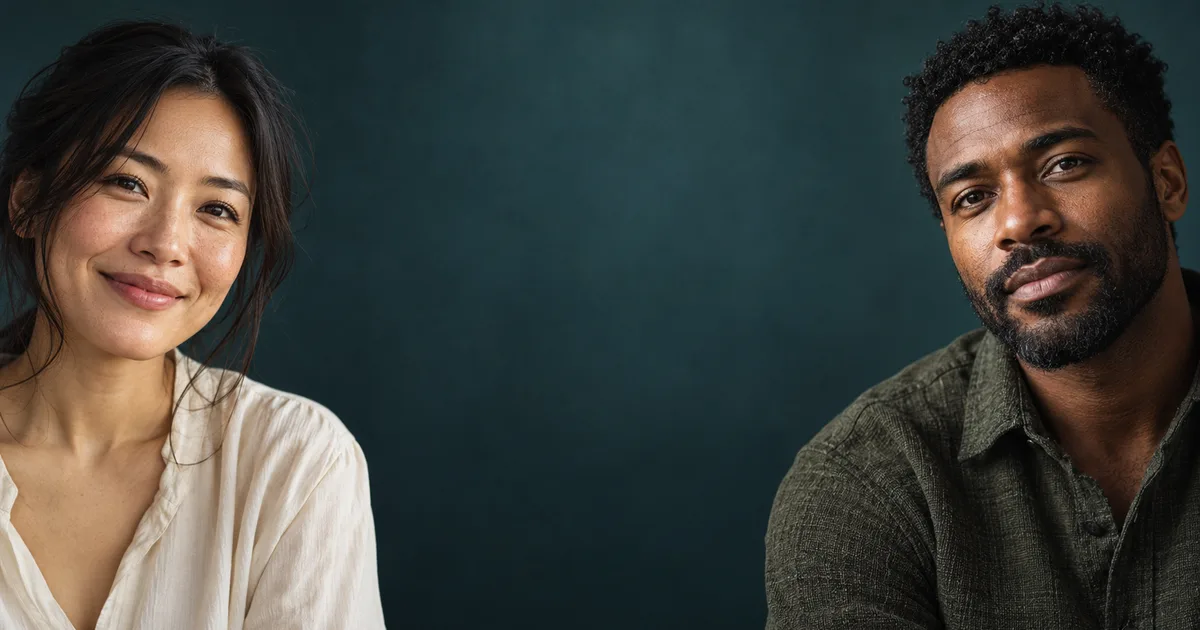
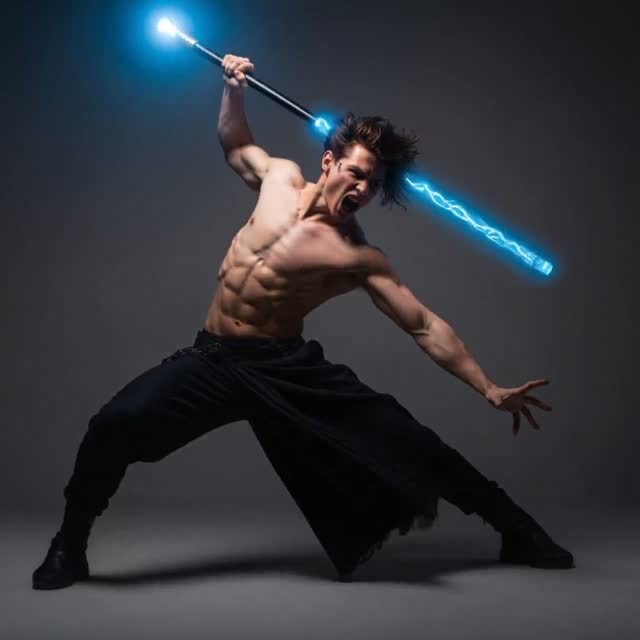
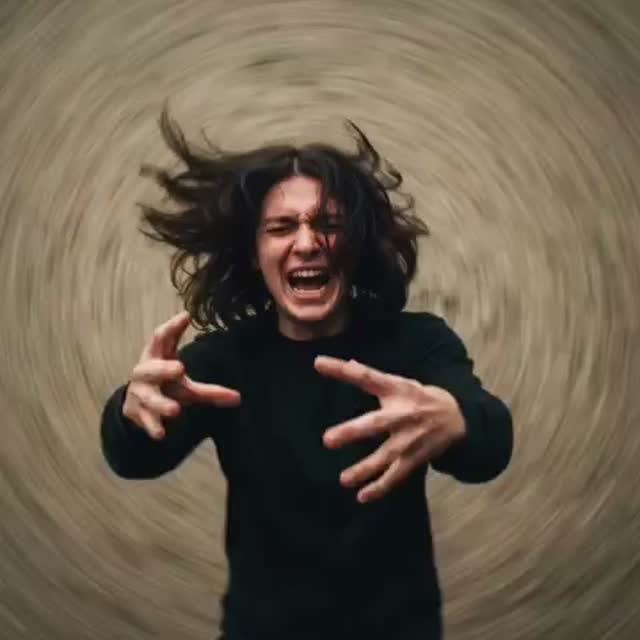
A 24-second rooftop music video with fixed four-person casting from reference images and precise multilingual lip-sync.
Create with this directionAI VIDEO MODEL
Direct a longer story from words, images, clips, and audio references — then steer where it starts, how it moves, and where it lands in the video workspace.
CREATIVE DIRECTIONS
Each direction pairs a story idea with reference material and choices about motion, camera, and sound.
The videos below were created with Wan 3.0.
01
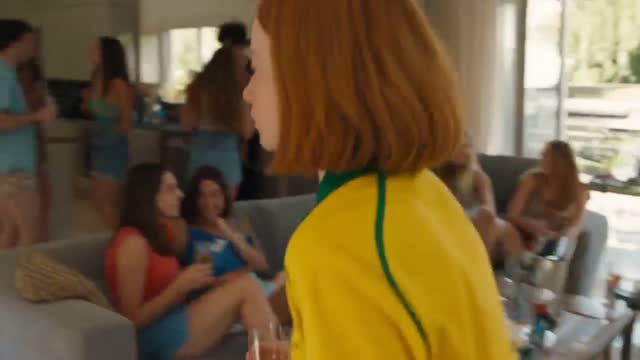
A 24-second rooftop music video with fixed four-person casting from reference images and precise multilingual lip-sync.
Create with this direction02
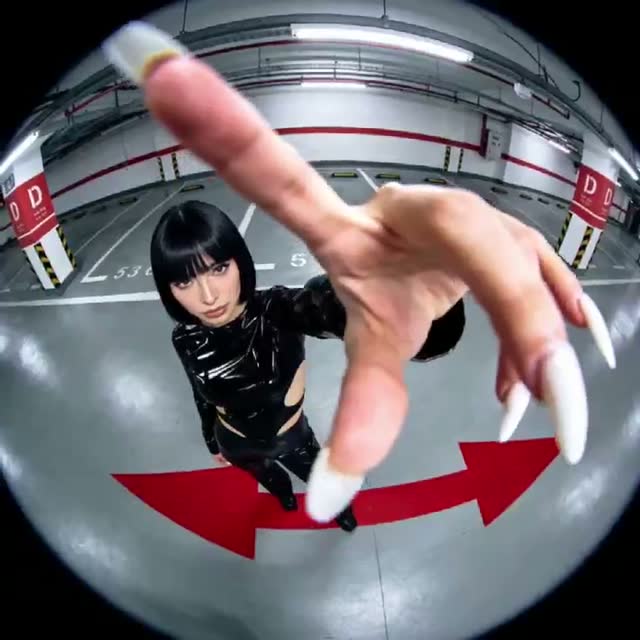
A 30-second motion-graphics chase built on two character references, handheld camera language, and a single consistent glowing ball.
Create with this direction03
An Eastern fantasy flight over a celestial festival in retro Chinese calendar style, from FPV dive to ribbon-climax finale.
Create with this direction04
A cold-humor Route 66 scene: a silent cowgirl fills her horse with fresh grass while the station worker’s worldview collapses.
Create with this directionMODEL GUIDE
Bring words, images, clips, and audio references into one creative brief, then shape the subject, motion, and sound until the direction is specific enough to revise shot by shot.
Wan 3.0 accepts up to 10 reference images, 5 video clips, and 5 audio tracks in one generation, and clips can run up to 30 seconds, so an idea keeps its structure from opening frame to final beat.
CAPABILITIES
PROMPT ANATOMY
A useful prompt gives each creative variable a job, then keeps the direction specific enough to revise.
WORKFLOWS
READY TO SEND
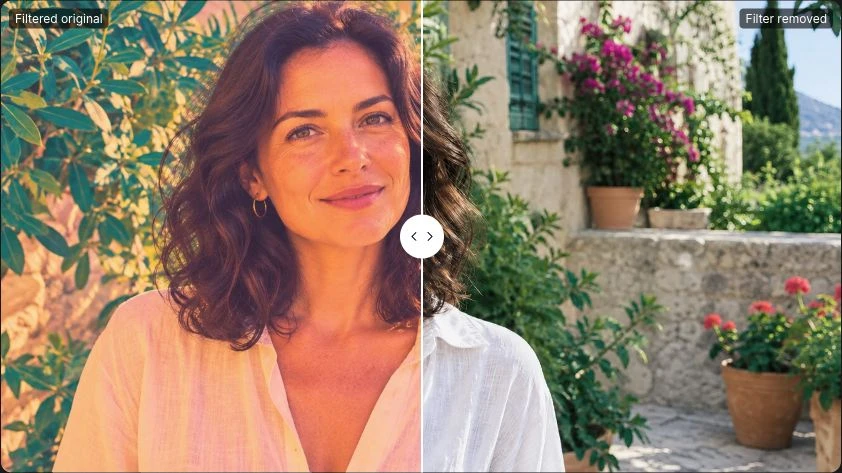
Watermark removal, generators and every model page — one click away.
Wan 3.0 is available for text-to-video, image-to-video, and first-last-frame generation: start from a written prompt, reference images, or a pair of opening and closing frames.
Available clip-length choices range from 2 to 30 seconds.
One generation can combine up to 10 reference images, 5 video clips, and 5 audio tracks to anchor subjects, motion, and sound, and you can set the first and last frames to control how a shot opens and closes.
Yes. Wan 3.0 generates native audio with the video, and you can toggle it in the video workspace's advanced settings.
Output options are available through 1080p. Credit use is shown in the video workspace before you submit a generation.
The hero and creative-direction videos on this page were created with Wan 3.0. The wall examples lower on the page are curated Seedance 2.5 references for planning your own scenes.
Revise one creative variable at a time, such as the subject, a single reference, the sequence order, the camera, or the sound direction, then compare how that single change affects the result.
MORE DIRECTIONS
This lower wall curates Seedance 2.5 video inspiration for planning your Wan 3.0 scenes.
Plans for independent creators
No hidden fees • Cancel anytime • Unused paid credits roll over
Trial
Billed $90 yearly · was $9/mo
360 credits / month
Credits never expire
Starter
Billed $190 yearly · was $19/mo
810 credits / month
Credits never expire
Creator
PopularBilled $590 yearly · was $59/mo
3,600 credits / month
Credits never expire
Pro
Up to 30% offBilled $1,290 yearly · was $129/mo
9,000 credits / month
Credits never expire