01
Desert Car Revs
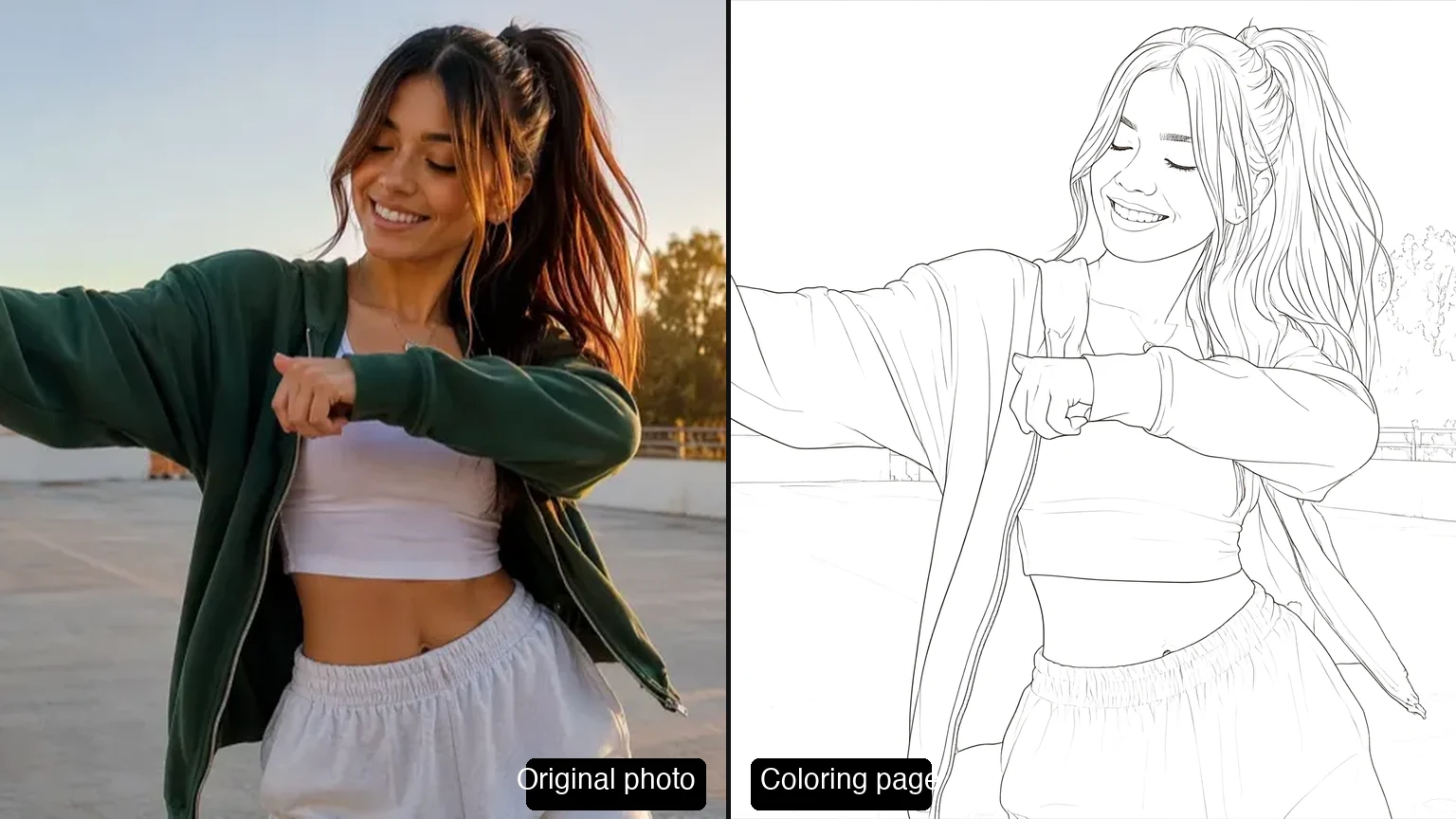
A desert car shot driven by a single reference image — engine, dust, and heat.
Create with this directionAI VIDEO MODEL
Direct a scene from a written brief or reference images — steer the subject, motion, framing, and the opening and closing frame in the video workspace.
CREATIVE DIRECTIONS
Each direction combines a subject with choices about motion, camera, and rhythm, planned with reference images or a written brief.
The videos below were created with MiniMax H3.
01
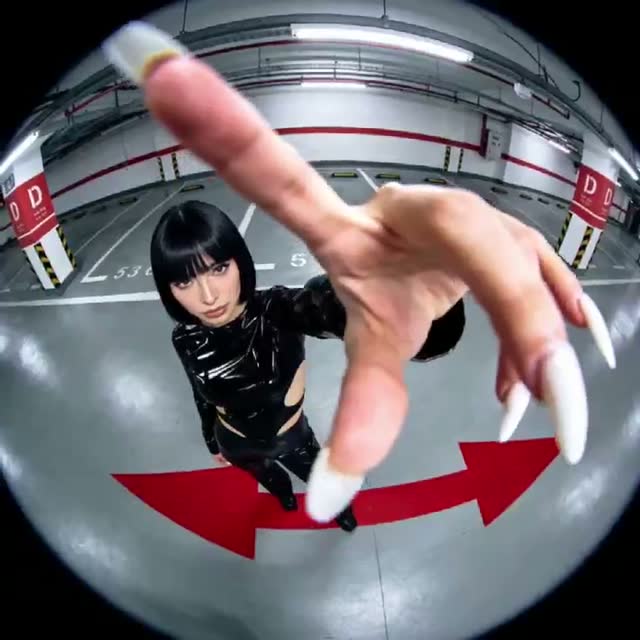
A desert car shot driven by a single reference image — engine, dust, and heat.
Create with this direction02
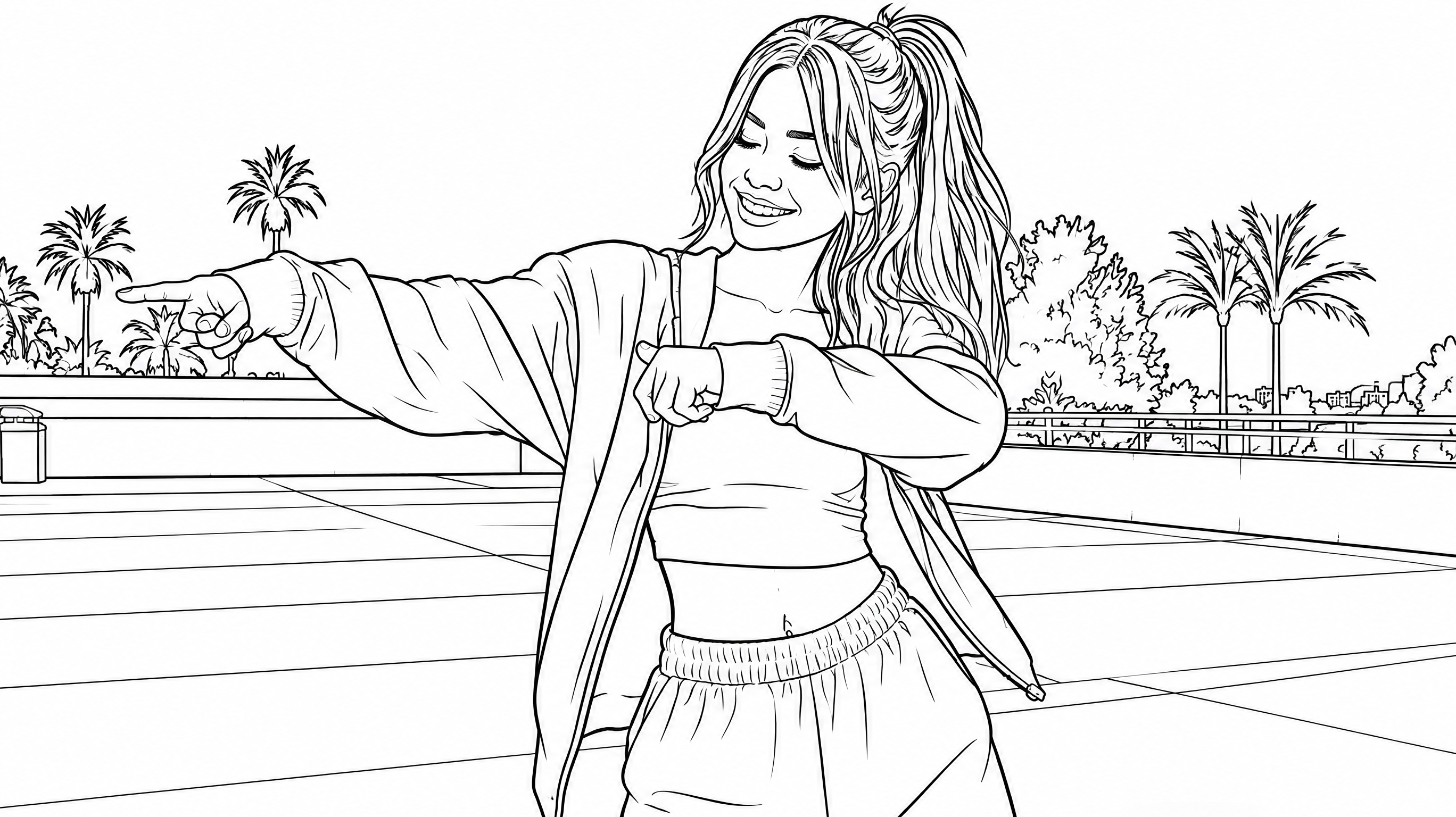
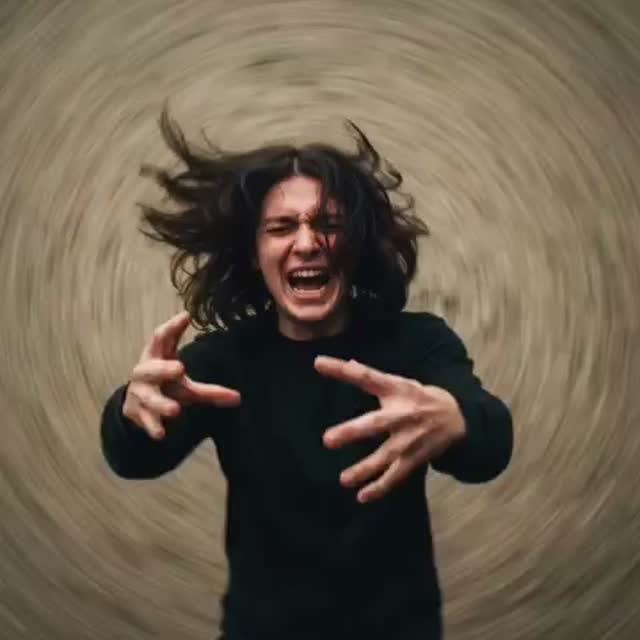
A second generated take of the courtyard dance brief with the same shot-by-shot choreography.
Create with this direction03
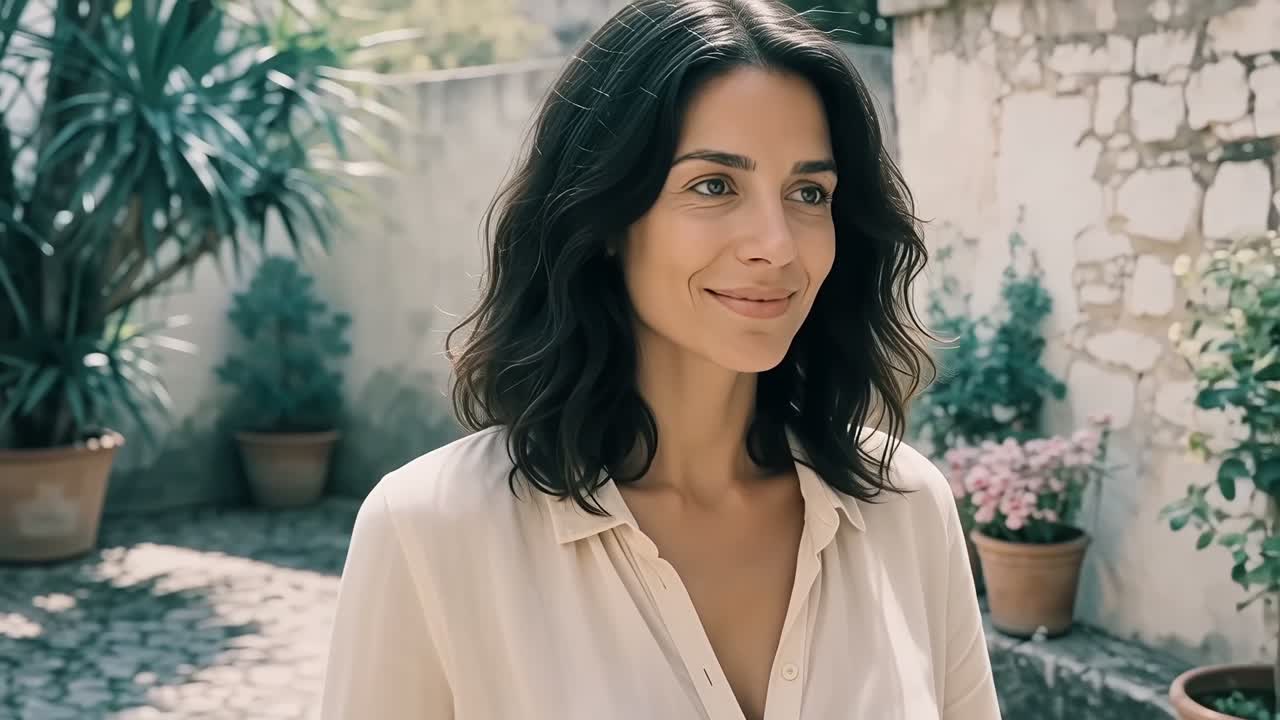
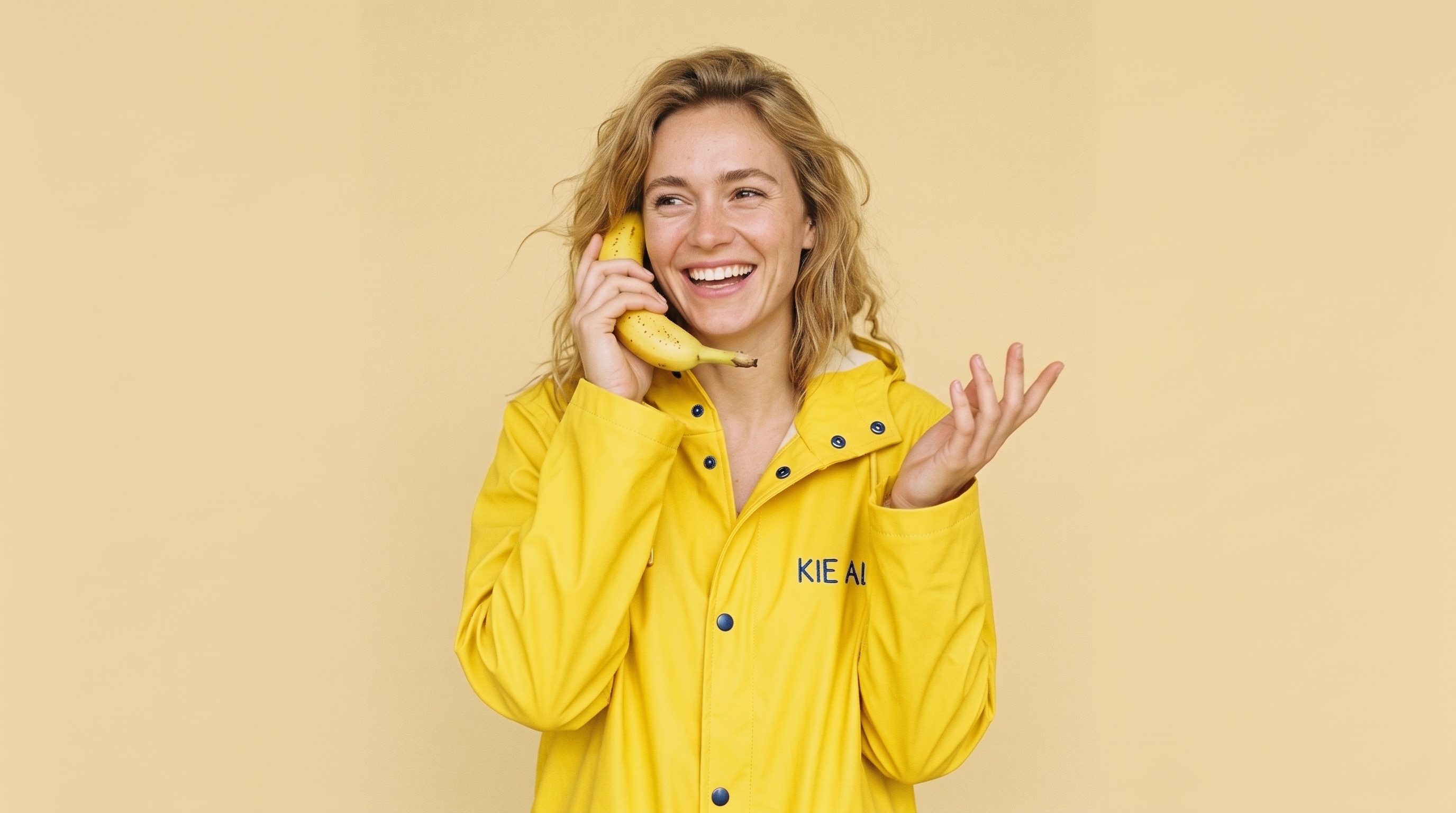
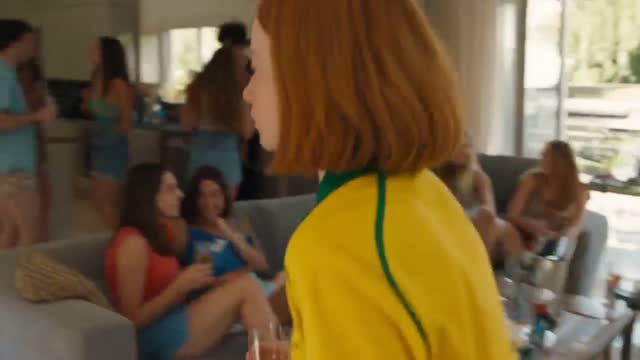
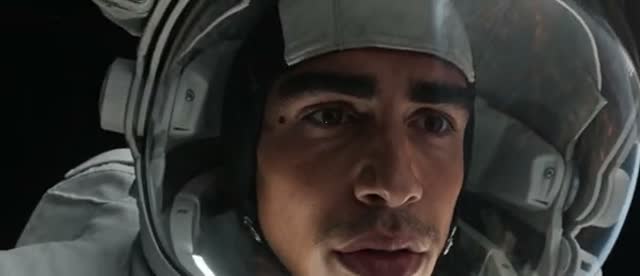
A talking-portrait beat animated from a single reference image.
Create with this direction04
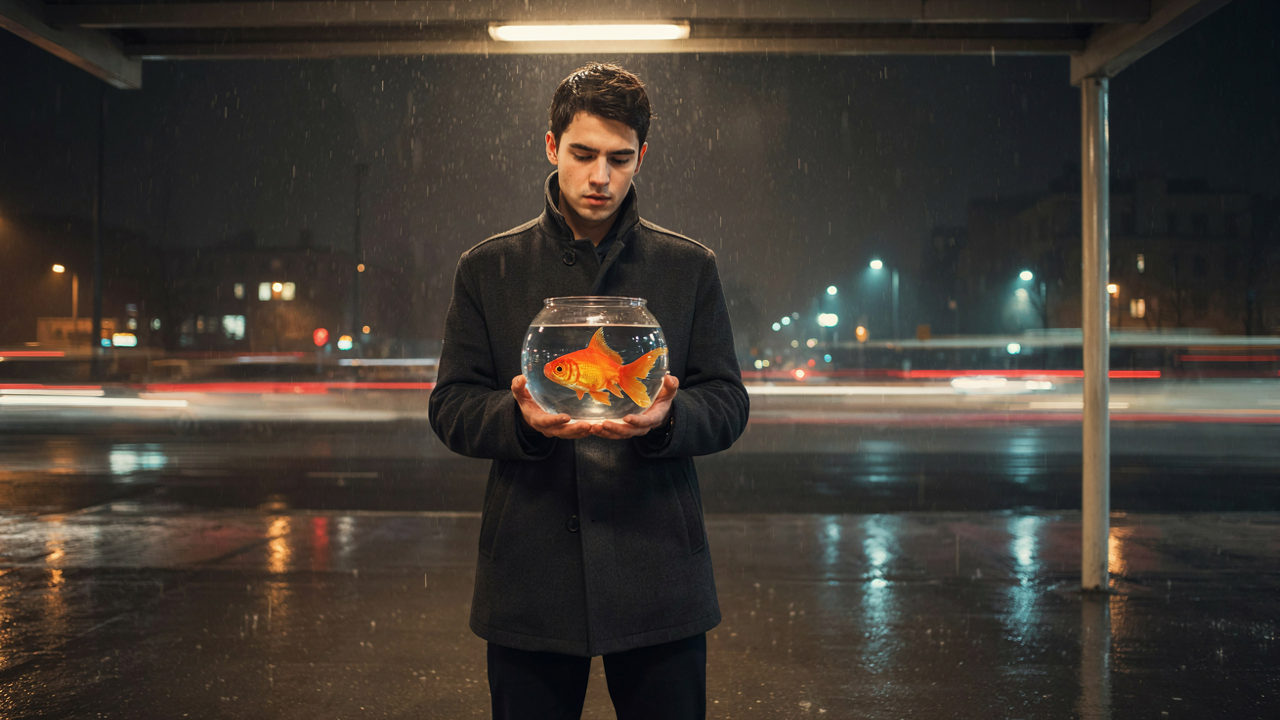
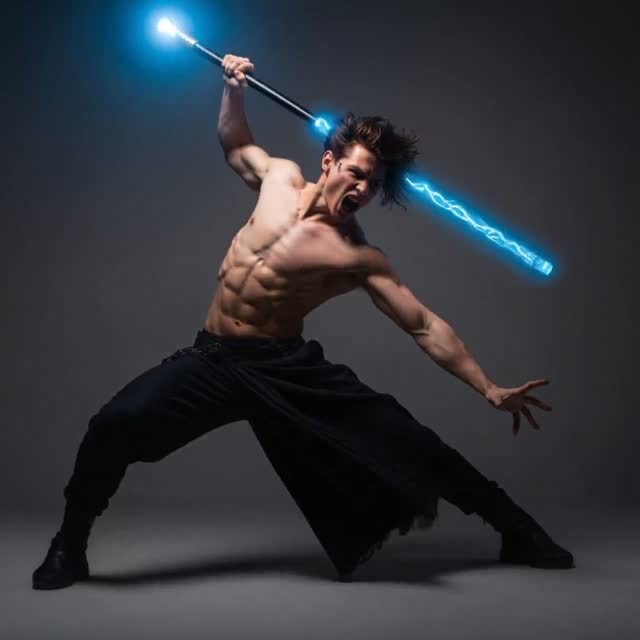
An aging warrior-monk climbs sun-blasted monastery ruins under surveyor drones, in post-apocalyptic sci-fi silence.
Create with this directionMODEL GUIDE
Begin with a written direction or a set of reference images, then shape the subject, motion, and framing until the brief gives your next generation a clear creative target.
MiniMax H3 accepts up to nine reference images in one generation, and image-to-video work can open and close on frames you choose, so longer ideas keep their structure from start to finish.
CAPABILITIES
PROMPT ANATOMY
A useful prompt gives each creative variable a job, then keeps the direction specific enough to revise.
WORKFLOWS
READY TO SEND
Watermark removal, generators and every model page — one click away.
MiniMax H3 is available for text-to-video and image-to-video: start from a written prompt, or attach reference images and optionally set first and last frames.
Available clip-length choices range from 4 to 15 seconds.
In image-to-video work you can attach up to nine reference images to anchor subjects, products, or style, and you can set the first and last frames to control how a shot opens and closes.
Output options are available through 2K. Credit use is shown in the video workspace before you submit a generation.
Yes. MiniMax H3 is also known as Hailuo 03 — two names for the same MiniMax video model.
The hero and creative-direction videos on this page were created with MiniMax H3, and the wall examples lower on the page are curated MiniMax H3 references for planning your own scenes.
Revise one creative variable at a time, such as the subject, action, sequence order, camera, or preservation list, then compare how that single change affects the direction.
MORE DIRECTIONS
This lower wall curates MiniMax H3 video inspiration for planning your MiniMax H3 scenes.
Plans for independent creators
No hidden fees • Cancel anytime • Unused paid credits roll over
Trial
Billed $90 yearly · was $9/mo
360 credits / month
Credits never expire
Starter
Billed $190 yearly · was $19/mo
810 credits / month
Credits never expire
Creator
PopularBilled $590 yearly · was $59/mo
3,600 credits / month
Credits never expire
Pro
Up to 30% offBilled $1,290 yearly · was $129/mo
9,000 credits / month
Credits never expire