
AI Video Generator
AI Video Generator for Text and Image to Video
Turn a sentence or a still image into a finished clip. Orelon's AI video generator puts 45 models behind one prompt box — compare looks, pick a favorite, export in minutes.
Three Steps
How to make an AI video in three steps
Write your prompt
Describe the shot you want: subject, action, setting, camera move, lighting. One sentence is enough — the built-in prompt enhancer turns rough ideas into full shot descriptions when you want a head start.
Pick a model
Seedance 2.5 for all-round realism, Kling 3.0 for up-to-4K detail, Veo 3.1 for native audio, or a budget model for quick drafts. The model picker sits right next to the prompt box.
Generate and download
Renders finish in minutes. Preview the clip, adjust the prompt, or re-run the same prompt on another model to compare — then download. Paid plans export clean, watermark-free files.
Model Catalog
28 AI video models in one subscription
The clearest way to compare an AI video generator is price per model — so here are the real generation credits for every video model on Orelon. Your subscription unlocks all of them; you only spend credits on the models you actually render with.
| Model | Credits per render* | Max length | Max quality |
|---|---|---|---|
| Wan 3.0 Prime | 540 | 30s | 1080p |
| Wan 3.0 | 480 | 30s | 1080p |
| Seedance 2.5 | 300 | 30s | 1080p |
| MiniMax H3 | 300 | 15s | 2K |
| Veo 3.1 Quality | 288 | 8s | 4K |
| Kling 3.0 | 235 | 15s | 4K |
| Veo 3.1 Fast | 204 | 8s | 4K |
| MiniMax H3 Max | 180 | 15s | 768p |
| Kling 3.0 Turbo | 120 | 15s | 1080p |
| Seedance 2.0 | 120 | 15s | 4K |
| Kling 2.6 | 120 | 10s | — |
| Wan 2.6 | 120 | 15s | 1080p |
| Veo 3.1 Lite | 120 | 8s | 4K |
| Grok Imagine | 116 | 30s | 1080p |
| MiniMax H3 Reference | 112 | 15s | 2K |
| HappyHorse | 109 | 15s | 1080p |
| Wan 2.7 | 85 | 15s | 1080p |
| Seedance 2.0 Fast | 70 | 15s | 720p |
| Seedance V1 Pro Fast | 70 | 10s | 1080p |
| Wan 2.6 Flash | 70 | 15s | 1080p |
| HappyHorse 1.1 | 66 | 15s | 1080p |
| Hailuo 2.3 Pro | 45 | 10s | 1080p |
| PixVerse V6 | 40 | 15s | 1080p |
| Kling 2.5 Turbo Pro | 40 | 10s | — |
| Hailuo 2.3 Standard | 30 | 10s | 1080p |
| Grok Imagine 1.5 Preview | 24 | 15s | 1080p |
| MiniMax H3 Max Turbo | 18 | 15s | 768p |
| Seedance 2.0 Mini | 10 | 15s | 720p |
*At each model's default settings — shorter durations and lower resolutions cost less. Seedance 2.5, MiniMax H3 and Wan 3.0 bill per second, so longer or higher-resolution renders cost more.
Three Ways In
One generator for text to video, image to video and video to video
One generator covers all three ways of making an AI video. Switch by changing what you feed it — typed words, a still image, or an existing clip.
Text to video
Type a scene and a video model renders it — camera moves, lighting, pacing and all. This is the fastest way to get a first cut of an idea that does not exist anywhere yet.
Generate from textImage to video
Upload a photo or a generated still and the model animates it — product shots, character acting, mood boards in motion. Your image becomes the first frame with real camera movement.
Animate an imageVideo to video
Feed an existing clip as reference and models like Seedance 2.5 restyle or extend the motion — useful for turning rough live-action takes into stylized scenes.
Rework a clipUse Cases
What you can create with the AI video generator
Product and e-commerce videos
Studio-grade product scenes without a studio: slow orbits, steam rising over a dish, fabric catching the light. Render clean plates for your store or ads.
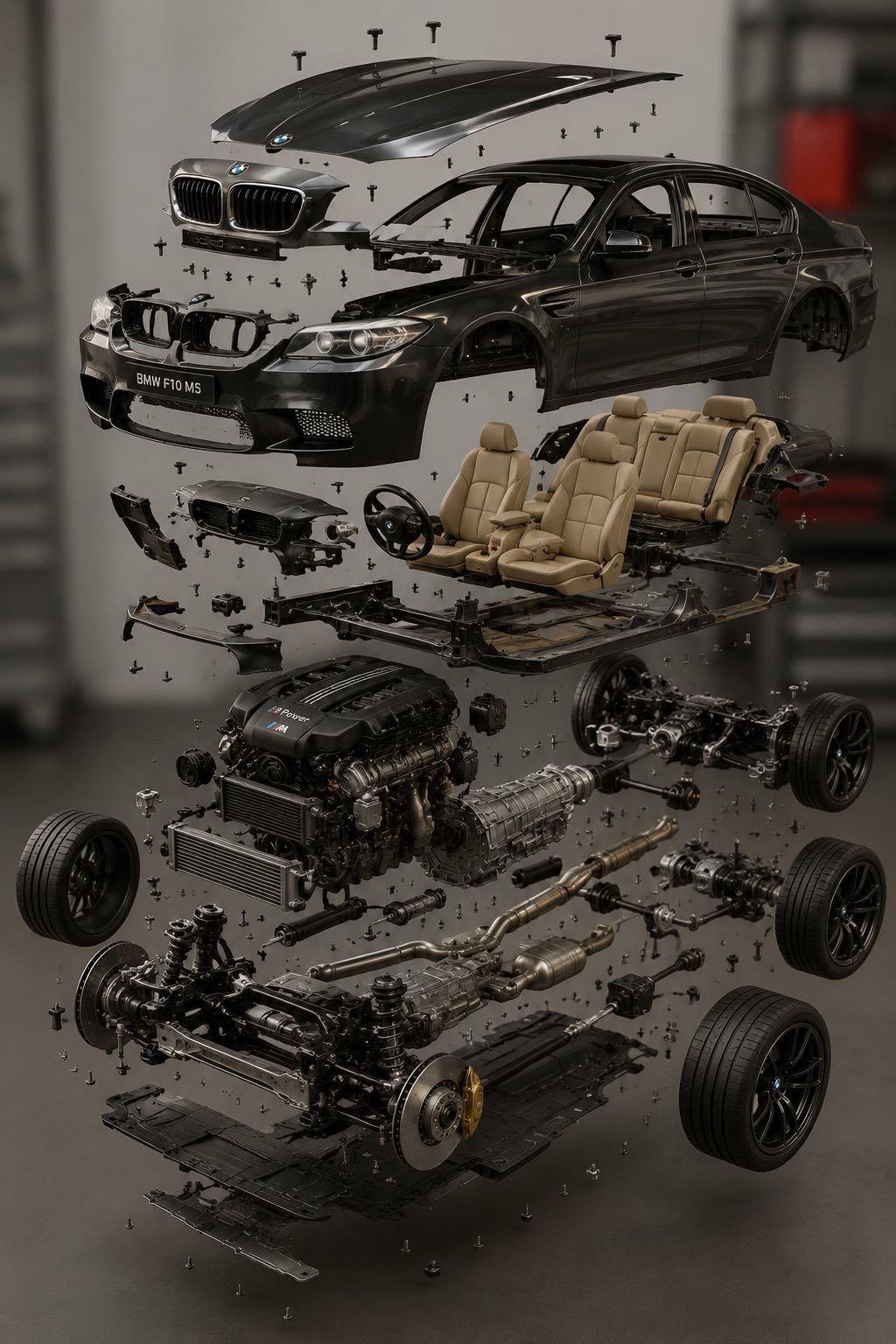
Slow orbit around a matte-black perfume bottle on wet stone, soft studio lighting, shallow depth of field, water droplets catching the light, 4K product shot
UGC-style ads
Hook-first ad creatives without a film crew — a hand holding the product, talking-to-camera framing, a before-and-after beat. Generate ten variations, run the winners.
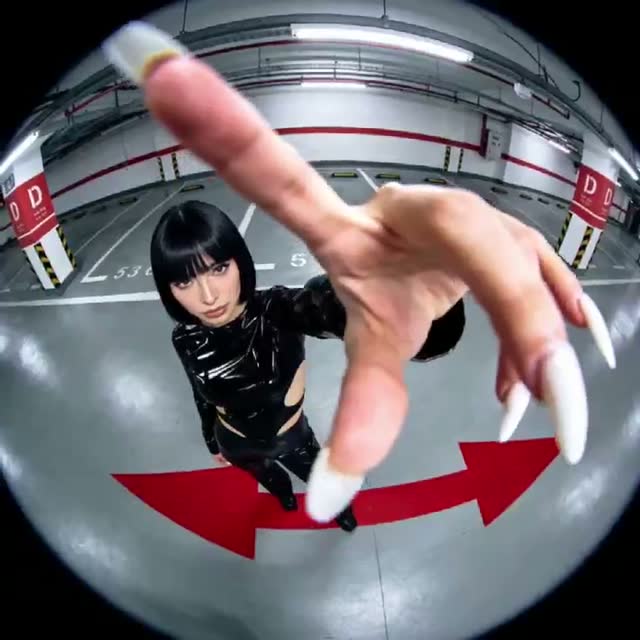
Handheld selfie-style video, young woman holding an iced coffee cup toward the camera, golden hour city street background, smiling, natural UGC ad look
Cinematic scenes and short films
Storyboard shot by shot: wide drone establishing view, close-up with shallow depth of field, a dolly reveal. Run the same scene across models to match a look.
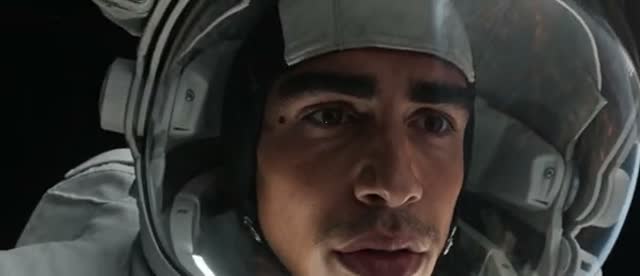
Cinematic dolly-in on a lone figure standing at the edge of a neon-lit rooftop at night, rain-soaked city below, anamorphic lens flare, moody teal and orange grade
Social content and animation
Stylized loops and animation looks — anime, claymation, retro VHS — that would cost a motion designer days. Cut scene-per-verse clips to the track.
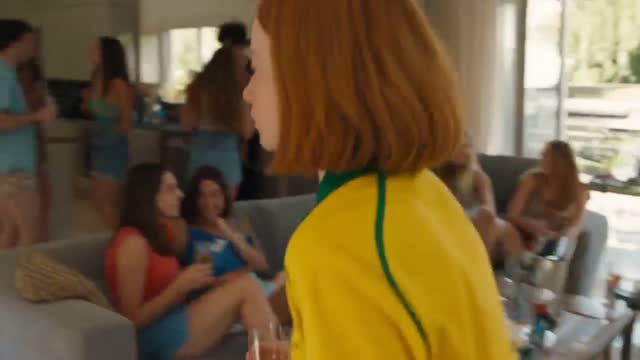
2D anime style, a girl in a school uniform running through a field of tall grass at sunset, wind in her hair, dramatic clouds, hand-drawn Ghibli-inspired look
More tools to explore
Watermark removal, generators and every model page — one click away.
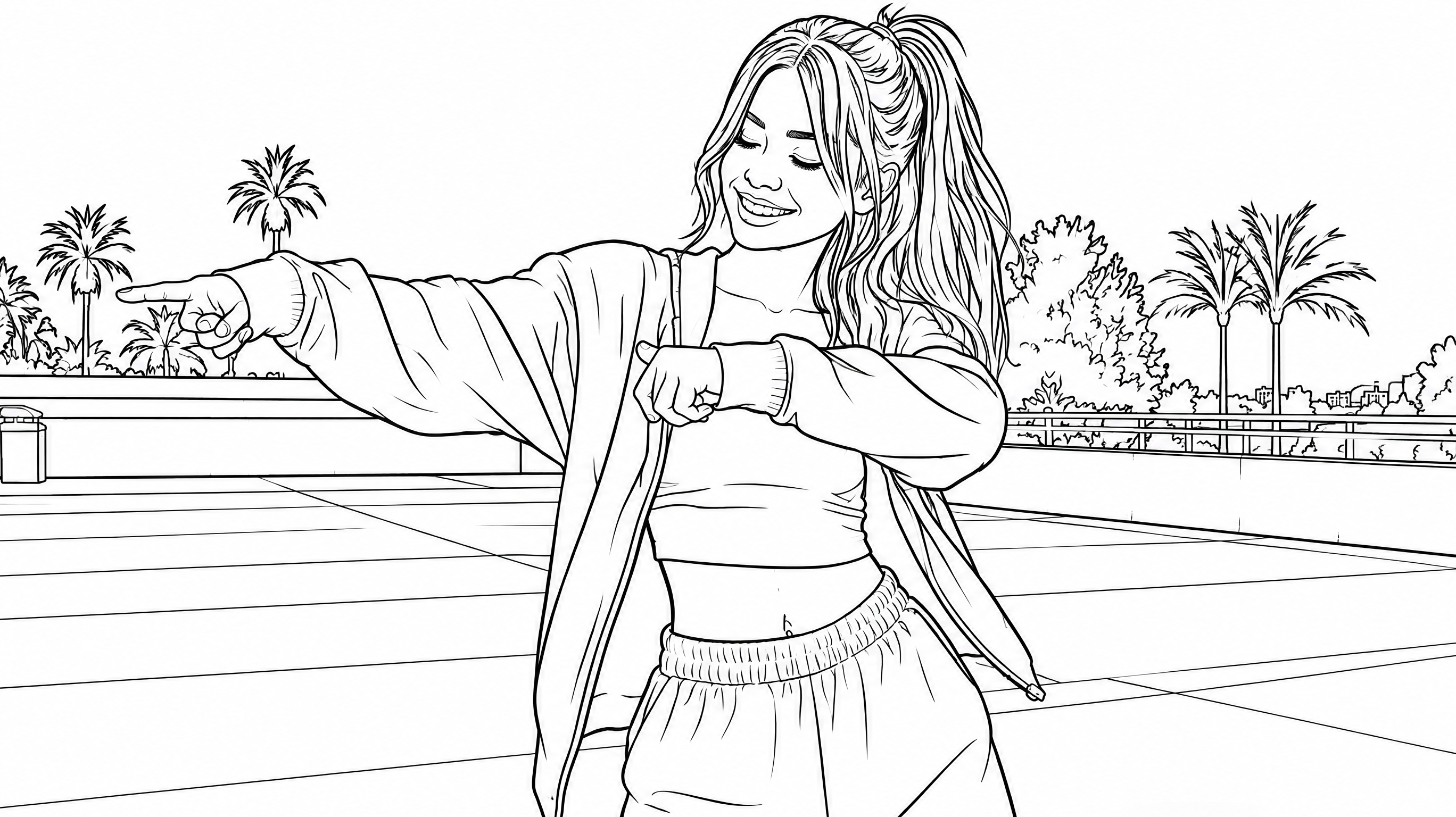
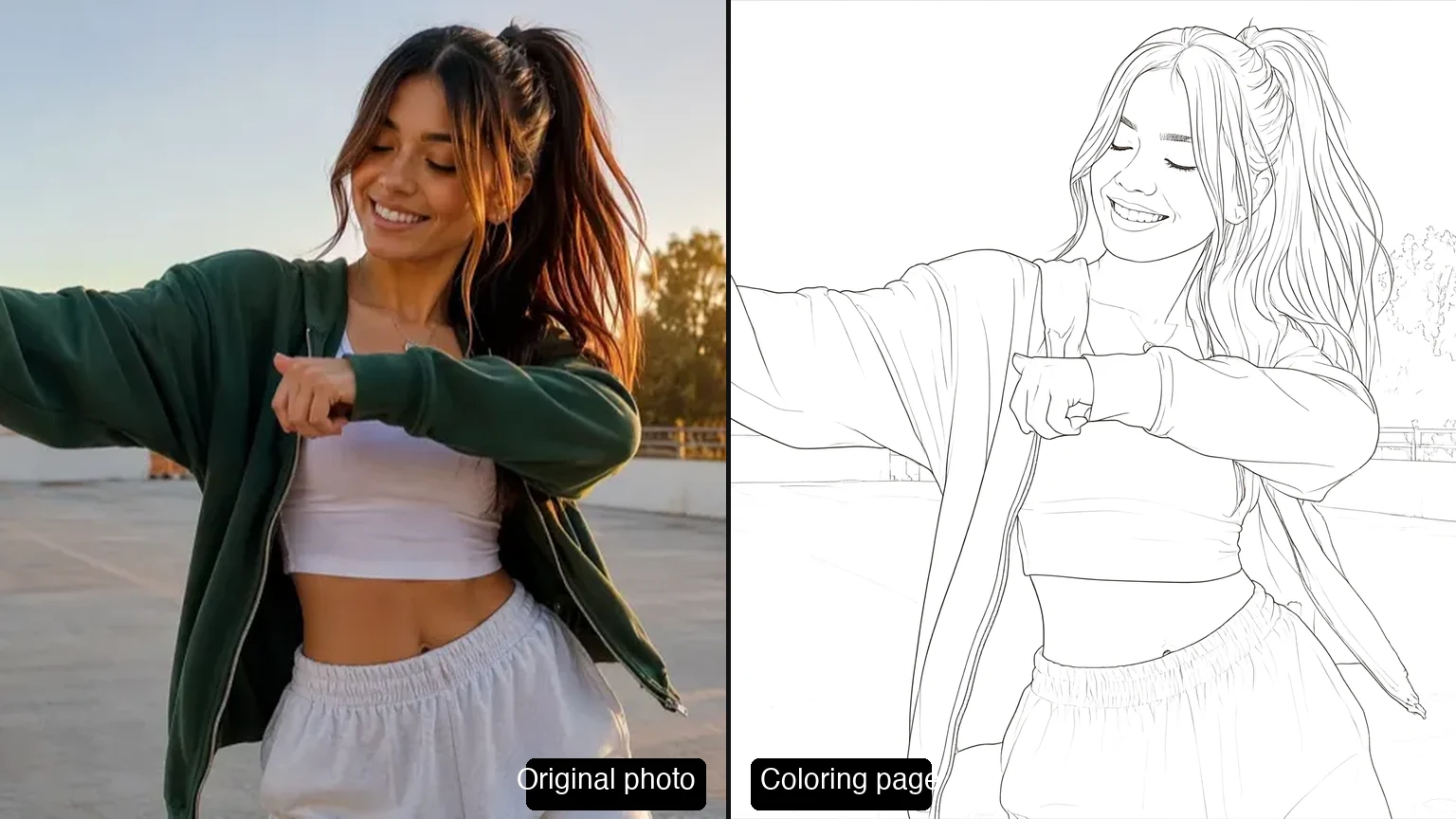





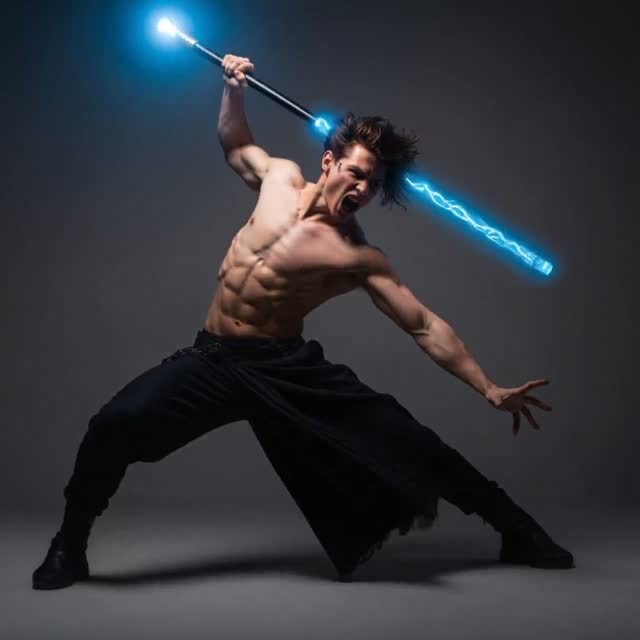



AI video generator FAQ
Yes. Every new Orelon account gets 10 free credits — enough to render a first clip on the starter model without a credit card. Subscriptions and credit packs then unlock the full 45-model catalog, higher resolutions and watermark-free exports.
It depends on the job: Seedance 2.5 is the strongest all-rounder, Kling 3.0 leads on up-to-4K detail, Veo 3.1 is the pick for native audio and dialogue, and budget models like Seedance 2.0 Fast are ideal for drafts. The table above shows what each one costs so you can match budget to ambition — and you can run one prompt across several models to compare.
No. Orelon runs entirely in the browser — the generator on this page is the tool. Nothing to install, and renders are stored in your account so you can download them from any device.
Yes. Exports from paid plans are watermark-free and cleared for commercial use — ads, client work, social media. Generation follows a content policy that blocks illegal content and certain adult themes, which keeps your account and exports safe.
Most renders finish in one to five minutes depending on model, duration and resolution. Short drafts on fast models like Seedance 2.0 Fast come back quickest; 4K renders on Kling 3.0 take longer.
Use text to video when the idea only exists in your head; use image to video when you need exact control over the subject — a real product, a specific character, a particular location. Many workflows combine both: generate the perfect still with an image model, then animate it. The text to video AI page goes deeper on prompt-driven generation.
Renders on free credits may carry a small watermark. Every export from a paid plan is watermark-free and ready for editing, ads and client delivery.
Keep Exploring
Models, guides and tools
Go deeper on the models inside this AI video generator, or compare it against the alternatives.









Plans for independent creators
Choose your creative capacity.
No hidden fees · Cancel anytime
Trial
Try the core capability
Billed $90 yearly · was $9/mo
Creation capacity
360 credits / month
4,320 credits per year
- Up to 36 videos per month - Up to 180 images per month
Model access
28 / 46 modelsPlan includes
- Get 4,320 credits granted upfront for the year
- Use your creations commercially
- Download your work without watermarks
- Create video and images in one workspace
- Use ready-to-create video and image templates
- Generate in the standard queue
- Email support
Starter
For individuals
Billed $190 yearly · was $19/mo
Creation capacity
810 credits / month
9,720 credits per year
- Up to 81 videos per month - Up to 405 images per month
Model access
28 / 46 modelsPlan includes
- Get 9,720 credits granted upfront for the year
- Use your creations commercially
- Download your work without watermarks
- Create video and images in one workspace
- Use ready-to-create video and image templates
- Generate in the standard queue
- Email support
Creator
PopularFor regular creative work
Billed $590 yearly · was $59/mo
Creation capacity
3,600 credits / month
43,200 credits per year
- Up to 360 videos per month - Up to 1,800 images per month
Model access
46 / 46 modelsPlan includes
- Get 43,200 credits granted upfront for the year
- Use your creations commercially
- Download your work without watermarks
- Create video and images in one workspace
- Use ready-to-create video and image templates
- Generate in a faster queue
- Create more at the same time
- Early access to selected new models
- Email support
Pro
Up to 30% offFor high-volume creative work
Billed $1,290 yearly · was $129/mo
Creation capacity
9,000 credits / month
108,000 credits per year
- Up to 900 videos per month - Up to 4,500 images per month
Model access
46 / 46 modelsPlan includes
- Get 108,000 credits granted upfront for the year
- Use your creations commercially
- Download your work without watermarks
- Create video and images in one workspace
- Use ready-to-create video and image templates
- Generate in the priority queue
- Use advanced creative models
- Run more generations at once
- Priority support
- Early access to selected new models
Explore more AI features
Prepare your footage for the next edit with the Video Background Remover.