
Bring your photos into focus
AI Photo Enhancer
Give portraits, selfies and everyday photos a clearer, more balanced look. Upload a photo, choose what to improve, and review your result before downloading.
Continue in the image editor to generate and download. Sign-in and credits are required for processing.
AI-generated illustrative hero image, not a tool output.
See photo examplesStart with the photo you have
Photo ideas for a more balanced edit
AI-generated illustrative samples, not tool outputs.
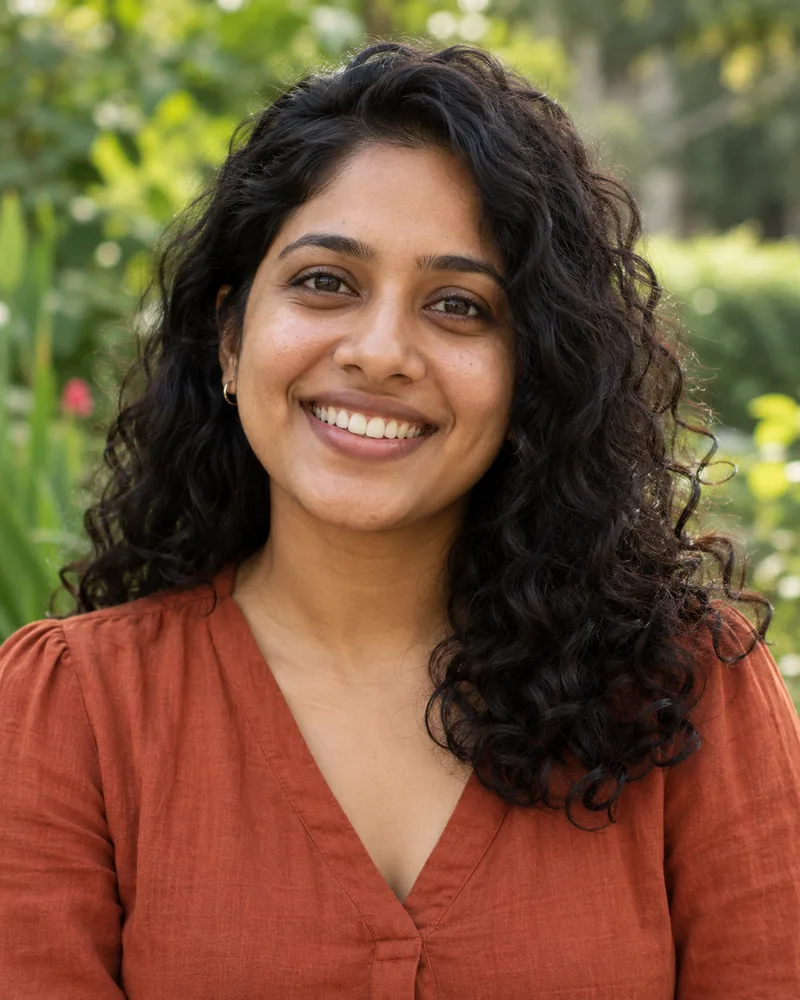
Everyday portrait
Try natural detail and balanced color for a casual portrait.
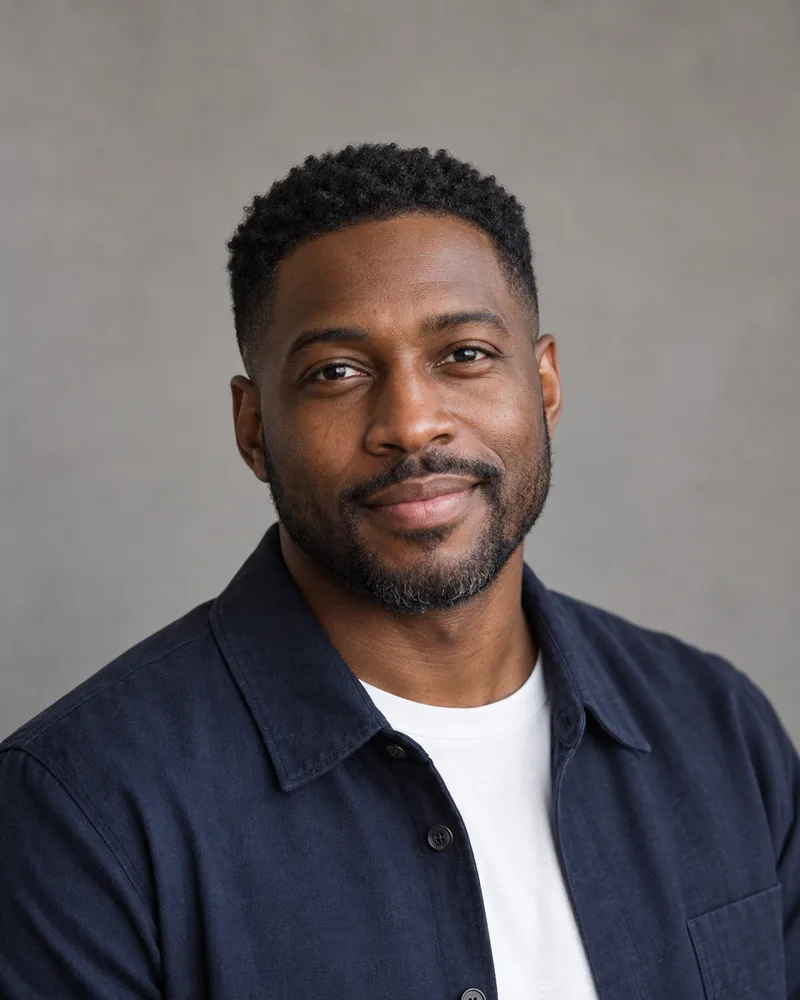
Profile headshot
Review facial detail, hair and clothing before sharing a headshot.
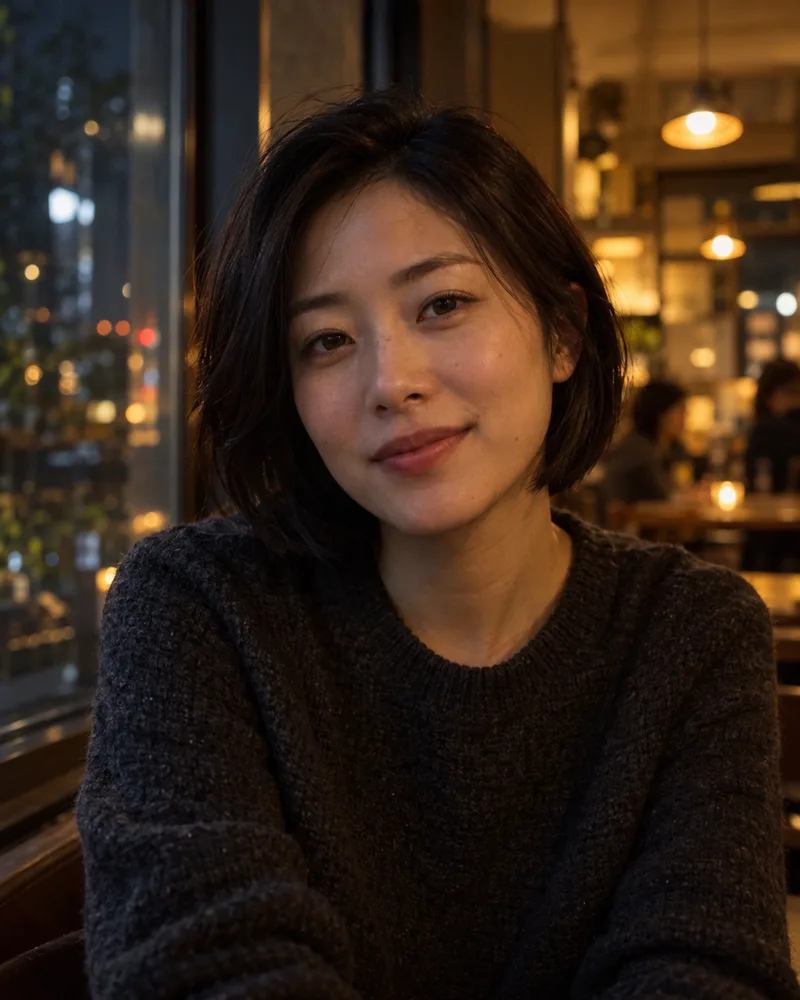
Low-light portrait
Explore a lighting adjustment while keeping the original atmosphere.
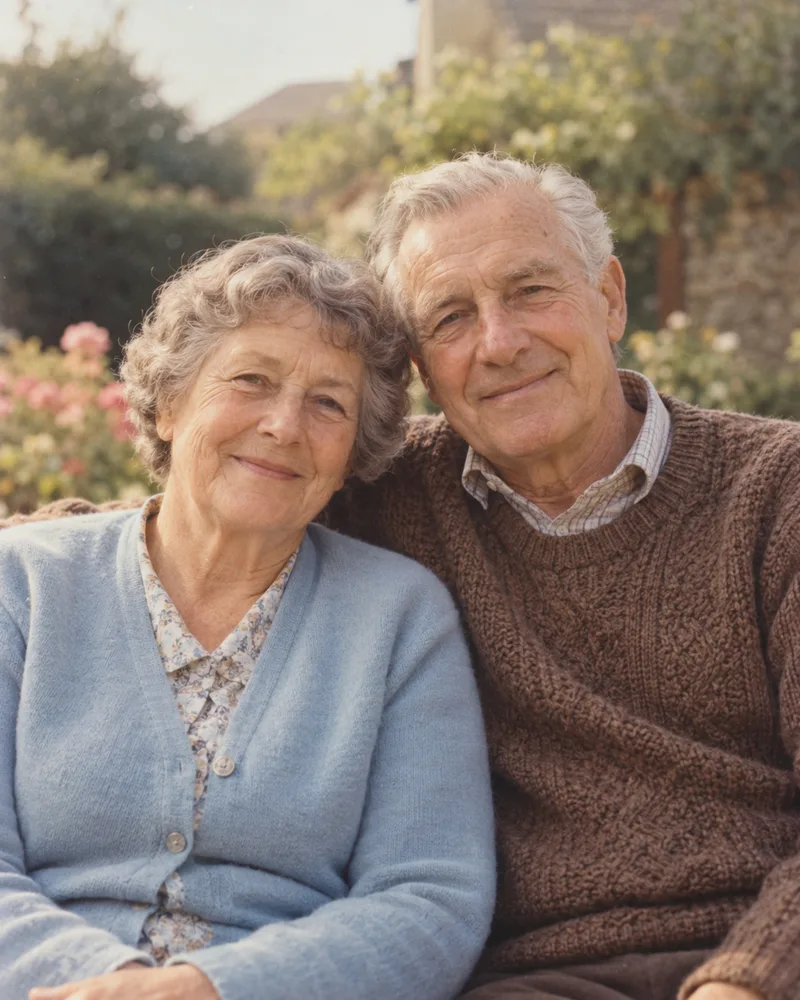
Older family photo
Use gentle cleanup and compare reconstructed details with the scan.
A guided photo editing workflow
What is an AI photo enhancer?
An AI photo enhancer uses an existing photo as the starting point for a clearer, more balanced edit. It can target visible detail, distracting noise, uneven lighting and dull color. On Orelon, you upload a reference photo and use a guided editing prompt, then inspect the generated image before saving it.
The same image enhancer workflow also suits selfies, headshots and family photos. Start with the original file when possible: AI may reconstruct missing details, so a sharper result is not proof that every feature matches the original.
Choose a focused direction
Four useful enhancement directions
From source to reviewed result
How to enhance a photo online
Keep your source photo nearby so you can compare each edit.
Editing instructions you can adjust
Four photo enhancement recipes
Each recipe adds the full editing instructions to the image editor. Upload your photo there and adjust the prompt before generating.
Practical expectations before you start
| Input | Useful direction | Check before downloading |
|---|---|---|
| Slightly soft portrait | Improve visible detail | Eyes, teeth, hair and edge artifacts |
| Dim selfie | Balance lighting and color | Skin tone, shadows and clipped highlights |
| Compressed social photo | Reduce distracting noise | Small textures and compression artifacts |
| Scanned family photo | Gentle cleanup | Facial likeness and reconstructed details |
Severe blur, very small faces and missing detail limit what an edit can recover. Larger output means more pixels, not proof of authentic detail. Keep your original and inspect the generated image at full size. The editor provides the available output resolution and download controls.
Plans for independent creators
Choose your creative capacity.
No hidden fees · Cancel anytime
Trial
Try the core capability
Billed $90 yearly · was $9/mo
Creation capacity
360 credits / month
4,320 credits per year
- Up to 36 videos per month - Up to 180 images per month
Model access
28 / 46 modelsPlan includes
- Get 4,320 credits granted upfront for the year
- Use your creations commercially
- Download your work without watermarks
- Create video and images in one workspace
- Use ready-to-create video and image templates
- Generate in the standard queue
- Email support
Starter
For individuals
Billed $190 yearly · was $19/mo
Creation capacity
810 credits / month
9,720 credits per year
- Up to 81 videos per month - Up to 405 images per month
Model access
28 / 46 modelsPlan includes
- Get 9,720 credits granted upfront for the year
- Use your creations commercially
- Download your work without watermarks
- Create video and images in one workspace
- Use ready-to-create video and image templates
- Generate in the standard queue
- Email support
Creator
PopularFor regular creative work
Billed $590 yearly · was $59/mo
Creation capacity
3,600 credits / month
43,200 credits per year
- Up to 360 videos per month - Up to 1,800 images per month
Model access
46 / 46 modelsPlan includes
- Get 43,200 credits granted upfront for the year
- Use your creations commercially
- Download your work without watermarks
- Create video and images in one workspace
- Use ready-to-create video and image templates
- Generate in a faster queue
- Create more at the same time
- Early access to selected new models
- Email support
Pro
Up to 30% offFor high-volume creative work
Billed $1,290 yearly · was $129/mo
Creation capacity
9,000 credits / month
108,000 credits per year
- Up to 900 videos per month - Up to 4,500 images per month
Model access
46 / 46 modelsPlan includes
- Get 108,000 credits granted upfront for the year
- Use your creations commercially
- Download your work without watermarks
- Create video and images in one workspace
- Use ready-to-create video and image templates
- Generate in the priority queue
- Use advanced creative models
- Run more generations at once
- Priority support
- Early access to selected new models
Keep creating with your photos
Photo to Coloring Page
Save your edited photo, then upload it to create a printable coloring design.
AI Coloring Page Generator
Start from an idea to make a new coloring design.
Explore more creative tools
Find another direction for your next image or video.
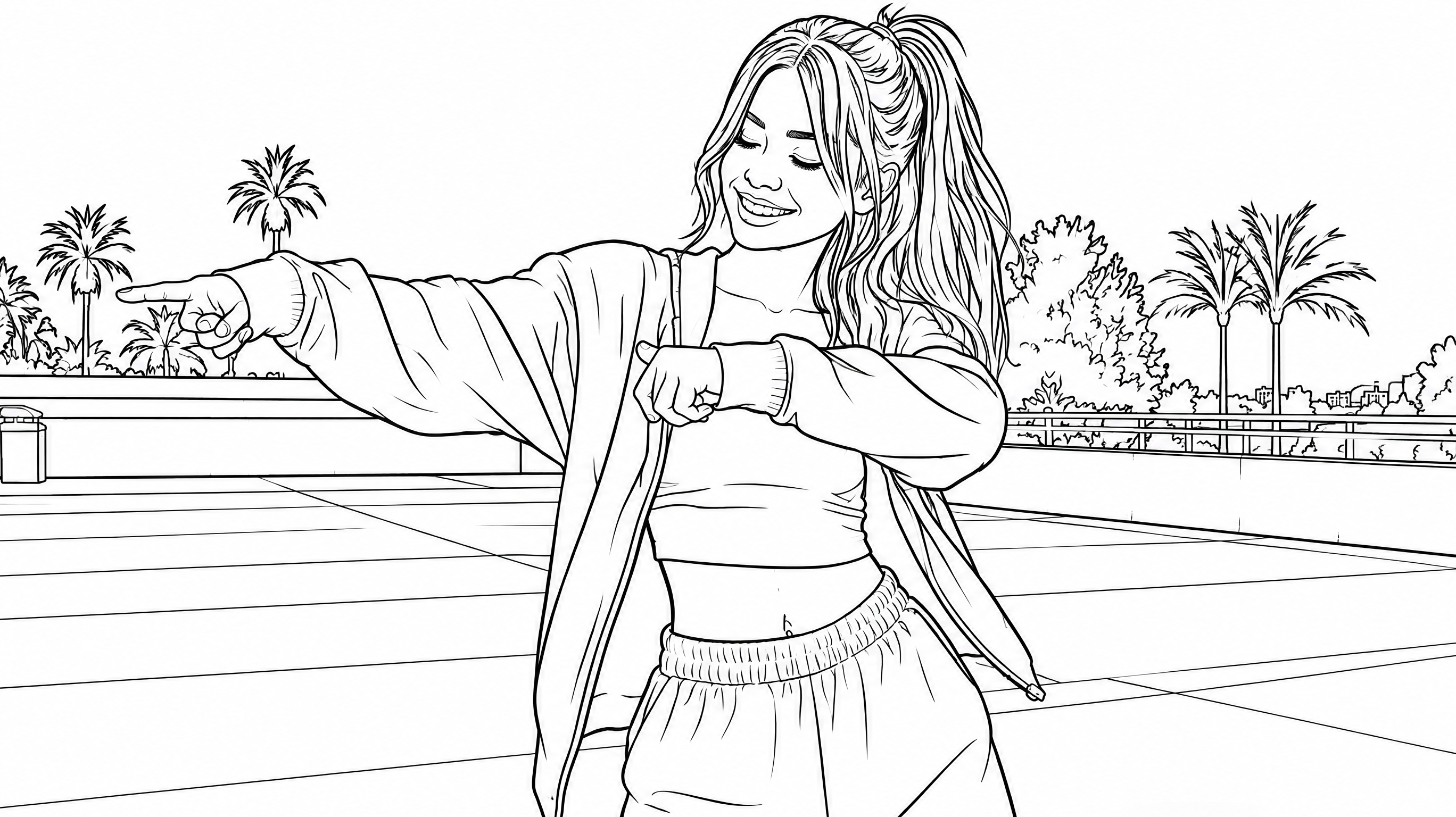
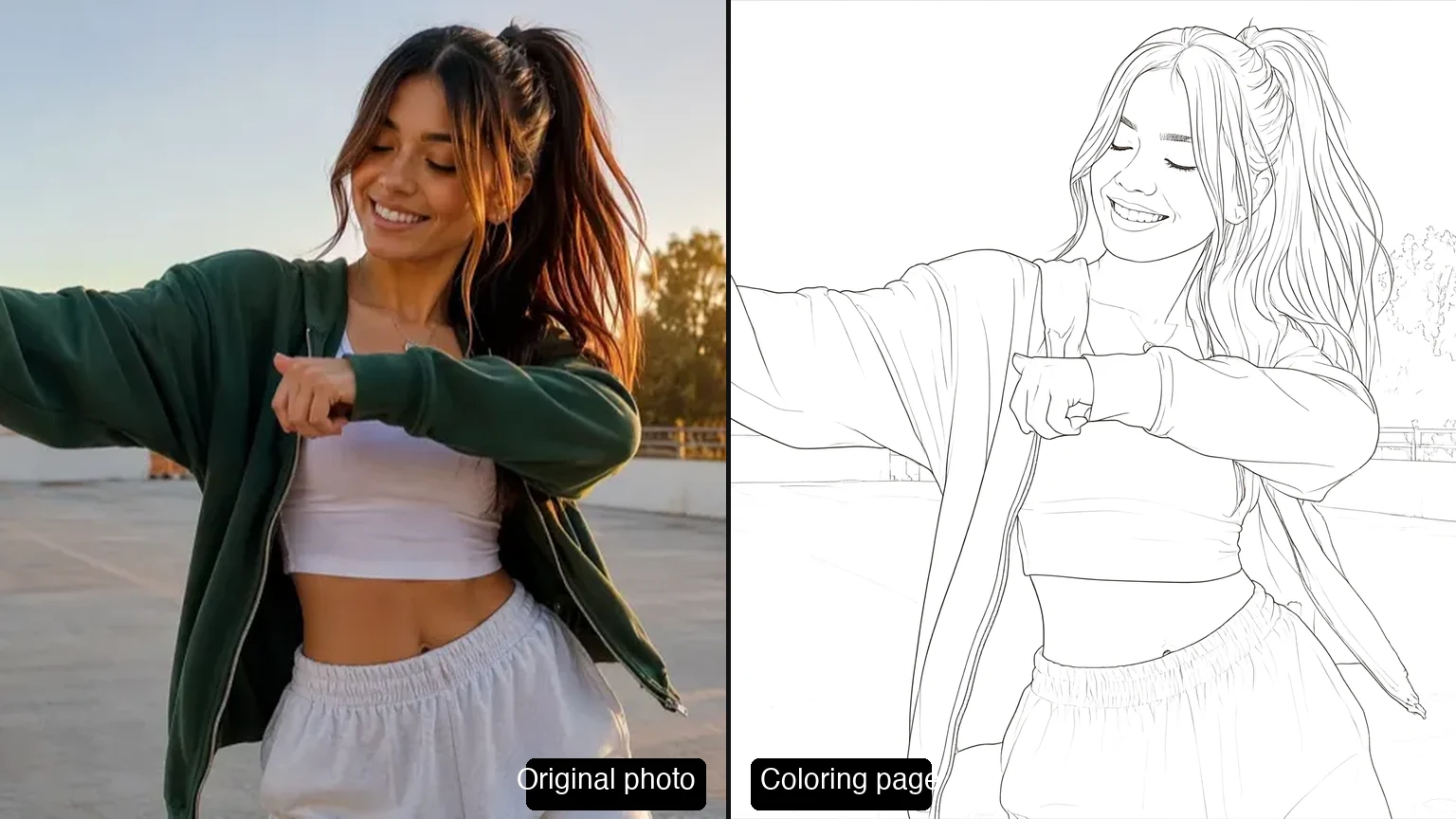








Photo enhancer questions, answered
It prepares a guided image edit from your uploaded photo. You can target detail, lighting, color or gentle cleanup, then generate, review and download in the image editor.
They describe the same general workflow here. Photo enhancement focuses on camera images such as portraits and selfies; image enhancement is a broader term that can include other pictures.
It may improve mild softness and create a clearer-looking result. Severe motion blur, very small faces and missing detail are harder to recover. Check the result rather than assuming reconstructed features are accurate.
The portrait instructions ask the model to preserve facial structure, expression and natural skin texture. Generative editing can still change details, so compare the face carefully with the original.
You can browse the page and examples without paying. Processing requires sign-in and available credits. The image editor shows the credit cost before you generate; current plans are listed in the pricing section.
No. Higher output resolution gives you more pixels, but AI-generated detail can differ from the source. Choose the editor's available output setting for your use case and inspect the image at full size.
Check that the photo still looks like the same person and scene. Inspect eyes, teeth, hair, skin texture, colors and edges, and avoid a version that adds unwanted features or excessive smoothing.
Yes. Save the result, then upload it to Photo to Coloring Page. If you want to create a coloring design from an idea instead, use AI Coloring Page Generator.