
AI VIDEO MODEL
Kling 3.0 AI Video Generator
Generate cinematic AI video with Kling 3.0 — direct text-to-video and image-to-video scenes with native audio, camera control, and up to 4K output, right in your browser.
CREATIVE DIRECTIONS
See how a direction changes the shot
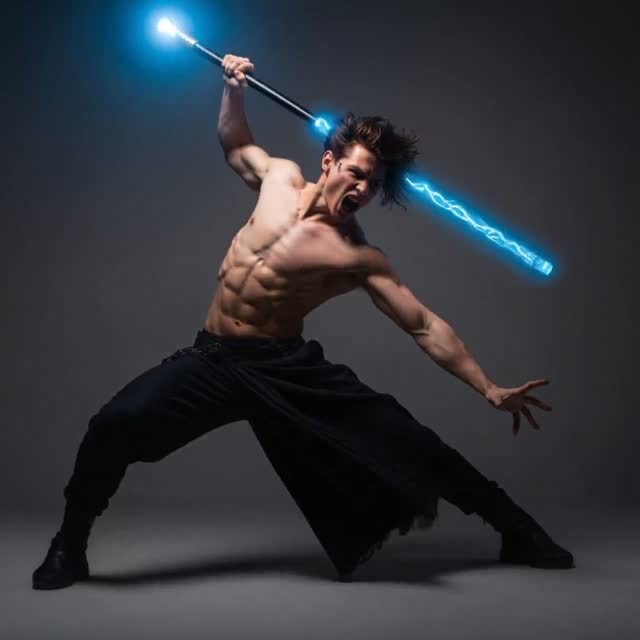
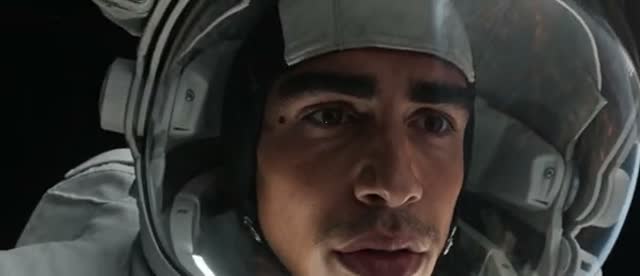
Each direction pairs a subject with choices about motion, camera, light, and pace.
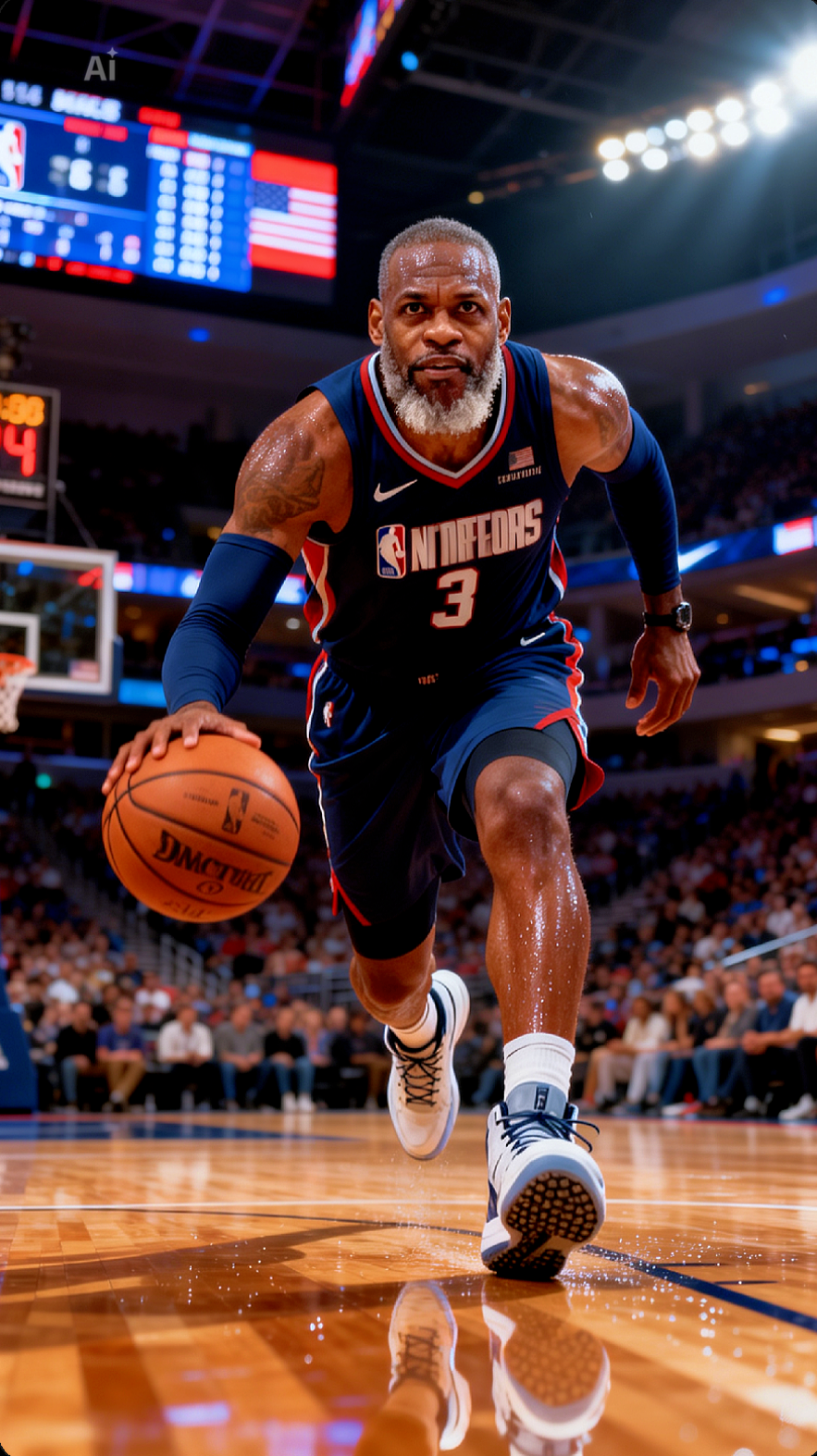
The videos below were created with Kling 3.0.


02
Rozen
Sinds mijn vijftigste krijg ik ineens een heel andere soort rozen... Artrose... Osteoporose... Sclerose... Fibrose... Neurose... En niemand... die er een vaas bij geeft!
Use this prompt04
Keep going.
I’ve cried, I’ve struggled, and I’ve been broken—but I’m still standing. I trust God to heal every wound, restore what I lost, and turn my pain into purpose. My faith is stronger than my struggles. I may not see the breakthrough yet, but I know God is working in the silence. What He promised me, no struggle can take away. My faith will carry me until my breakthrough comes. 🙏🏽🔥
Use this promptMODEL GUIDE
What is Kling 3.0?
Kling 3.0 is Kuaishou's flagship AI video model, and on Orelon it works as a browser-based Kling AI video generator — no app to install, free to start. It turns a text prompt or a reference image into a cinematic clip of 3 to 15 seconds with optional native audio, physics-aware motion, and up to 4K output.
Alongside the full model, Orelon offers Kling 3.0 Turbo, a faster, lower-cost tier for drafts and iteration. Sketch a scene in Turbo, then re-render the keeper in Kling 3.0 at standard, pro, or 4K quality.
CAPABILITIES
What you can do with Kling 3.0 on Orelon
Creative directions for Kling 3.0 work
PROMPT ANATOMY
Build a scene direction one decision at a time
A useful prompt gives each creative variable a job, then keeps the direction specific enough to revise.
WORKFLOWS
Choose how you want to start
PROMPT STARTERS
Give your next Kling 3.0 scene a clear direction
More tools to explore
Watermark removal, generators and every model page — one click away.










Kling 3.0 frequently asked questions
Kling 3.0 is Kuaishou's flagship AI video model, available on Orelon as a browser-based Kling AI video generator — no app install needed, free to start. It generates 3 to 15 second clips from text or images with optional native audio and up to 4K output.
Yes. The text-to-video workflow takes a written scene — subject, action, camera, and sound — and renders it as a clip up to 15 seconds.
Yes. Upload up to two reference images and direct the motion, framing, and atmosphere around them in the image-to-video workflow.
Clips run from 3 to 15 seconds, selectable in one-second steps.
Yes. Toggle sound on and the model generates native audio with the video — ambience, effects, and synced dialogue rather than a track layered on afterwards.
Three levels — standard, pro, and 4K — with the highest rendering at 4K. The credit cost is shown in the video workspace before you submit a generation.
Yes to start — new accounts get free sign-up credits, and every generation shows its credit cost before you submit. Kling 3.0 Turbo is the lowest-cost way to draft before rendering final clips at full quality.
Change one creative variable at a time — subject, action, camera, audio, lighting, or pace — and compare how that single change affects the shot. Draft in Kling 3.0 Turbo, then re-render keepers at full quality.
MORE DIRECTIONS
Keep collecting visual references
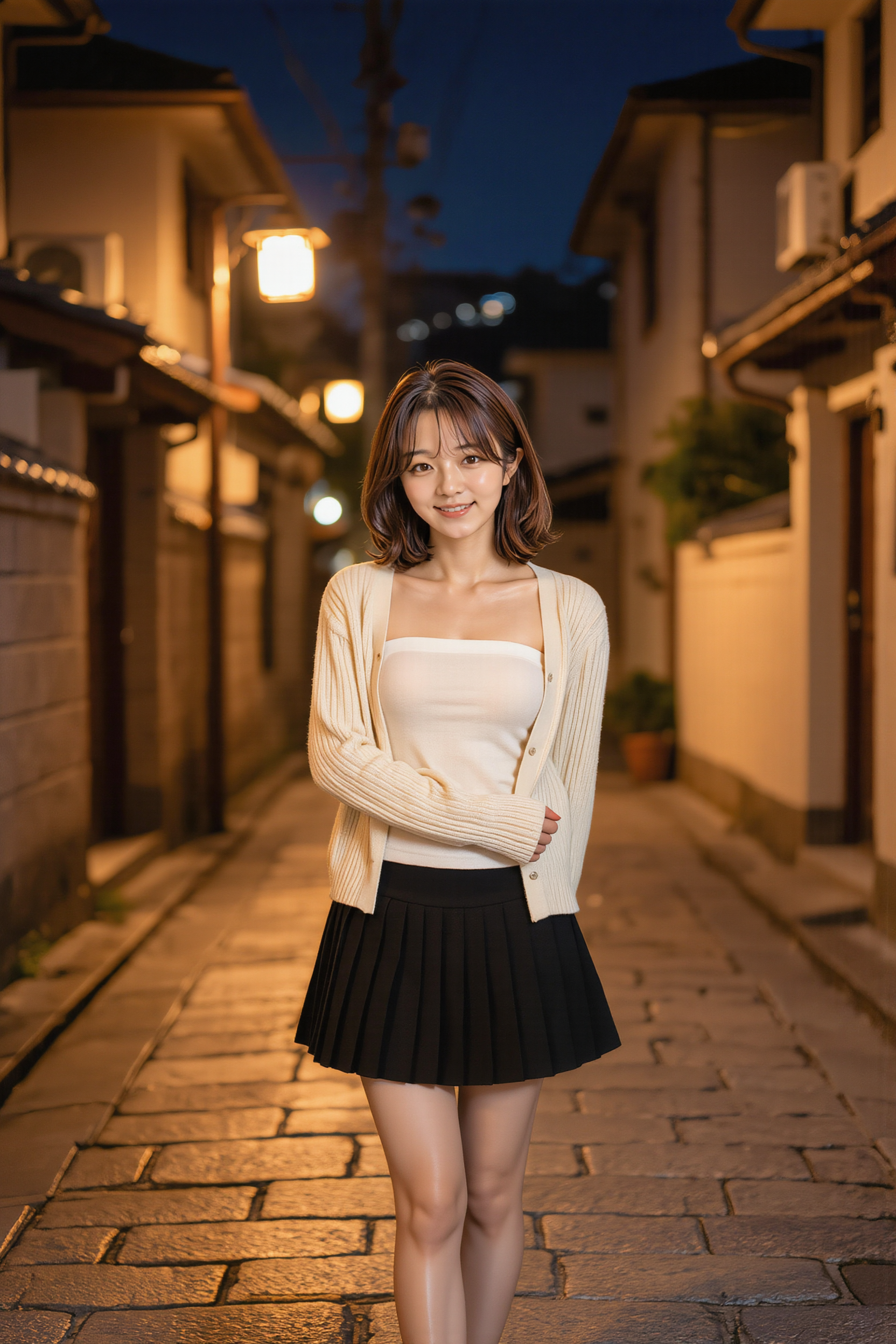
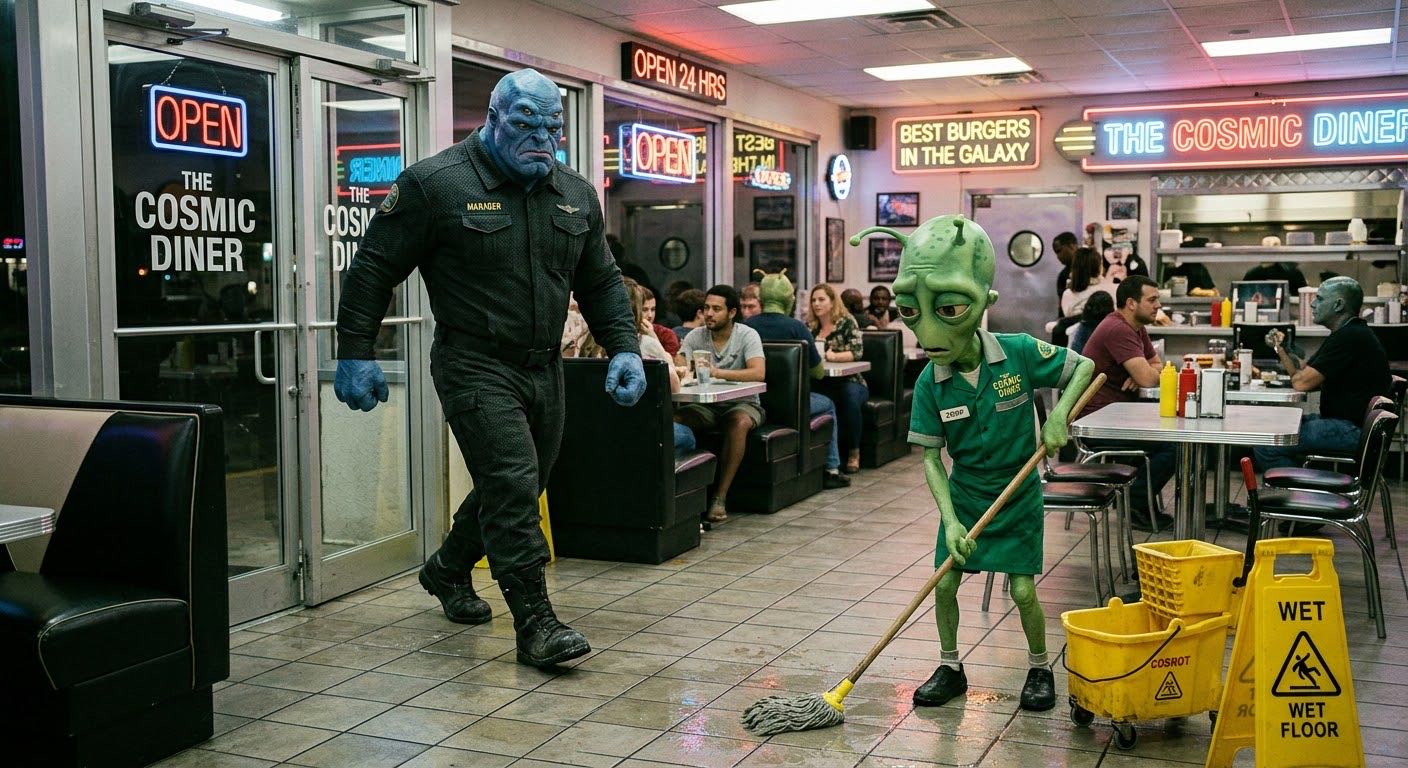
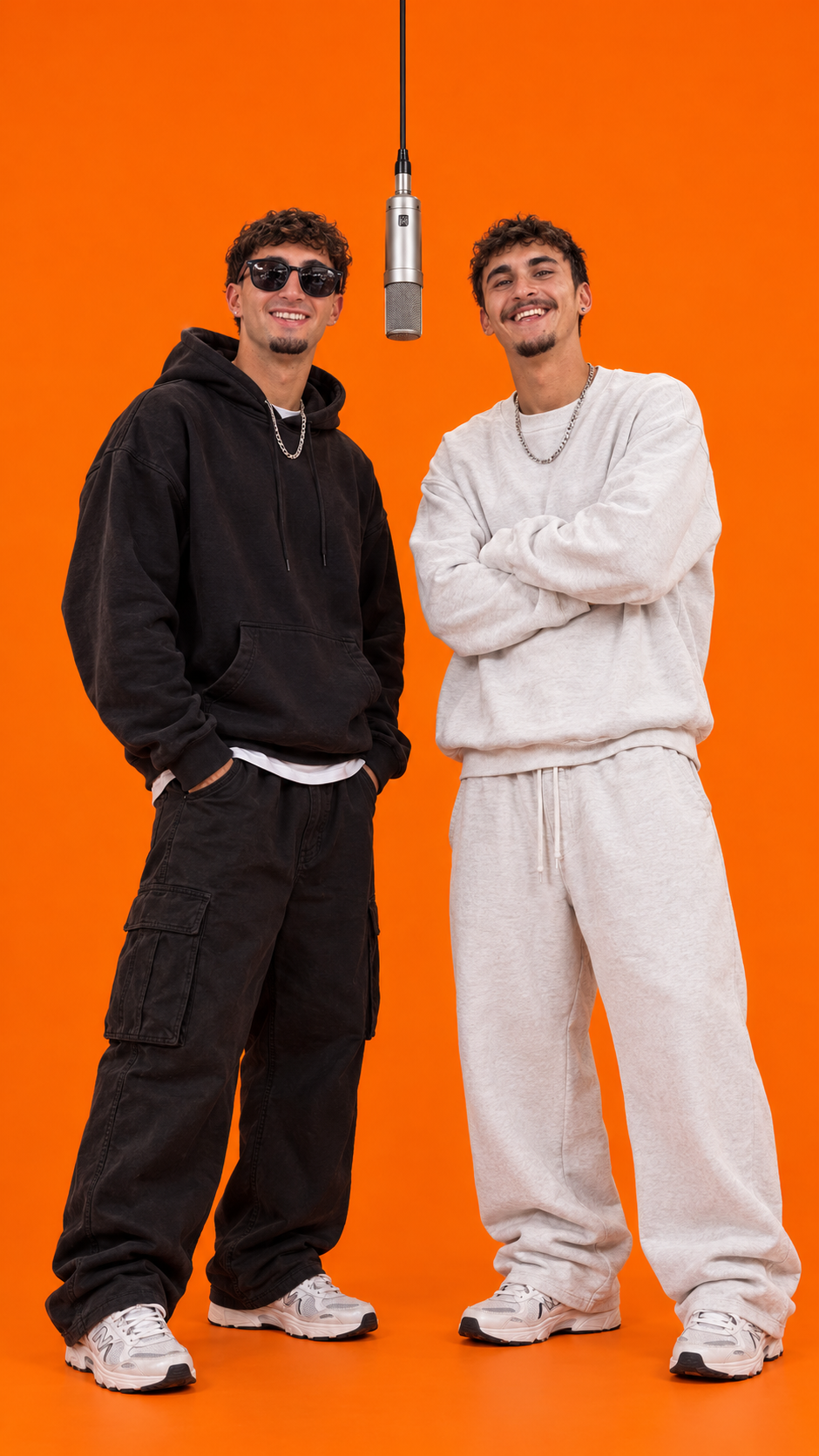
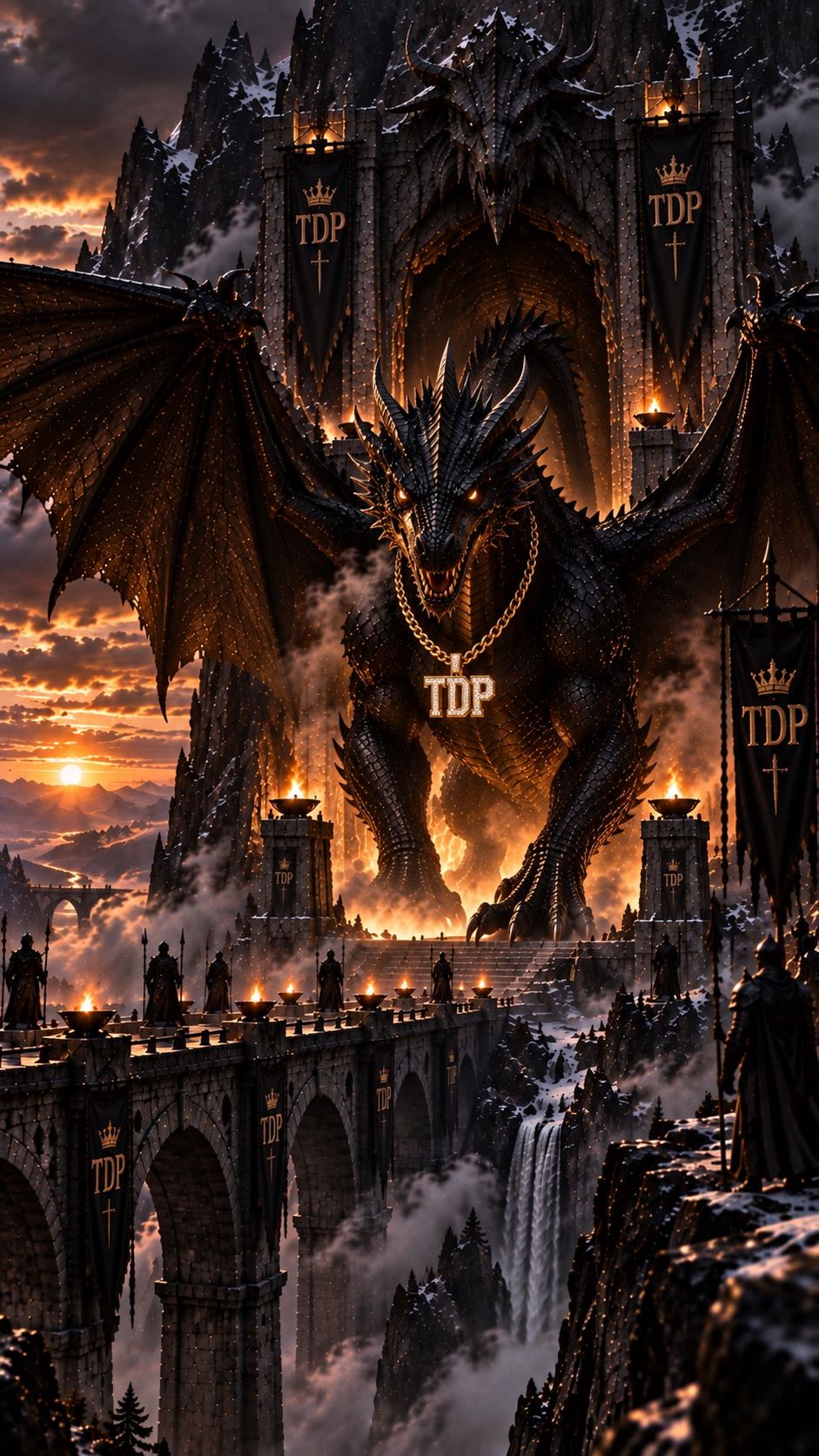
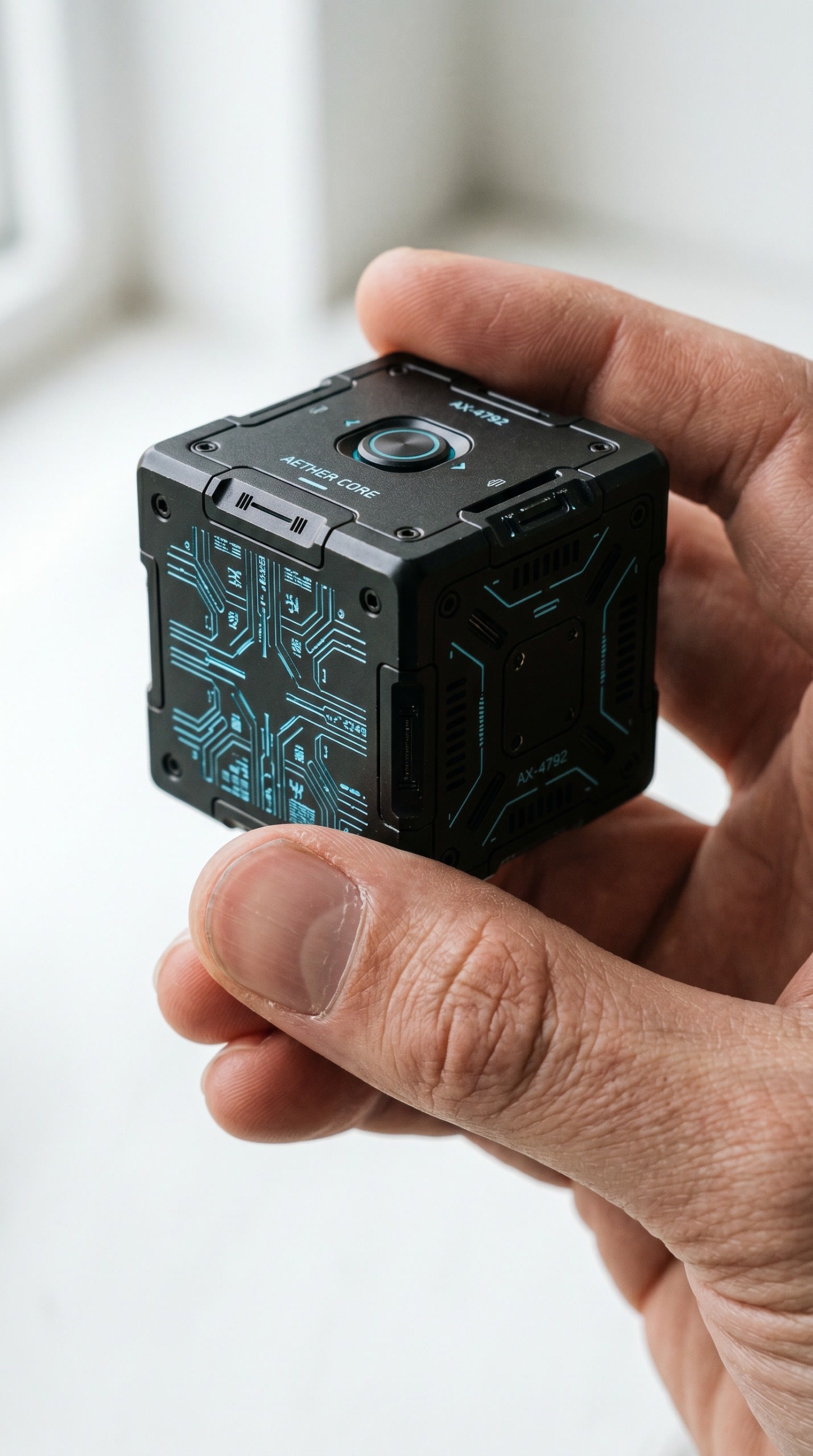
This wall curates video inspiration for planning your next Kling 3.0 scene.










Plans for independent creators
Choose your creative capacity.
No hidden fees · Cancel anytime
Trial
Try the core capability
Billed $90 yearly · was $9/mo
Creation capacity
360 credits / month
4,320 credits per year
- Up to 36 videos per month - Up to 180 images per month
Model access
28 / 46 modelsPlan includes
- Get 4,320 credits granted upfront for the year
- Use your creations commercially
- Download your work without watermarks
- Create video and images in one workspace
- Use ready-to-create video and image templates
- Generate in the standard queue
- Email support
Starter
For individuals
Billed $190 yearly · was $19/mo
Creation capacity
810 credits / month
9,720 credits per year
- Up to 81 videos per month - Up to 405 images per month
Model access
28 / 46 modelsPlan includes
- Get 9,720 credits granted upfront for the year
- Use your creations commercially
- Download your work without watermarks
- Create video and images in one workspace
- Use ready-to-create video and image templates
- Generate in the standard queue
- Email support
Creator
PopularFor regular creative work
Billed $590 yearly · was $59/mo
Creation capacity
3,600 credits / month
43,200 credits per year
- Up to 360 videos per month - Up to 1,800 images per month
Model access
46 / 46 modelsPlan includes
- Get 43,200 credits granted upfront for the year
- Use your creations commercially
- Download your work without watermarks
- Create video and images in one workspace
- Use ready-to-create video and image templates
- Generate in a faster queue
- Create more at the same time
- Early access to selected new models
- Email support
Pro
Up to 30% offFor high-volume creative work
Billed $1,290 yearly · was $129/mo
Creation capacity
9,000 credits / month
108,000 credits per year
- Up to 900 videos per month - Up to 4,500 images per month
Model access
46 / 46 modelsPlan includes
- Get 108,000 credits granted upfront for the year
- Use your creations commercially
- Download your work without watermarks
- Create video and images in one workspace
- Use ready-to-create video and image templates
- Generate in the priority queue
- Use advanced creative models
- Run more generations at once
- Priority support
- Early access to selected new models