Orelon logoOrelon
Pricing

AI IMAGE MODEL

Nano Banana 2.1 AI Image Generator

Describe what you want to see, or drop in a few reference photos. Nano Banana 2.1 keeps light and materials believable, renders text you can actually read, and holds a subject steady from one edit to the next.

FEATURED IMAGES

Start from a finished image

Real images made with Nano Banana 2.1. Open one to read the exact prompt and make it yours.

Samples refresh as the community publishes new work.

01

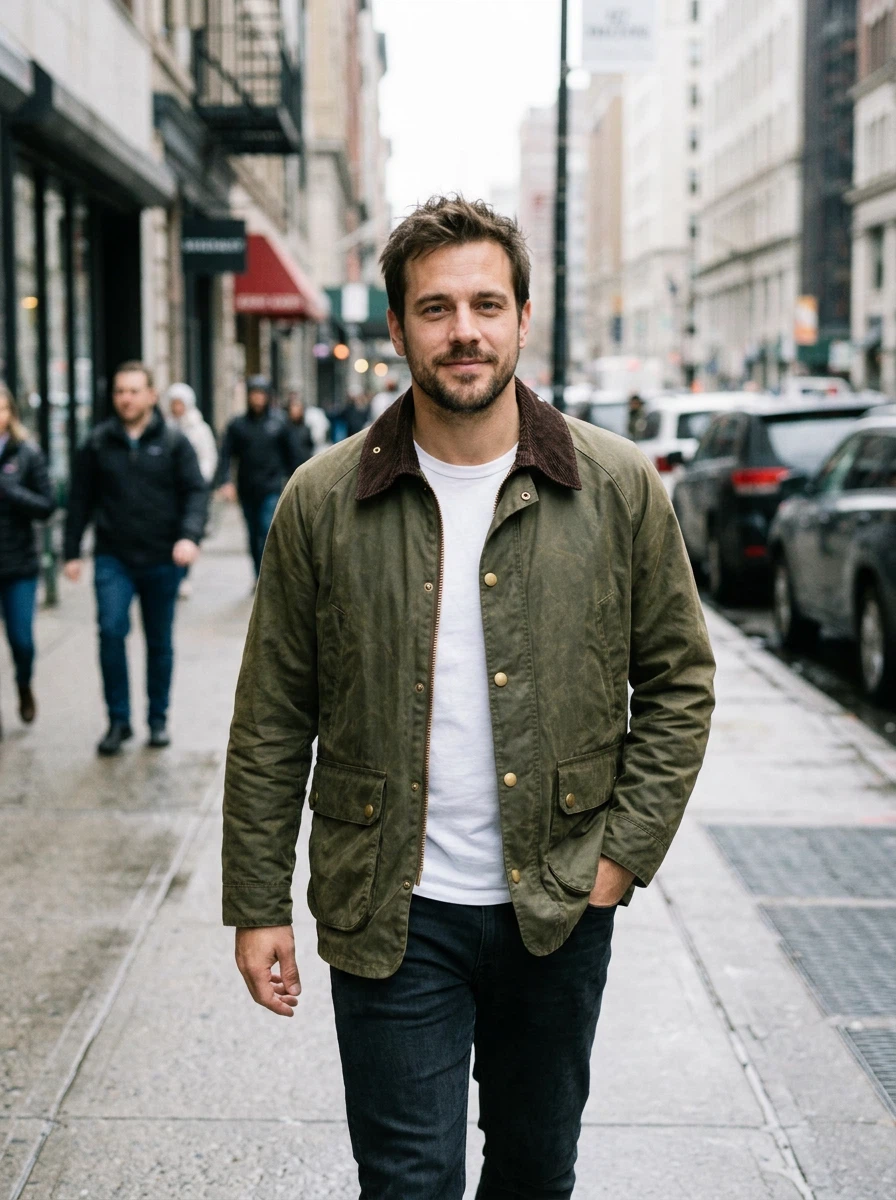
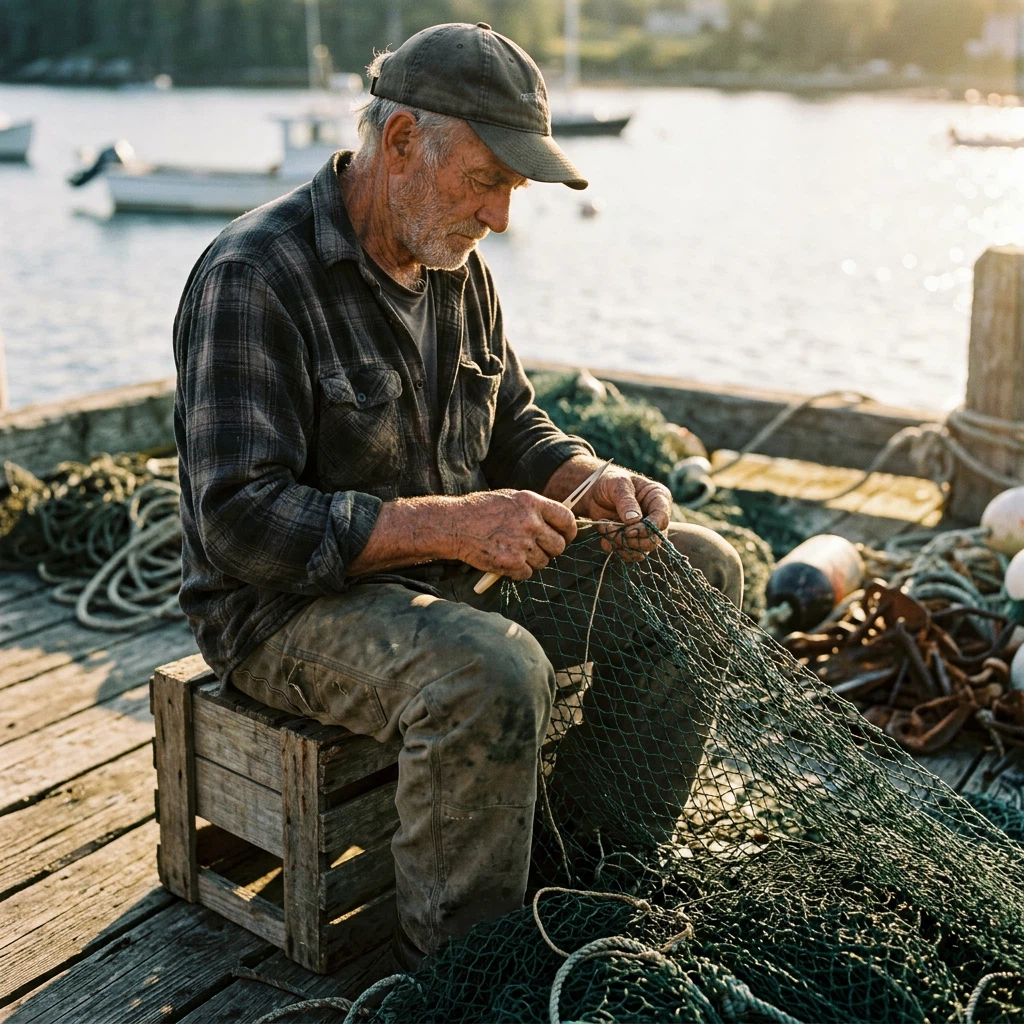
Golden Hour Fisherman Portrait

A candid 85mm portrait of an elderly fisherman mending his net on a wooden dock at golden hour.

Use this prompt

02

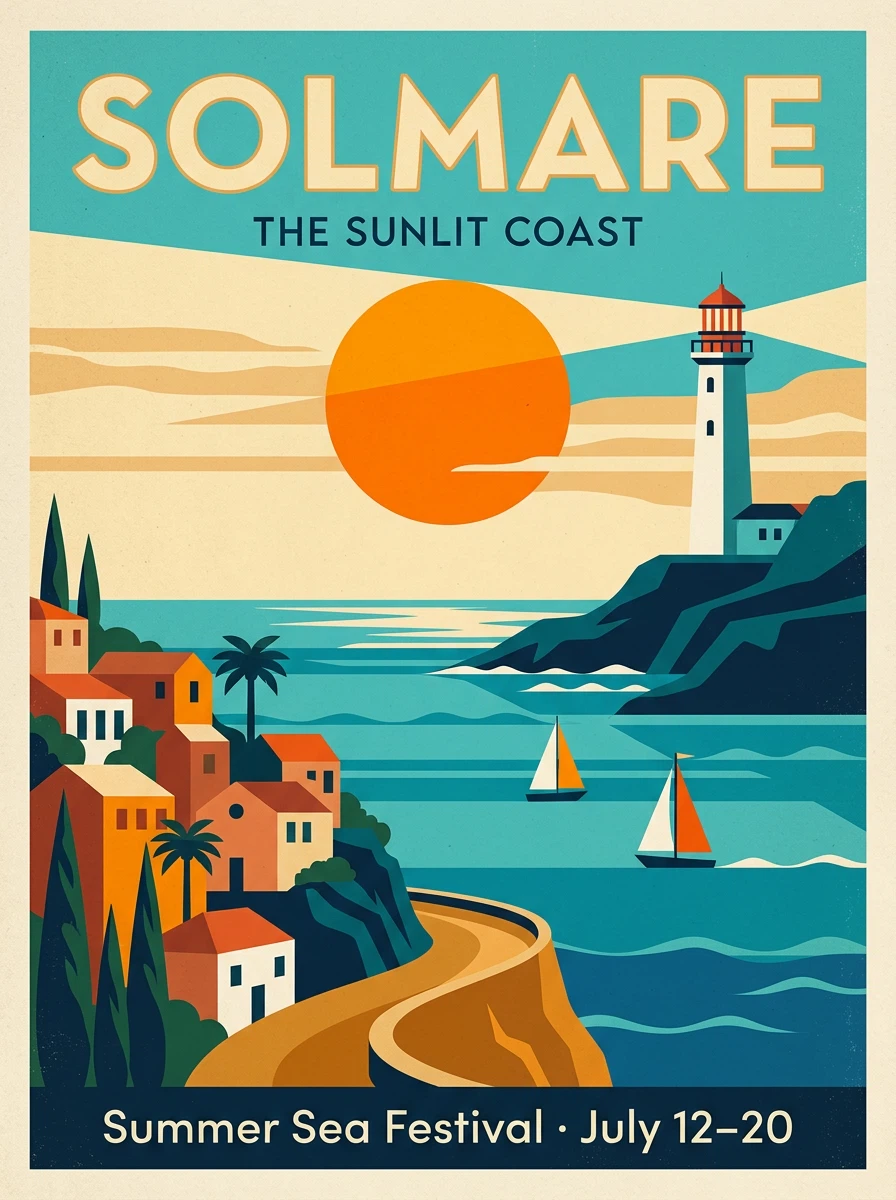
Solmare Travel Poster

A mid-century modern travel poster for a fictional seaside town, built from bold flat shapes and clean typography.

Use this prompt

03

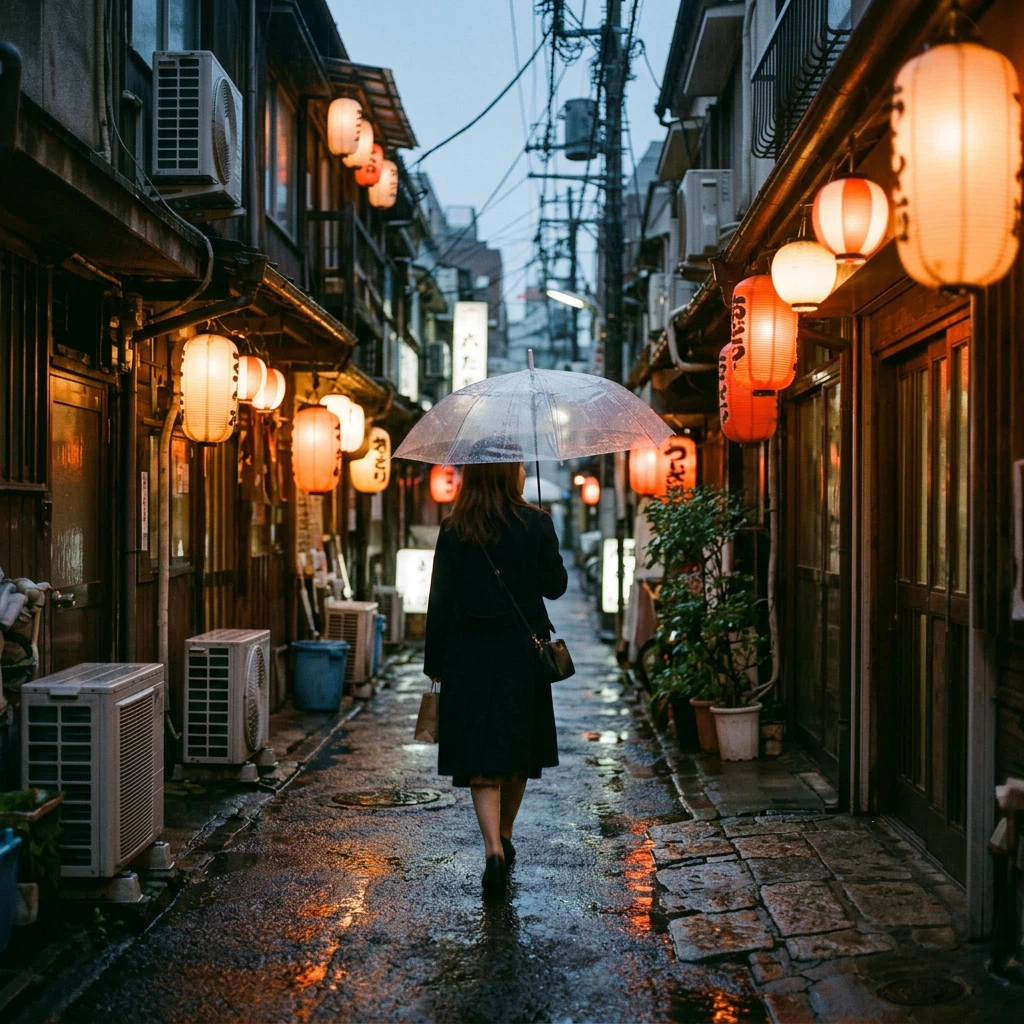
Lantern Alley in the Rain

A 35mm film-style street photo of a woman with a clear umbrella in a lantern-lit alley at dusk.

Use this prompt

04

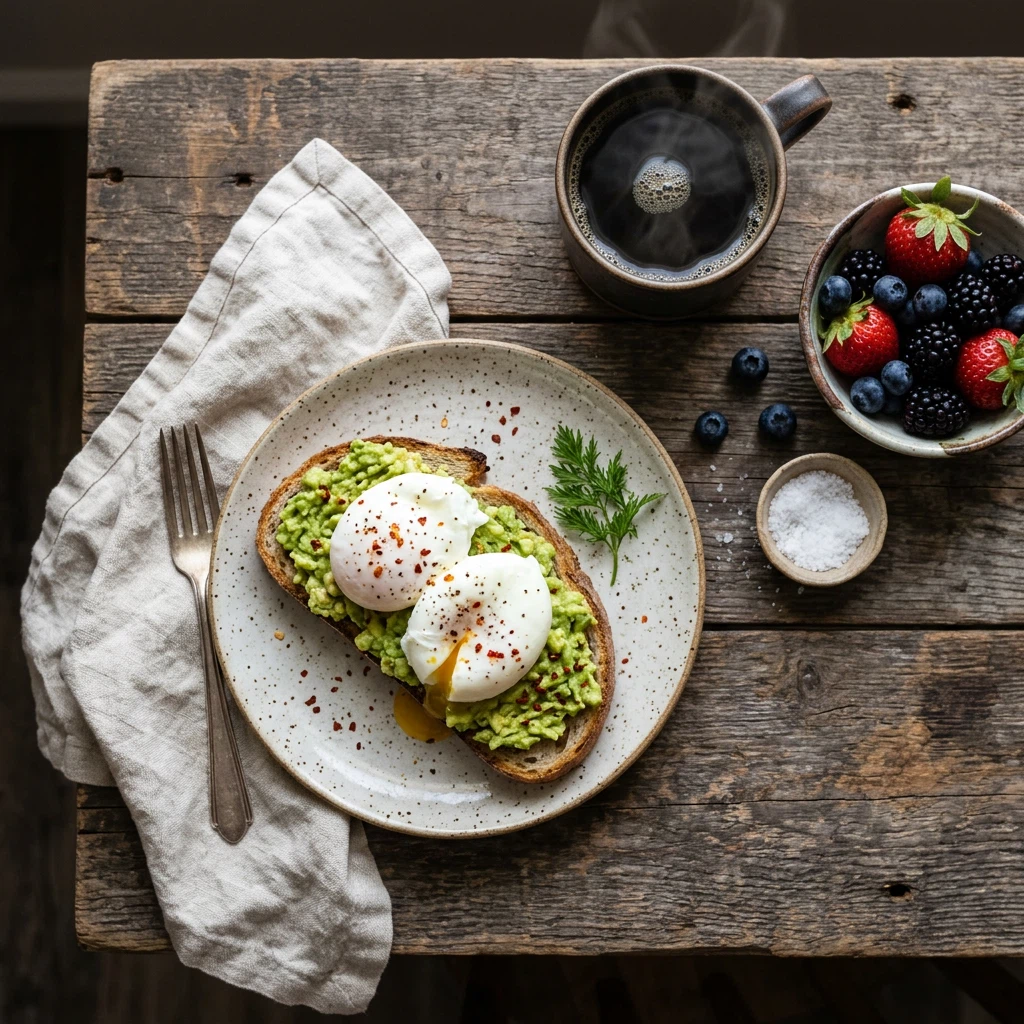
Rustic Breakfast Flat Lay

An overhead food-photography shot of a rustic breakfast table in soft morning window light.

Use this prompt

MODEL GUIDE

Nano Banana 2.1 on Orelon

Nano Banana 2.1 is Google's image generation and editing model from October 2026, and the successor to Nano Banana 2. It draws materials and light more convincingly, gets text inside images right far more often, and keeps a subject recognizable through long chains of edits, all at the same fast, inexpensive tier as before.

On Orelon you can start from a written prompt or from up to 10 reference images, work in any of 15 aspect ratios, and improve a result one change at a time. Each round of edits carries the previous ones forward rather than starting over.

E-commerce and marketing

Move one product across studios, seasons, and campaigns from a single photo, with the packaging still readable in every version.

Designers who work with text

Posters, infographics, and social graphics where the words matter as much as the picture.

Comics and character work

Keep a cast consistent across outfits, poses, and scenes over a long series of images.

CAPABILITIES

What Nano Banana 2.1 does well

Edits that keep the subject

Attach up to 10 reference images, then change the setting, the outfit, or the background. Faces and products keep their features, so a whole series still looks like the same subject.

Takes a detailed brief

Prompts up to 20,000 characters. Put the layout, the copy, the style, and what must stay unchanged into one instruction instead of spreading it over several rounds.

Clean output at every size

Choose 1K, 2K, or 4K per image. Wide 2K and 4K formats stay free of tiling seams, which was the weak spot of earlier versions.

Where it fits your work

Product shots

Move a product across studios, outdoors, and concept sets from one honest photo, with labels and hardware left intact.

Ultra-wide banners

Formats like 4:1 and 8:1 render without tiling seams at 2K and 4K, so headers and hoardings come out clean.

Posters and infographics

Put the headline and the hierarchy in the prompt; short strings of text come out legible.

Character series

Hold a cast steady across episodes with reference images, outfit swaps, and small scene changes.

PROMPT GUIDE

Six habits that get a better image

Small choices in the brief change what comes back.

  1. 01

    Name the subject first

    Say what it is and which features must survive the edit: face, label, shape.
  2. 02

    Describe the light

    Where light comes from and how surfaces react tells the model more than words like beautiful.
  3. 03

    Quote your text

    Put copy in quotation marks with placement notes, and keep it short. Check the result at full size before you ship it.
  4. 04

    Say what stays

    In an edit, list the preserved areas next to the change: silhouette, pose, background.
  5. 05

    Pick the ratio for the destination

    Square for feed, 16:9 for presentations, 8:1 for banners. Extreme formats are first-class options here.
  6. 06

    Change one thing at a time

    Multi-turn edits hold together better when each round asks for a single clear change.

WORKFLOWS

Two ways to create

  1. 01

    From a text prompt

    Describe the subject, the light, and the mood, then pick an aspect ratio. Square for feed posts, 16:9 for video frames, up to 8:1 for banners.
  2. 02

    From your own image

    Upload a photo and say what to change. Anything you leave out stays exactly where it was.

PROMPT STARTERS

Start from one of these

Mist on wet stone

A frosted glass skincare bottle on wet dark stone, thin morning mist, soft diffused light, water droplets with visible refraction, macro photography, shallow depth of field.

Use this prompt

Mountain banner in 8:1

A red cabin on a snowfield at sunrise, 8:1 panoramic banner, long blue shadows across the snow, warm light on the ridges, cinematic scale.

Use this prompt

Coffee festival poster

A square poster for a neighborhood coffee festival with headline text "COFFEE WEEKEND" in bold condensed type, cream and dark green palette, a simple line-art coffee cup, generous margins.

Use this prompt

Background swap

Keep the handbag exactly as shown, leather grain, pleats, and gold hardware unchanged, and place it on a museum pedestal under soft gallery lighting.

Use this prompt

One person, three outfits

From the reference portrait, show the same woman in hiking gear, a wool coat, and a rain jacket. Same face, same hairstyle, neutral studio background.

Use this prompt

Impasto seascape

An oil painting of a stormy sea, thick blue-green brush strokes, bright highlights on the wave crests, visible canvas texture, gallery print quality.

Use this prompt

Frequently asked questions

RELATED MODELS

Explore more AI image models

MORE DIRECTIONS

Keep collecting image references

This lower wall curates Nano Banana 2.1 image inspiration for planning your next brief.

No more templates

Plans for independent creators

Choose your creative capacity.

No hidden fees · Cancel anytime

Trial

$8mo
$9

Billed $90 yearly · was $9/mo

2 months freeSave $18

360 credits / month

Starter

$16mo
$19

Billed $190 yearly · was $19/mo

2 months freeSave $38

810 credits / month

Creator

Popular
$49mo
$59

Billed $590 yearly · was $59/mo

2 months freeSave $118

3,600 credits / month

Pro

Up to 30% off
$108mo
$129

Billed $1,290 yearly · was $129/mo

2 months freeSave $258

9,000 credits / month
Turn an idea into an image

Open the image workspace, attach references if you have them, and pick a ratio from 1:1 to 8:1.

Open image creator