
How to make a talking photo in three steps
Upload a portrait
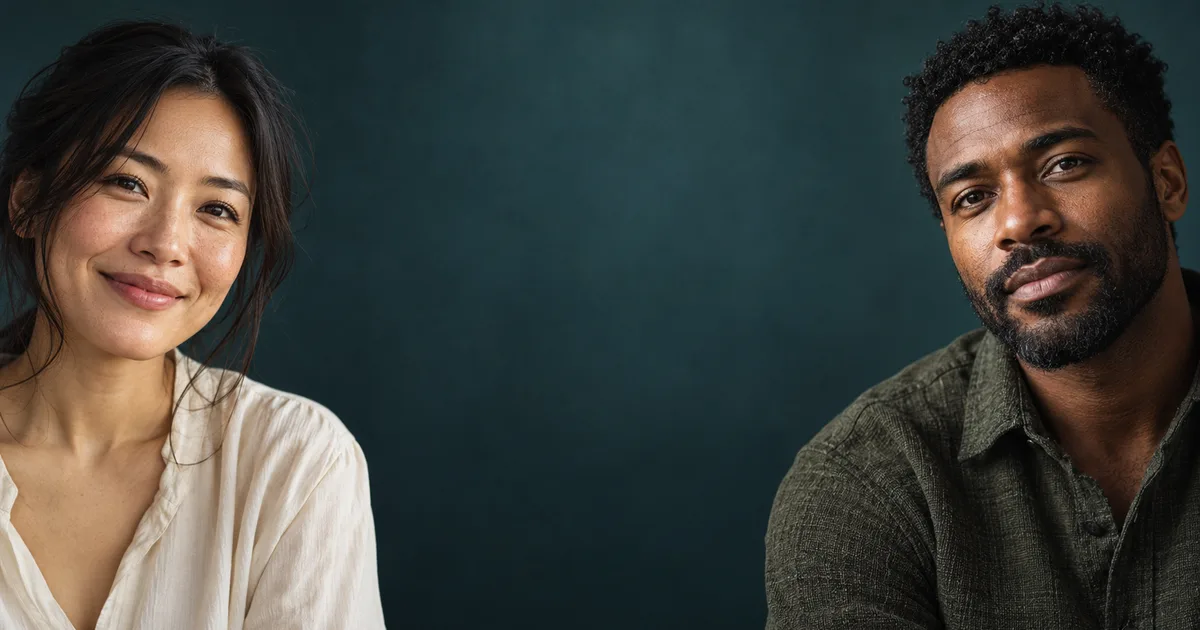
Pick a clear, front-facing photo of one person with an even light and nothing covering the mouth. Selfies work well.
Add audio or type a script
Already have a voiceover? Upload the audio file. Otherwise switch to Text to Speech, type what the photo should say, and pick one of the built-in voices.
Generate and download
The talking photo generator usually takes a few minutes. Preview the result, then download it.
Why choose Orelon for talking photos
Two ways to give your photo a voice
Bring your own narration for full control, or type a line and let text to speech read it aloud. Both paths live in the same tool.
Lip sync that follows your own audio
The lip movement is driven directly by the audio track, so the mouth matches the words — pauses, pace and all.
Voices in 40+ languages
Type a script in any of 40+ languages and the text to speech engine reads it with natural pacing and pronunciation.
Free credits to start
New accounts get free credits, so you can try one before paying for anything.
What you can create with a talking photo
Social videos without filming
Post talking-head style clips without ever standing in front of a camera.
Make my profile photo announce this week's giveaway in English.
Product and brand presenters
Turn a brand mascot or spokesperson photo into a presenter for short promos.
Have our mascot introduce the new flavor in a 15-second clip.
Podcast and audio teasers
Pair an episode's best quote with a face that appears to say it.
Animate the guest portrait to tease the interview's key moment.
Personalized greetings and outreach
Send birthday wishes or short follow-ups that feel one-of-a-kind.
Record a thank-you line and have the team photo deliver it.
Historical and character portraits
Give paintings, illustrations or period photos a voice for storytelling.
Make this vintage portrait read its own diary entry.
Make a photo talk — tips for better results
Use a clear, front-facing photo
Straight-on angles give the model the best view of the mouth, which is what it animates.
Keep the mouth unobstructed
Hands, scarves, microphones and heavy shadows over the mouth all weaken the lip sync.
Start with clean audio
Uploaded audio without background music or noise produces the most accurate mouth movement.
Match the script length to your clip
Shorter scripts render faster and cost fewer credits — a sentence or two is usually enough.
Talking photo, talking avatar and AI video generator — what's the difference
A talking photo takes a single still image plus an audio track and animates the lips to match — nothing else in the frame changes. A talking avatar is a reusable digital presenter, usually built from a designed character, that can host longer content. An AI video generator creates entirely new footage from a text prompt. If you want fresh scenes rather than one photo coming alive, the AI video generator is the better fit.
AI video generatorFrequently asked questions
An AI talking photo is a still portrait that has been animated to speak. The talking photo generator syncs the lips in the photo to an audio track — one you upload or one created from a typed script — while the rest of the image stays untouched.
Lip movement is generated from the audio track, so it follows your actual words and pacing. Clear, front-facing portraits with an unobstructed mouth give the most convincing results.
You can try the talking photo generator with the free credits that come with a new account. Longer scripts and higher output use more credits, and you can top up or subscribe whenever you need more.
Yes. A free account is required to generate and save your videos, and signing up takes less than a minute.
One. Each talking photo animates a single face, so pick a portrait with one clear, unobstructed subject.
You can use any portrait you have the rights to. Clear, front-facing photos with even lighting and an unobstructed mouth produce the best lip sync.
Yes. The Add Audio panel has two tabs: upload an audio file from your device, or switch to Text to Speech and type a script that is read aloud in the voice you pick.
The text to speech engine supports 40+ languages with automatic language detection, and you can choose from eight built-in voice presets across different styles and genders.
The talking photo generator animates still portraits only. To create or edit moving footage, use the AI video generator instead.
Clips can run up to 10 minutes. The length follows the audio track, so a longer recording produces a longer talking photo.
Most clips finish within a few minutes. Shorter audio generates faster; you can keep browsing and the finished video appears in the history panel.
Yes. Your exports are cleared for commercial use. Only use photos and audio you have the rights to, and follow our content policy.
Only content you own or have permission to use — your own portraits and voice recordings, or material you are licensed to use. Uploading another person's likeness or voice without their consent is not allowed.
The talking photo generator is billed in credits: a per-second rate for the clip plus a small text-to-speech fee when you type a script. A 10-second clip from a typed script costs about 15 credits, and new accounts start with free credits.







Plans for independent creators
Choose your creative capacity.
No hidden fees · Cancel anytime
Trial
Billed $90 yearly · was $9/mo
360 credits / month
Starter
Billed $190 yearly · was $19/mo
810 credits / month
Creator
PopularBilled $590 yearly · was $59/mo
3,600 credits / month
Pro
Up to 30% offBilled $1,290 yearly · was $129/mo
9,000 credits / month