AI IMAGE MODEL

GPT Image 2.5 AI Image Generator

Describe an image or attach references, then create with GPT Image 2.5 Sunburst — sharper details, natural light and texture, and edits that keep the rest of the picture intact.

FEATURED IMAGES

Start from a finished GPT Image 2.5 direction

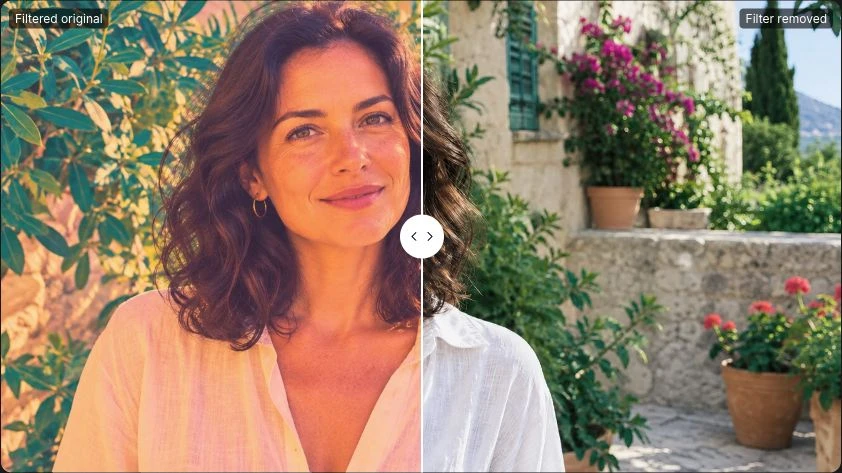
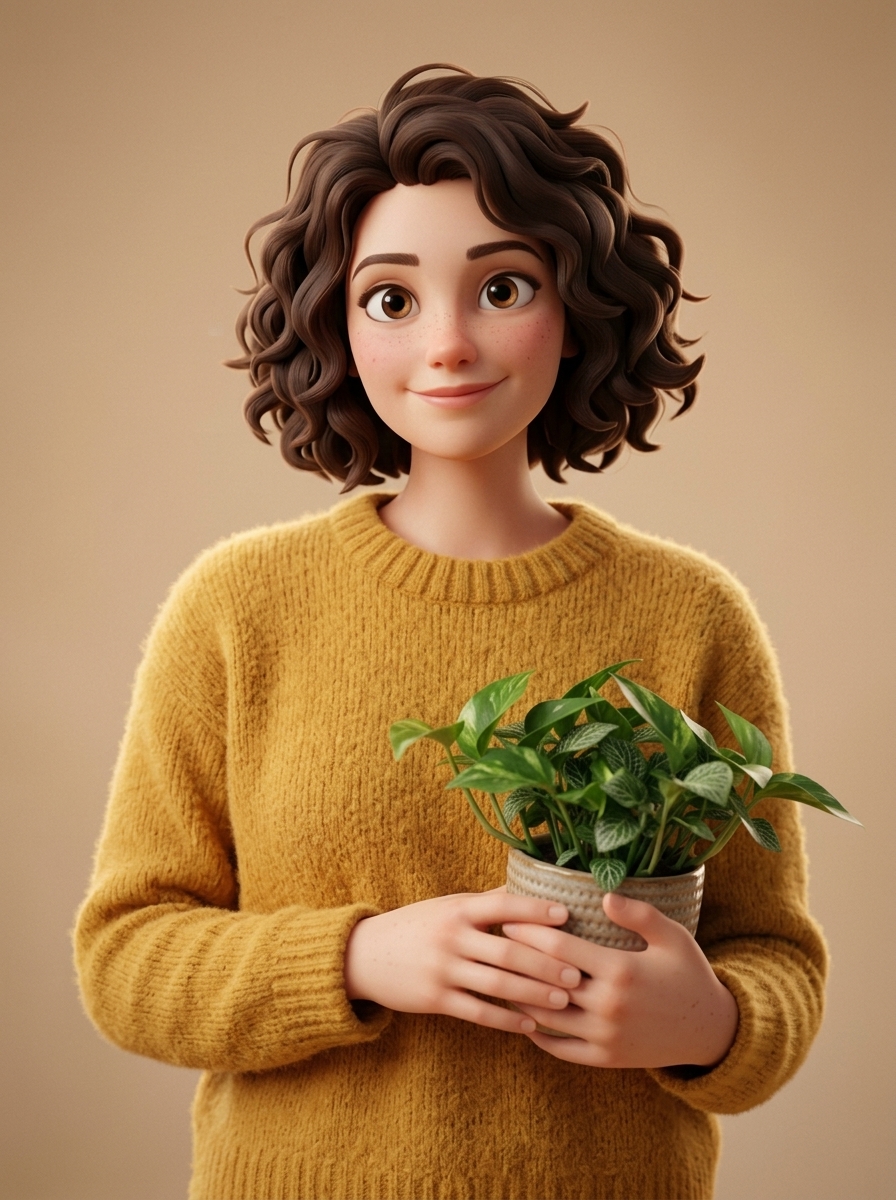
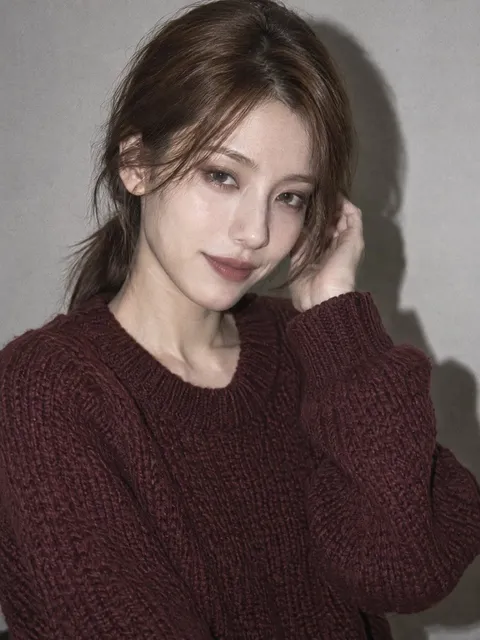
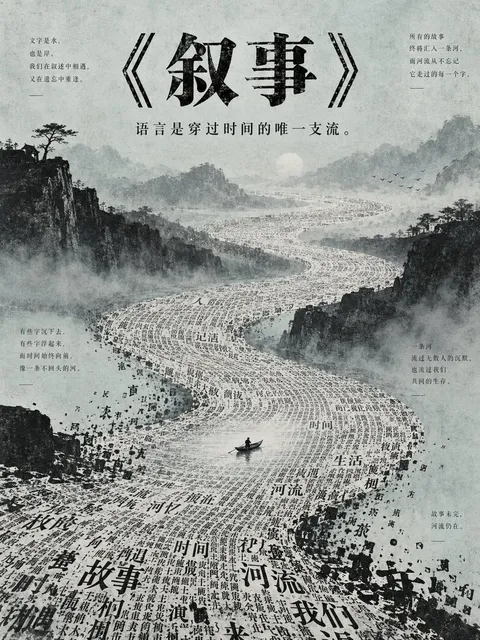
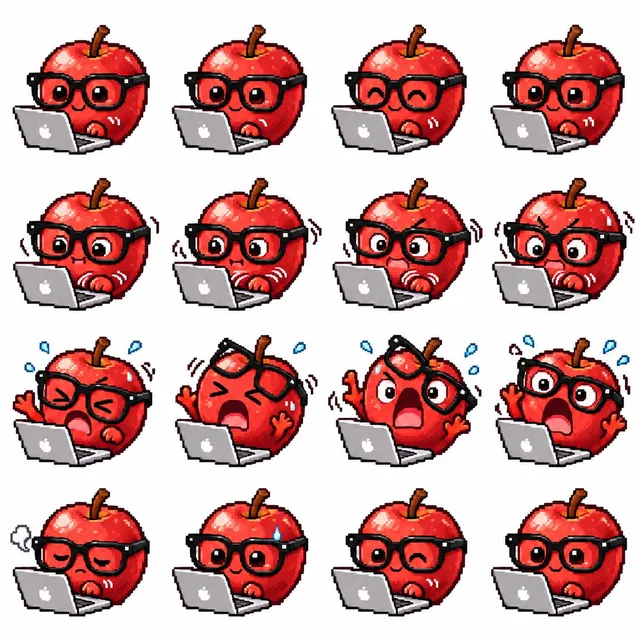
Real images made with GPT Image 2.5 Sunburst. Open one to read the exact prompt and make it yours.

Samples refresh as the community publishes new work.

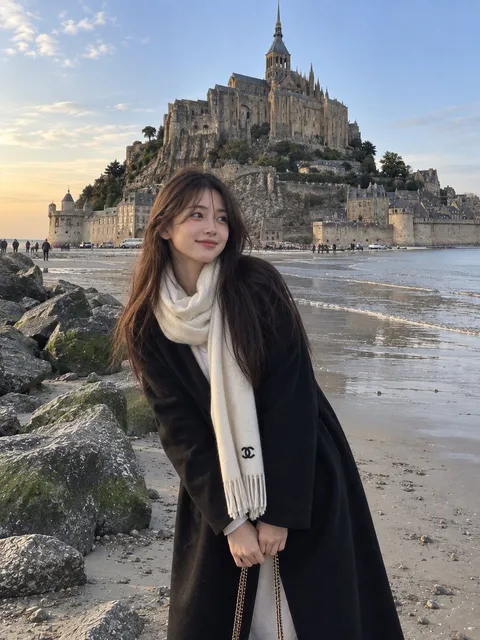
01

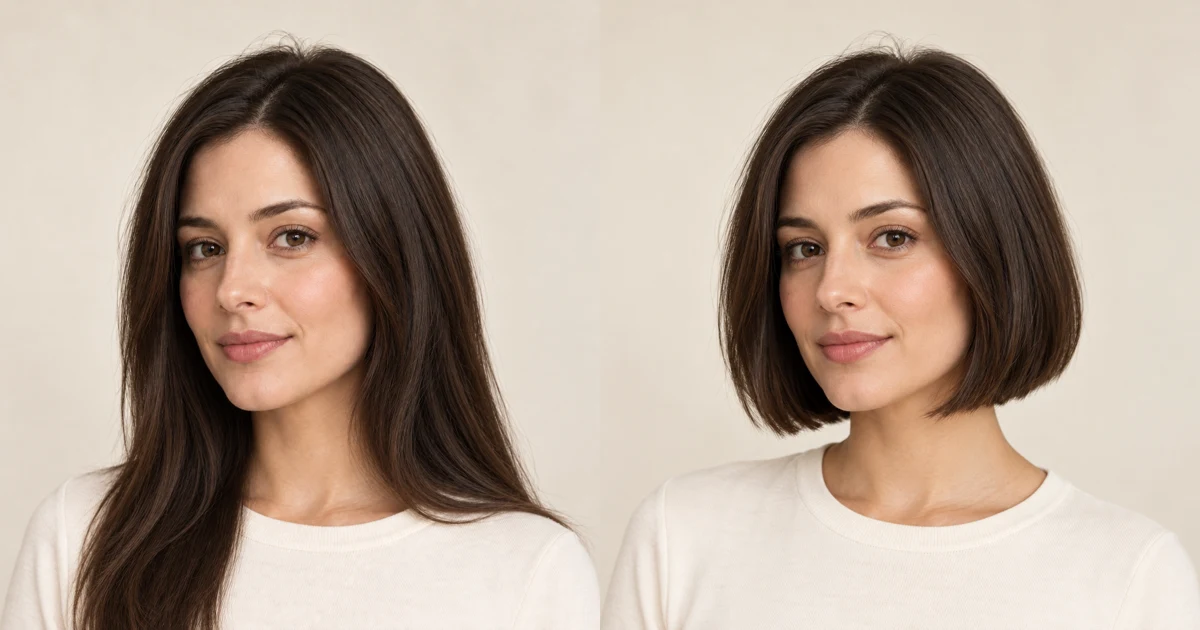
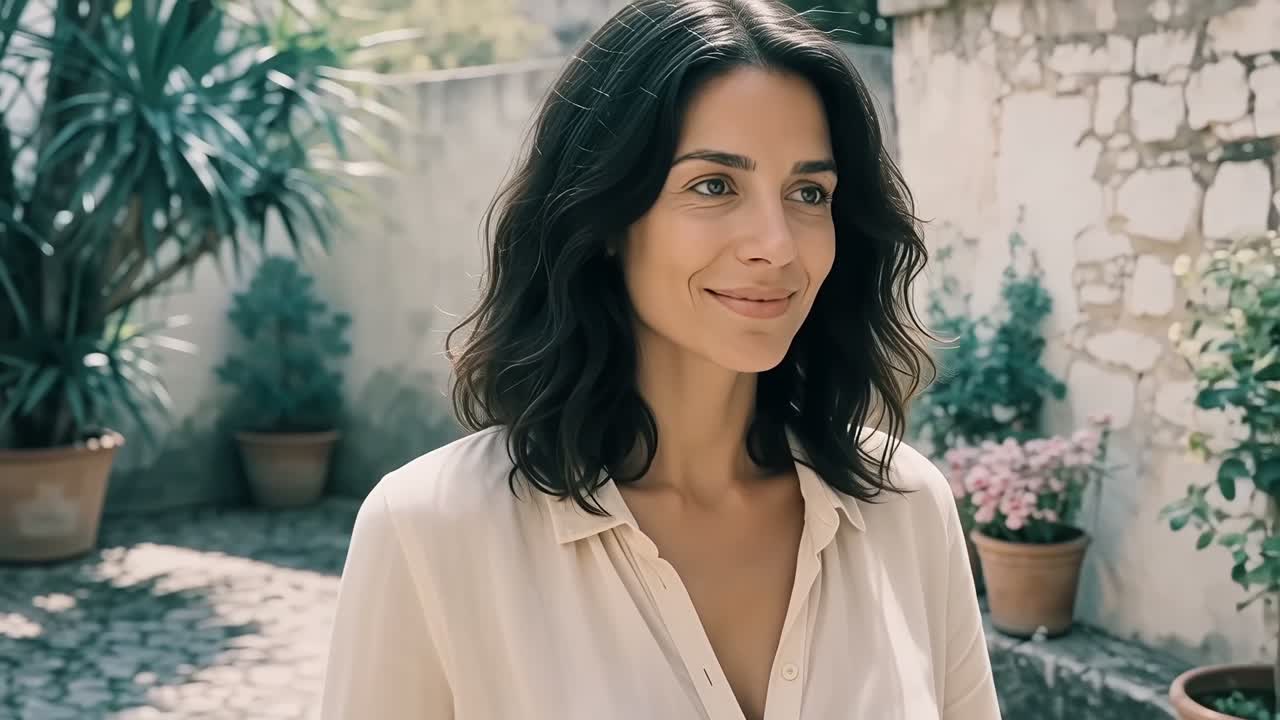
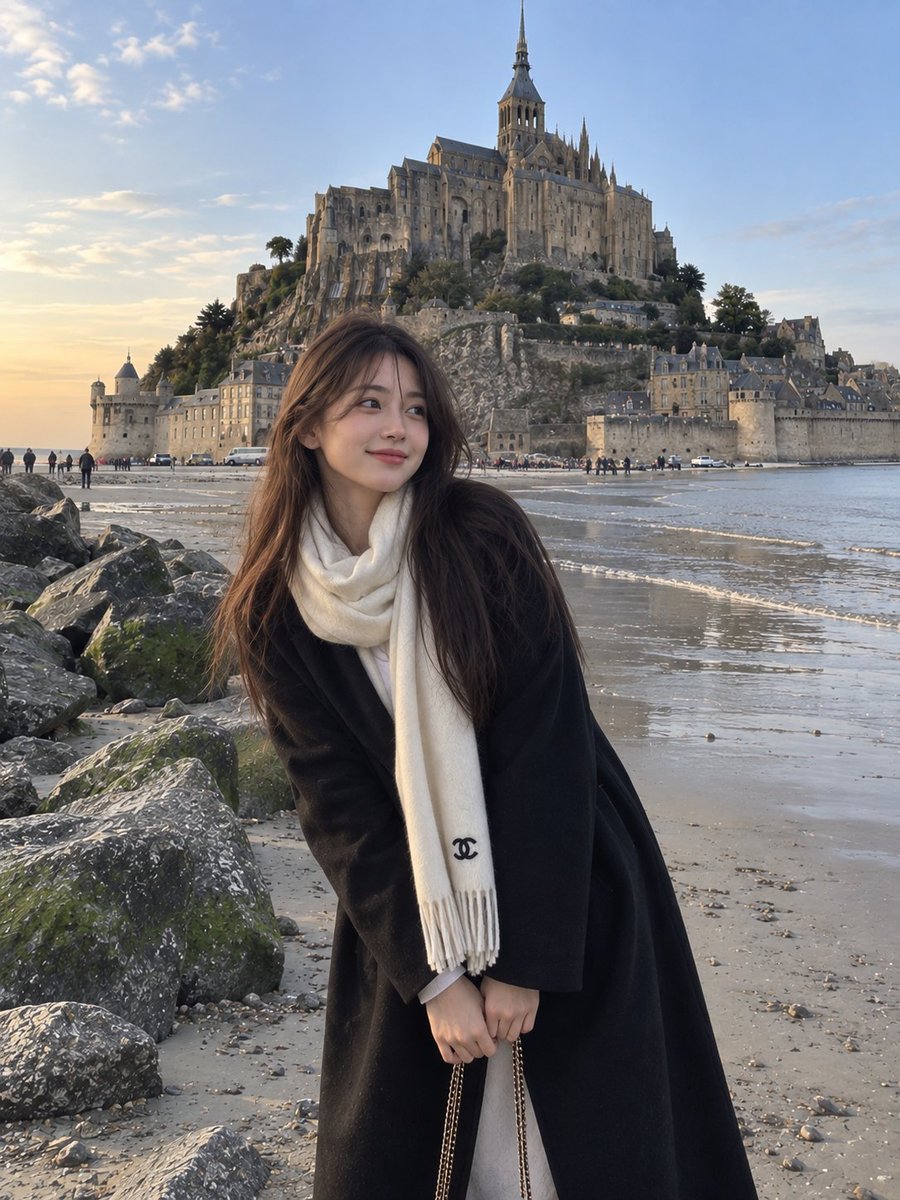
Candid Coastal Travel Portrait

Generates a photorealistic candid portrait of a woman on a shoreline with historic European abbey architecture in the background.

Use this prompt

02

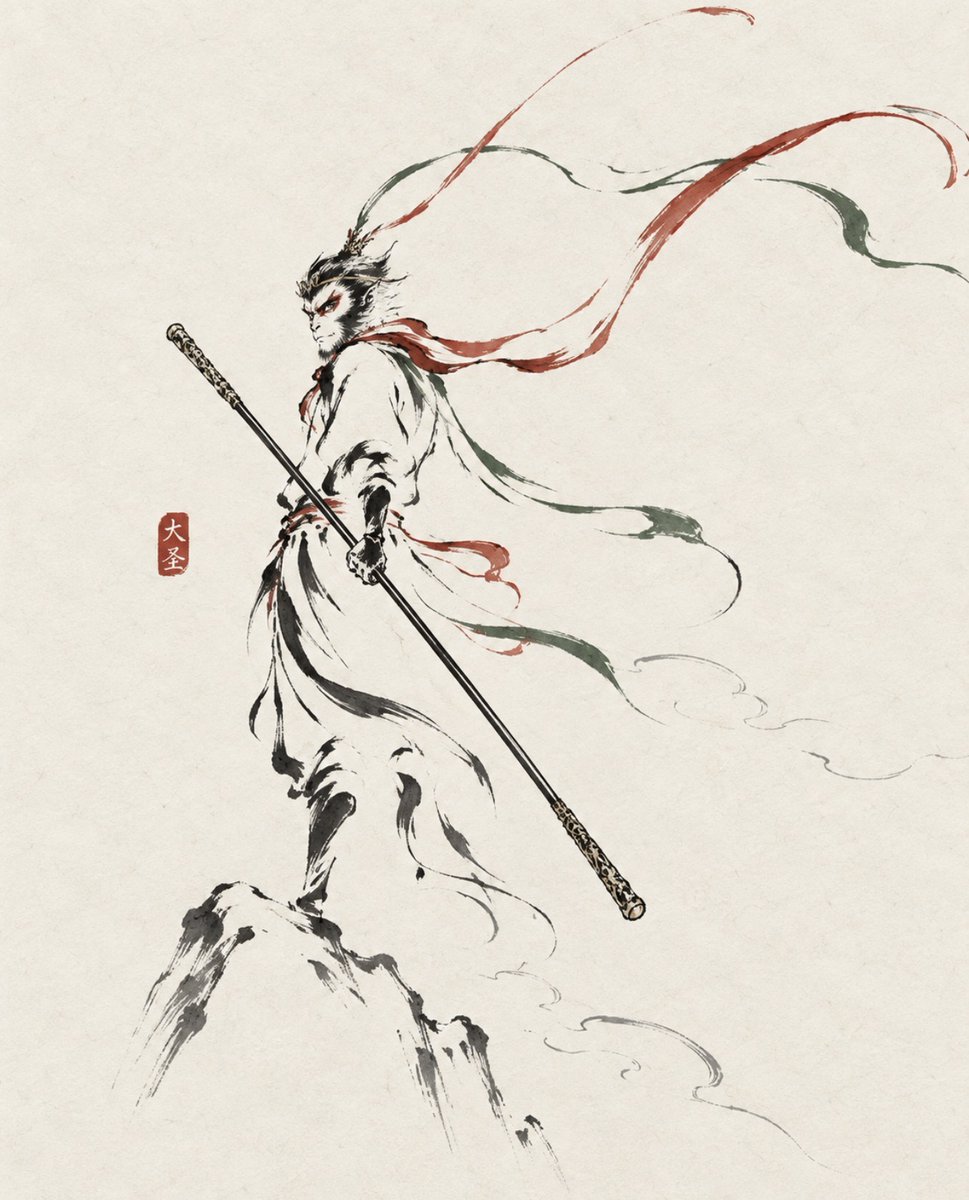
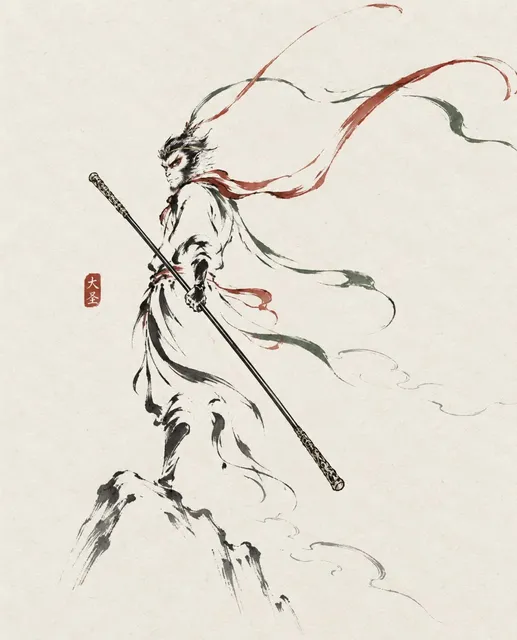
Ink Wash Monkey King Poster

Generates a minimalist Eastern ink-line poster of Sun Wukong with flowing ribbons, staff, mountain peak, and a red seal stamp.

Use this prompt

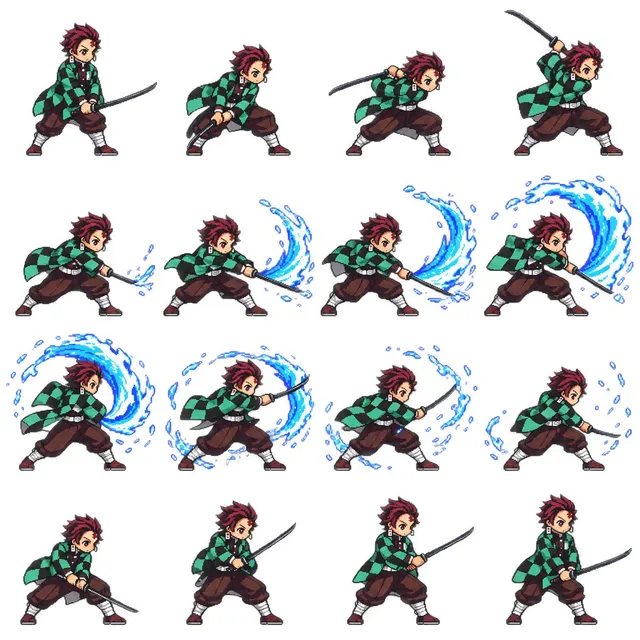
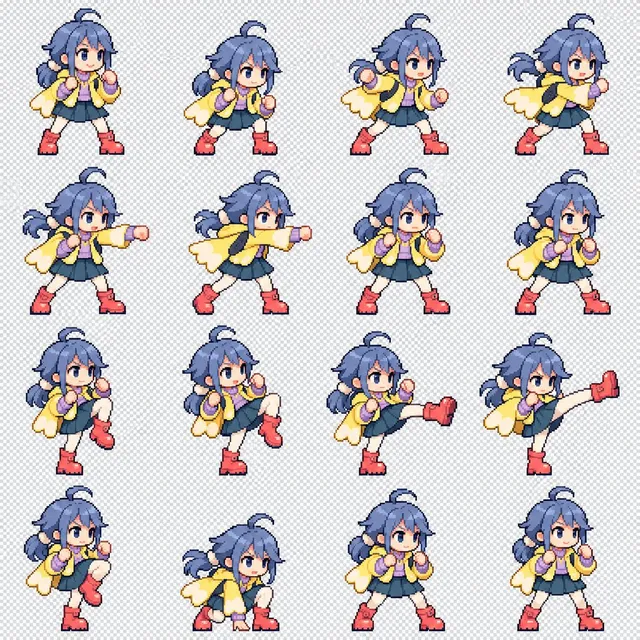
03

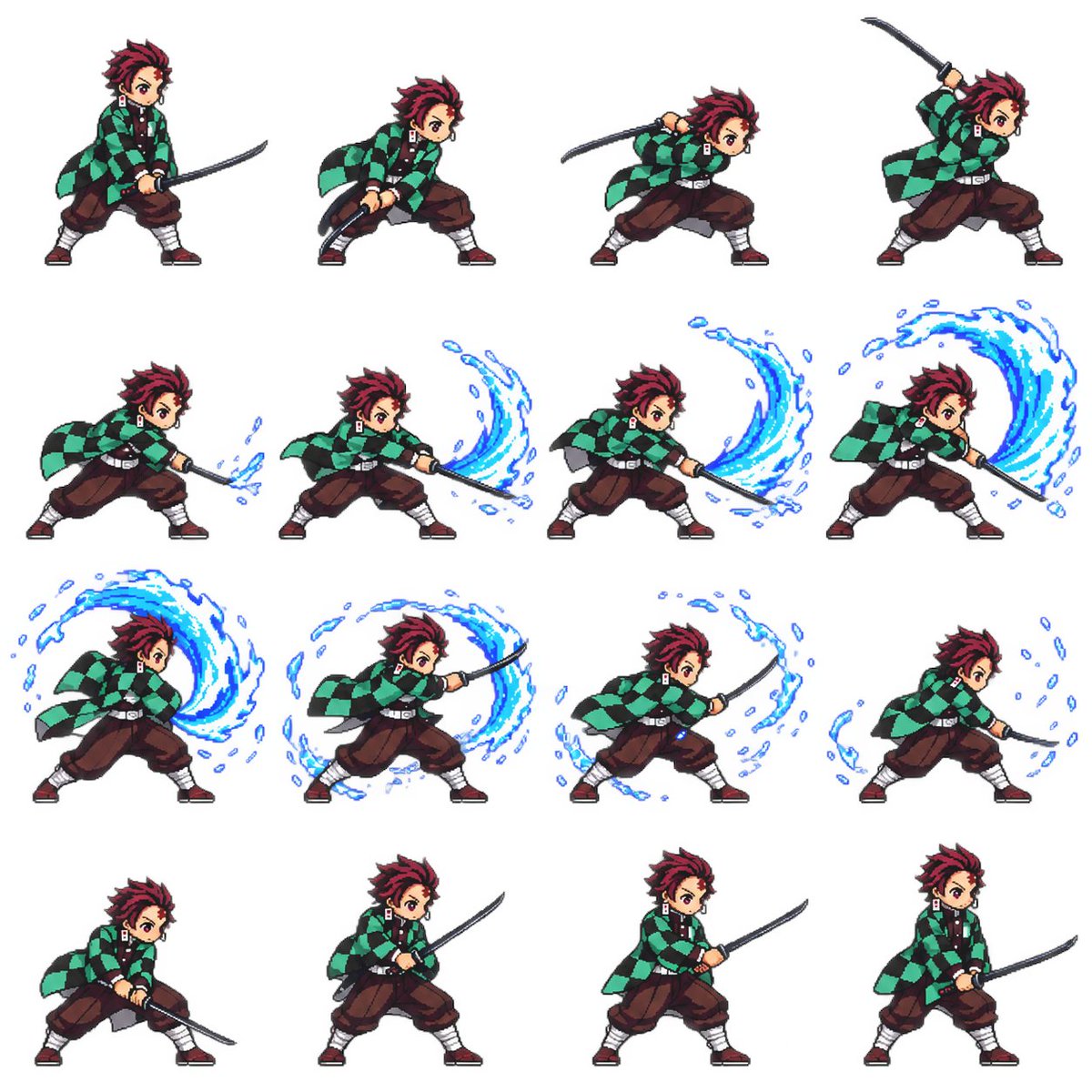
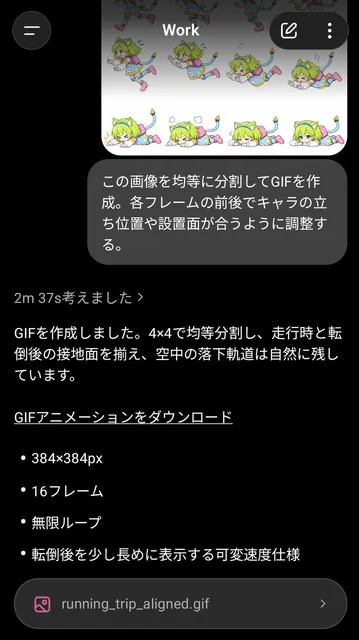
4x4 Pixel Art Sword Sprite Sheet

Generates a 16-frame pixel-art sword combat animation sheet for a recognizable anime-style character, useful for game sprites and animation references.

Use this prompt

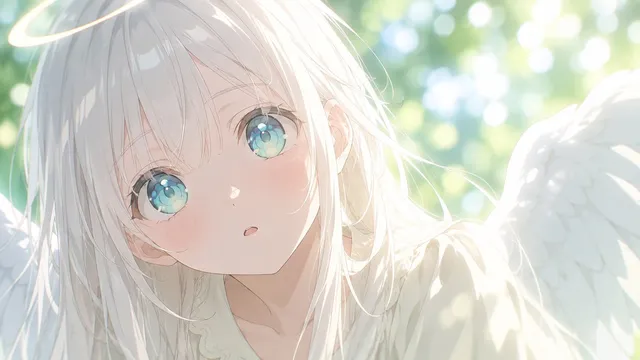
04

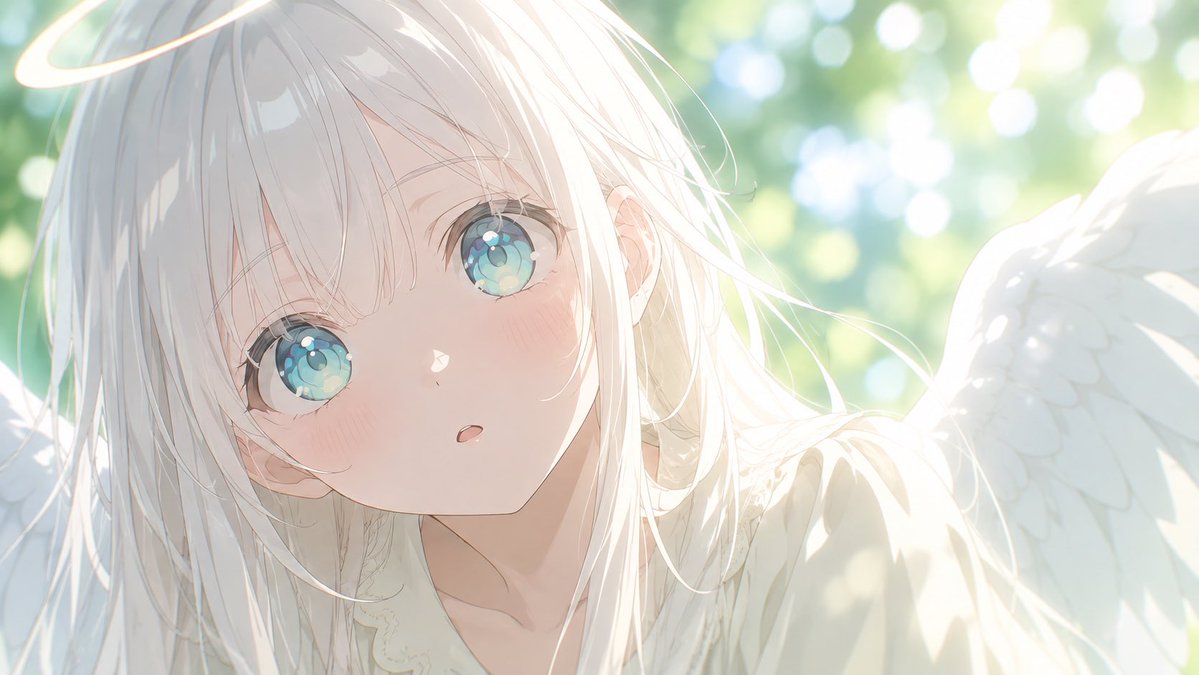
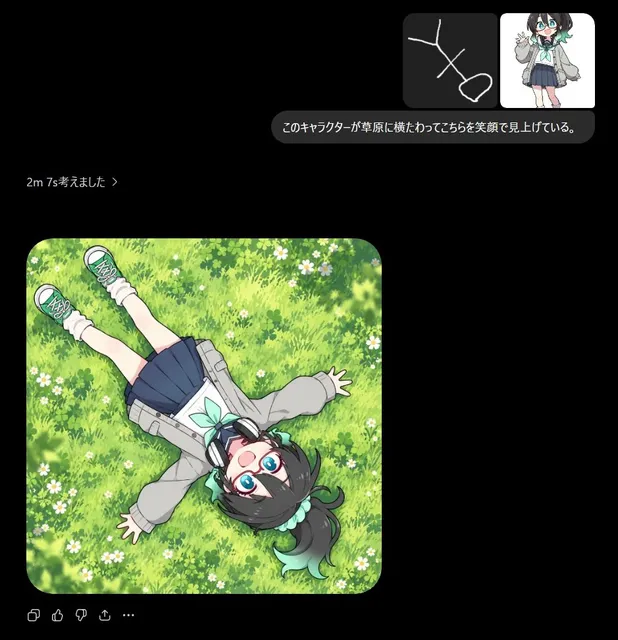
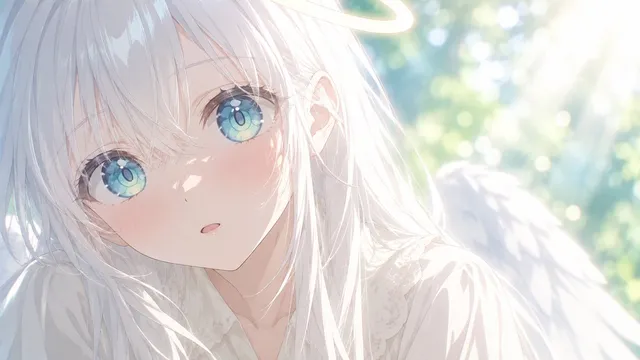
Angel Garden Anime Transformation

Creates a wide ethereal angel version of the referenced anime girl with halo, wings, and a sunlit garden background.

Use this prompt

MODEL GUIDE

Create sharper images with GPT Image 2.5 in Orelon

GPT Image 2.5 is OpenAI's September 2026 image model, built for sharper details, more natural lighting, and reference subjects that stay consistent across edits. On Orelon it runs as GPT Image 2.5 Sunburst, the variant tuned for tighter control and polished output.

Write a brief or attach references, refine one change at a time, and keep multi-turn edits consistent — the model carries earlier adjustments forward instead of reinterpreting the whole frame.

Product visual teams

Move one product across scenes, packaging concepts, and lighting setups while the product itself stays recognizable.

Brand and campaign designers

Turn structured briefs into posters, ad creative, and text-bearing layouts that hold their composition.

Character and style creators

Keep a character or illustration style consistent across outfits, poses, and scenes with reference-led workflows.

CAPABILITIES

What makes GPT Image 2.5 different

Reference-faithful editing

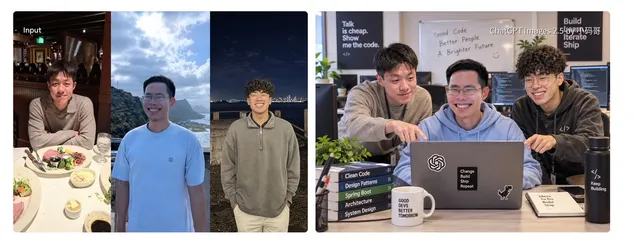
Attach up to 16 reference images — faces, products, and places stay recognizable while you change the setting, style, or composition around them.

Complex creative briefs

Prompts up to 20,000 characters hold layered instructions — layout, style, text, transparent backgrounds, and multiple visual requirements at once.

Up to 4K output

Choose 1K, 2K, or 4K output per image, matching resolution to where the asset will actually live.

Where GPT Image 2.5 fits your work

Product imagery

Studio scenes, alternate environments, and packaging concepts built from one honest product reference.

Social and campaign visuals

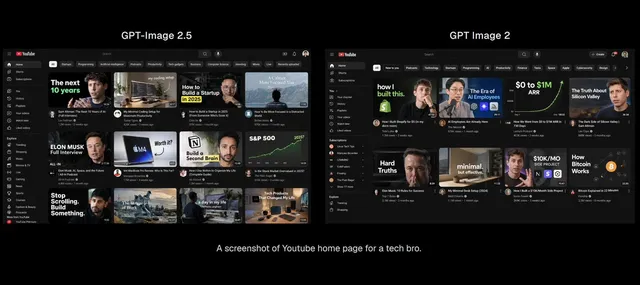
Thumbnails, promo graphics, and ad variations that stay readable at feed size.

Text-bearing design

Posters, infographics, and layouts where copy must render cleanly — GPT Image 2.5's strongest suit.

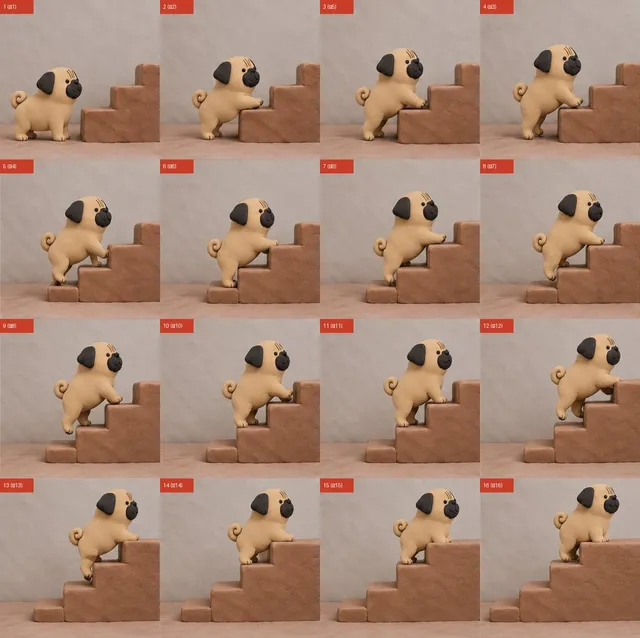
Stickers, sprites, and sets

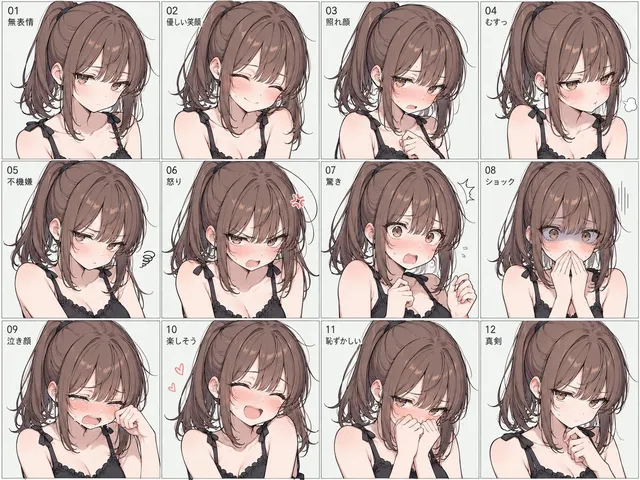
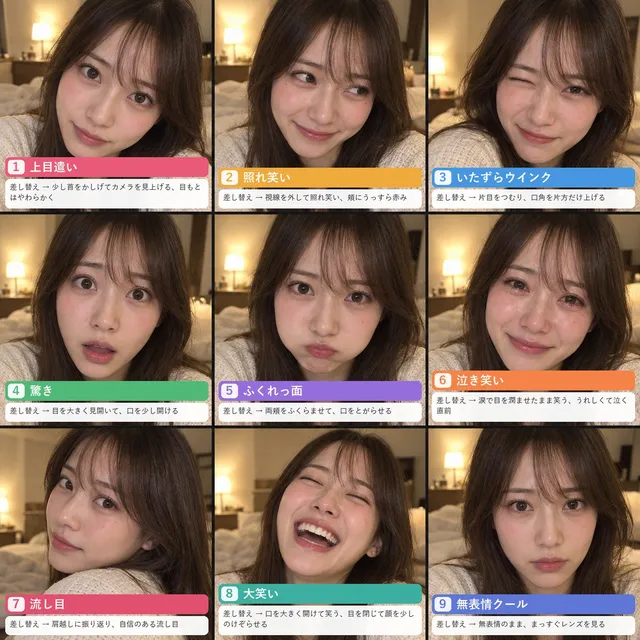
Sheet-based assets — sticker sets, sprite grids, expression collages — in one controlled generation.

PROMPT GUIDE

Write briefs GPT Image 2.5 follows

Four habits that turn a loose idea into a brief the model can execute precisely.

  1. 01

    Lead with the subject

    Name the subject, its key features, and what must stay recognizable before anything else.
  2. 02

    Specify light and material

    Say where light comes from and what surfaces feel like — glass, matte, brushed metal — instead of hoping.
  3. 03

    Quote your text

    Put any copy in quotation marks with placement notes; short text renders most reliably.
  4. 04

    Mark what must not change

    In edits, spell out the preserved areas — shape, viewpoint, background — alongside the change you want.
  5. 05

    Choose the ratio deliberately

    Pick the aspect ratio that matches where the image will ship, from 1:1 to widescreen 21:9.
  6. 06

    Refine one thing at a time

    Multi-turn editing stays consistent when each round asks for a single clear change.

WORKFLOWS

Two ways to create with GPT Image 2.5

  1. 01

    Text to image

    Write a subject, setting, lighting, and style brief, pick an aspect ratio, and generate finished visuals in one pass.
  2. 02

    Reference-based editing

    Start from your own image and describe exactly what to change — background, color, material, or one object — while everything else stays put.

PROMPT STARTERS

Give your next image a clear direction

Perfume bottle at golden hour

A minimalist glass perfume bottle on a sunlit limestone ledge, warm golden-hour side light, long soft shadows, shallow depth of field, Mediterranean coastline blurred in the background, editorial product photography.

Use this prompt

Bold typographic poster

A risograph-style poster for a jazz night, headline text "MIDNIGHT SESSIONS" in condensed uppercase type, deep navy and fluorescent orange duotone, grainy paper texture, trumpet silhouette, balanced negative space.

Use this prompt

Sticker sheet of a corgi

A sticker sheet of twelve kawaii corgi stickers showing different emotions, thick white die-cut borders, glossy finish, flat pastel palette, arranged in a tidy 4x3 grid on a light background.

Use this prompt

Reference edit: swap the background

Keep the sneaker exactly as shown — shape, color, and logo unchanged — and place it on wet basalt rock with sea spray and overcast coastal light, photorealistic product shot.

Use this prompt

Transparent-background asset

A friendly robot mascot waving, full body, clean vector illustration style, bold outlines, transparent background, centered composition with even margin.

Use this prompt

Ink-wash monkey king

Sun Wukong mid-leap through storm clouds, Eastern ink-wash painting, minimalist brush strokes, splashed ink textures, one vermillion seal stamp, generous negative space, gallery print quality.

Use this prompt

Frequently asked questions

RELATED MODELS

Explore more AI image models

MORE DIRECTIONS

Keep collecting image references

This lower wall curates GPT Image 2.5 image inspiration for planning your next brief.

Plans for independent creators

Choose your creative capacity.

No hidden fees · Cancel anytime

Trial

Try the core capability

$8mo
$9

Billed $90 yearly · was $9/mo

2 months freeSave $18

Creation capacity

360 credits / month
4,320 credits per year
~5 Seedance Fast videos or ~16 GPT Image 2 images monthly

Model access

28 / 45 models

Plan includes

  • Get 4,320 credits granted upfront for the year
  • Use your creations commercially
  • Download your work without watermarks
  • Create video and images in one workspace
  • Use ready-to-create video and image templates
  • Generate in the standard queue
  • Email support

Starter

For individuals

$16mo
$19

Billed $190 yearly · was $19/mo

2 months freeSave $38

Creation capacity

810 credits / month
9,720 credits per year
~11 Seedance Fast videos or ~36 GPT Image 2 images monthly

Model access

28 / 45 models

Plan includes

  • Get 9,720 credits granted upfront for the year
  • Use your creations commercially
  • Download your work without watermarks
  • Create video and images in one workspace
  • Use ready-to-create video and image templates
  • Generate in the standard queue
  • Email support

Creator

Popular

For regular creative work

$49mo
$59

Billed $590 yearly · was $59/mo

2 months freeSave $118

Creation capacity

3,600 credits / month

43,200 credits per year
~51 Seedance Fast videos or ~163 GPT Image 2 images monthly

Model access

45 / 45 models

Plan includes

  • Get 43,200 credits granted upfront for the year
  • Use your creations commercially
  • Download your work without watermarks
  • Create video and images in one workspace
  • Use ready-to-create video and image templates
  • Generate in a faster queue
  • Create more at the same time
  • Early access to selected new models
  • Email support

Pro

Up to 30% off

For high-volume creative work

$108mo
$129

Billed $1,290 yearly · was $129/mo

2 months freeSave $258

Creation capacity

9,000 credits / month

108,000 credits per year

~128 Seedance Fast videos or ~409 GPT Image 2 images monthly

Model access

45 / 45 models

Plan includes

  • Get 108,000 credits granted upfront for the year
  • Use your creations commercially
  • Download your work without watermarks
  • Create video and images in one workspace
  • Use ready-to-create video and image templates
  • Generate in the priority queue
  • Use advanced creative models
  • Run more generations at once
  • Priority support
  • Early access to selected new models

Turn your next idea into an image

Open the image workspace to create with GPT Image 2.5 Sunburst — pick a ratio, add references, and generate at up to 4K.

Open image creator