
Vintage Portrait Photo Restoration
A comprehensive restoration prompt designed to transform damaged antique sepia prints into clean, modern-looking portraits while maintaining original character and composition.
Likes
0
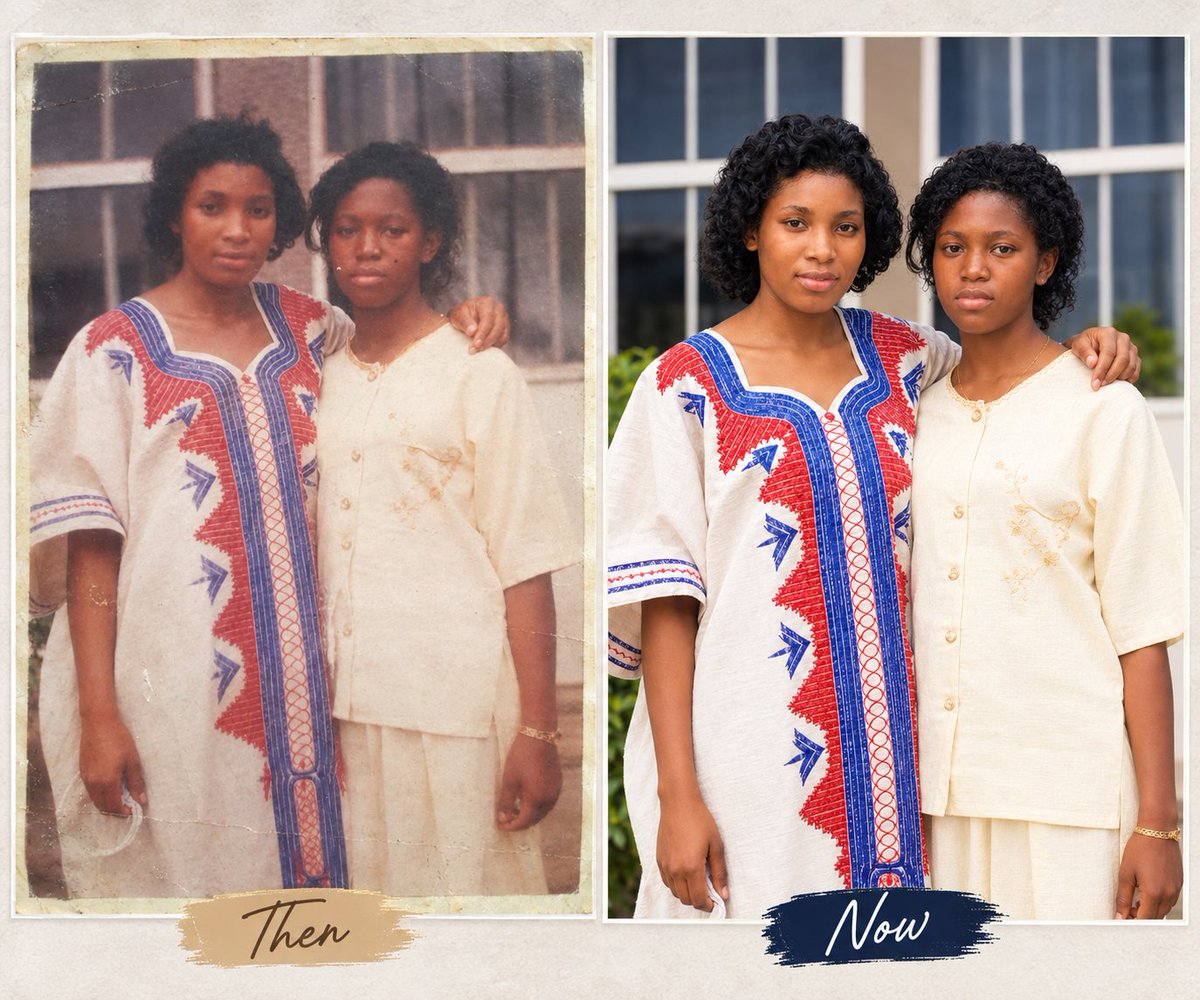
A comprehensive restoration prompt designed to transform damaged antique sepia prints into clean, modern-looking portraits while maintaining original character and composition.
Use the uploaded image as the main restoration and identity reference. Convert this severely damaged {argument name="subject type" default="old portrait"} into a clean, fully restored modern-looking photo while preserving the original appearance, pose, and composition. Restore all missing and damaged areas of the photograph, including torn sections, faded parts, scratches, stains, cracks, peeling emulsion, discoloration, and burned or washed-out regions. Reconstruct the {argument name="subjects" default="man and woman"} completely so both subjects appear whole, natural, and clearly visible. Keep the same arrangement: the woman standing in front holding a {argument name="prop" default="large bouquet of flowers"}, and the man standing slightly behind her. Preserve their facial features, expressions, body proportions, posture, and elegant formal clothing, but refine everything to look polished, realistic, and complete. Transform the image from an antique sepia damaged print into a high-quality modern portrait with: clean natural skin tones, realistic facial details, sharp focus, balanced lighting, soft studio background, improved clarity and texture, realistic modern photo finishing. The final image should feel like a professionally restored contemporary portrait, as if the same couple was photographed clearly with a modern camera, while still keeping the classic formal elegance of the original scene. Style: photorealistic, high detail, restored portrait, modern studio photography, clean, elegant, natural colors, sharp and realistic.
This is a free AI prompt from the Orelon library. Thousands more image prompts here are free to copy and adapt.
Explore more image prompts





Ready to create
Start with this curated direction in Orelon, then shape it into your next visual.