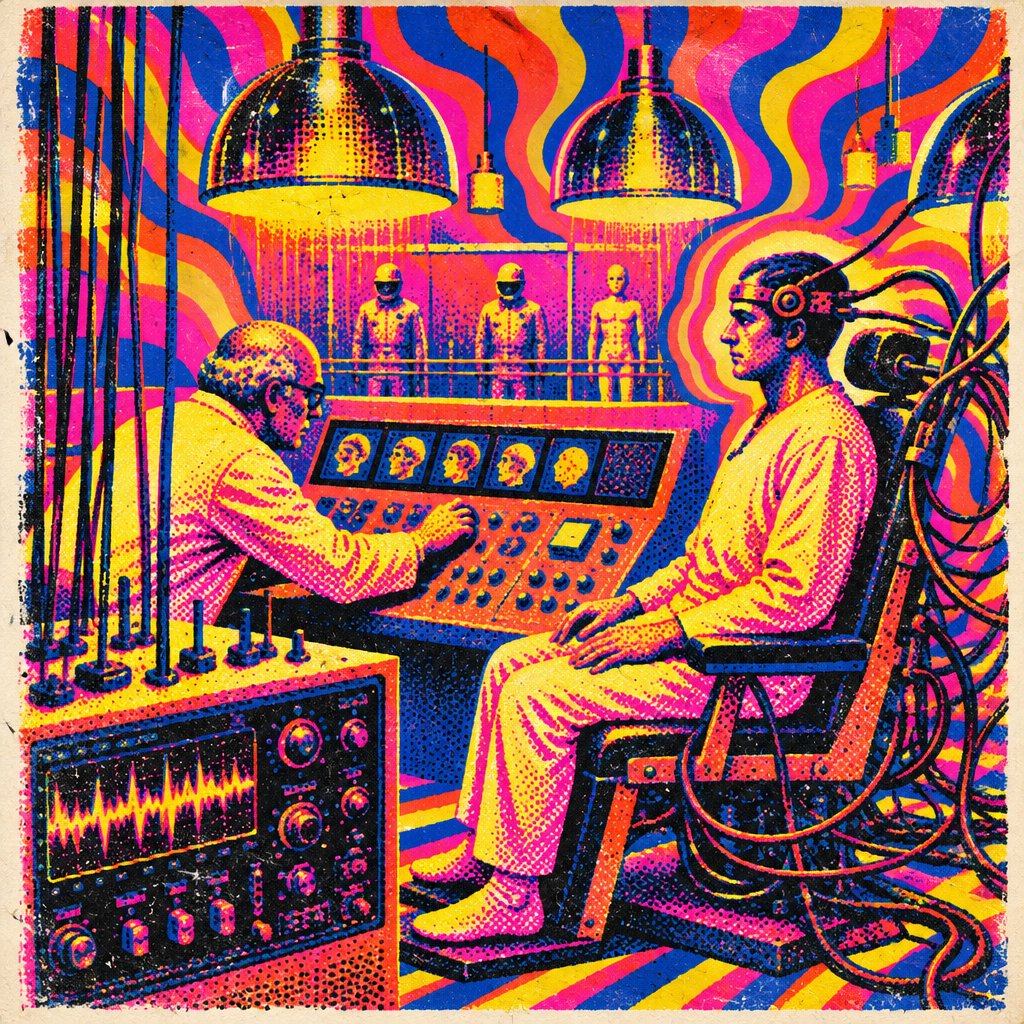
Create a square retro science-fiction laboratory illustration in a bold late-1960s psychedelic screen-print and risograph style. Show exactly two foreground humans: an elderly bald male scientist in glasses and a white lab coat leaning over a large orange control console on the left, and a calm seated test subject on the right wearing loose white clinical clothing, strapped or connected to a heavy wooden-and-metal chair with a circular head apparatus and thick black cables trailing behind him. Include exactly three standing humanoid figures in the background on a raised platform behind a railing, evenly spaced under hanging lamps. Include exactly three large chrome dome heat lamps across the upper area, plus exactly three smaller hanging pendant devices. The central control console should contain exactly five small rectangular monitor panels showing head/profile imagery, with many knobs, switches, and a small screen below. In the lower left foreground, include one separate vintage electronics unit with an oscilloscope-style display showing a jagged yellow waveform, plus round dials and toggle switches. Fill the background with warped optical rhythm patterns: wavy bands of fluorescent magenta, hot orange, lemon yellow, deep cobalt blue, and black. Use posterized tonal blocks, coarse halftone dots, ink speckling, grunge paper texture, deliberate color misregistration, rough screen-print edges, and minimal perspective depth. Make the scene feel like a psychedelic mind-control or brainwave experiment poster, with high contrast, dense cables, glowing lamps, and no readable text or watermark.