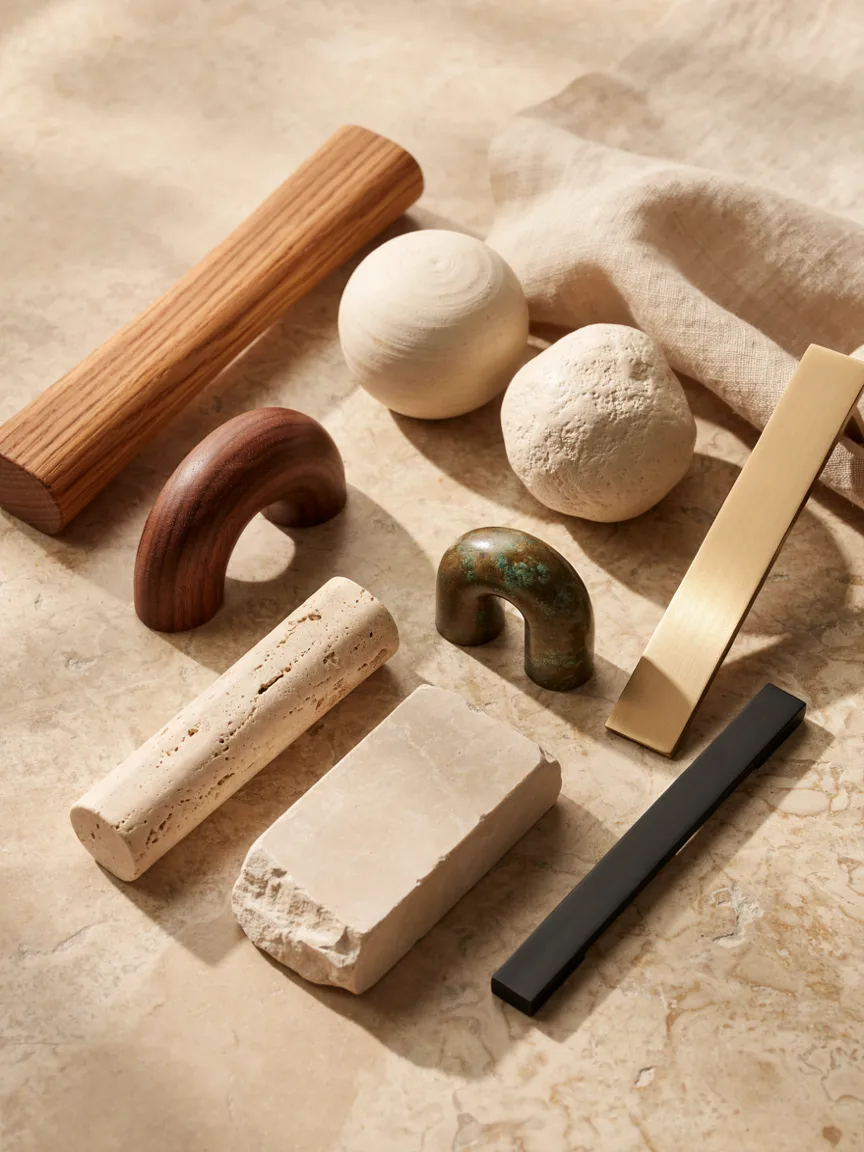
Photorealistic editorial flat lay of a curated collection of interior cabinet and furniture handles, presented like a sophisticated material sample board. Include multiple unique handle designs made from different materials: natural oak wood handles, dark walnut handles, handmade cream ceramic handles, textured ivory ceramic knobs, travertine stone handles, light beige limestone handles, brushed brass handles, aged bronze handles, and minimalist matte metal pulls. Mix different shapes and sizes: rounded knobs, small sculptural handles, elongated pulls, arched handles and organic irregular forms. Arrange them in an elegant, curated composition with subtle overlaps, each piece clearly visible and visually distinct. Warm neutral beige background with a subtle travertine stone surface and natural linen accents, soft golden-hour sunlight, delicate realistic shadows, Nordic Japandi aesthetic, refined and understated luxury, tactile natural textures, sophisticated interior designer material board, high-end editorial photography, photorealistic, warm earthy palette, clean composition, no furniture, no cabinets, no hands, no text, no labels, no excessive decoration, vertical 4:5 composition.