Orelon logoOrelon
Pricing
Viral Trends

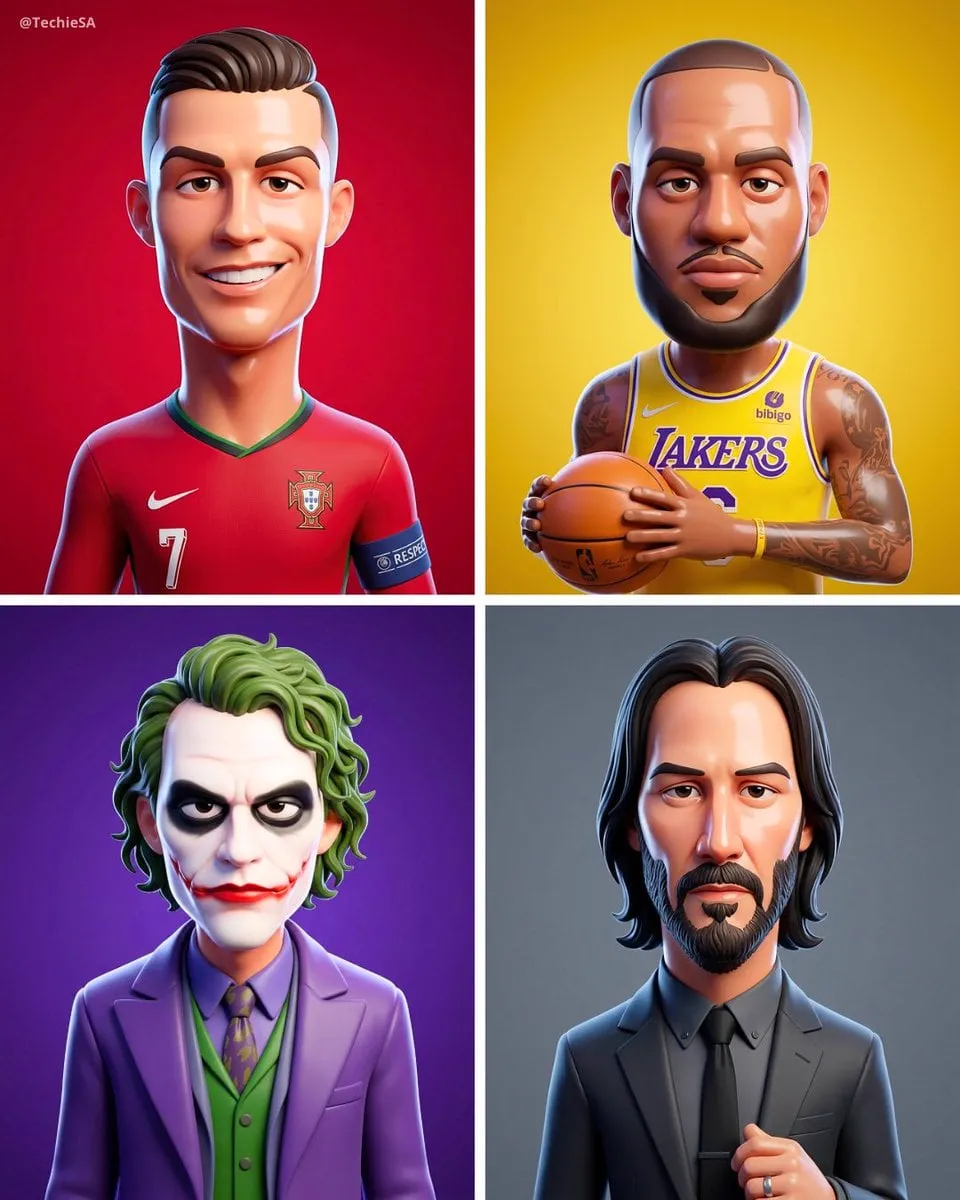
Transform the Person from the Attached Photo into

A transformation prompt turning the person from an attached photo into a smooth Pixar-inspired 3D cartoon character, keeping facial features recognizable while exaggerating proportions with glossy plastic skin and gentle rim light.

PublishedAug 10, 2026
Original languageEN

Full prompt

Use this prompt

Transform the person from the attached photo into a smooth stylized 3D cartoon character in the same style as the reference. Keep all real facial features fully recognizable but translated into exaggerated proportions (elongated head, big eyelids, soft rounded shapes). Skin should look glossy and plastic-like with clean gradients and subtle highlights. Use soft studio lighting, a solid [COLOR] color background, and high-end Pixar- inspired rendering. Simplify details, add gentle rim light, and preserve the person's hairstyle and accessories in stylized form. The final look must match the clean polished 3D aesthetic of the reference, 4:5 dimension.

How to use this prompt

  1. 1Select Use this prompt to open it in the Orelon create workspace.
  2. 2Adapt the subject, style, and details to fit your idea.
  3. 3Generate with Nano Banana 2, then iterate and refine until the result feels right.

This is a free AI prompt from the Orelon library. Thousands more image prompts here are free to copy and adapt.

Explore more image prompts

Ready to create

Make this prompt your own.

Start with this curated direction in Orelon, then shape it into your next visual.

Use this prompt





