Visual Effects
Cyberpunk AI Tools Comparison Poster
Likes
1
Views
67
 Orelon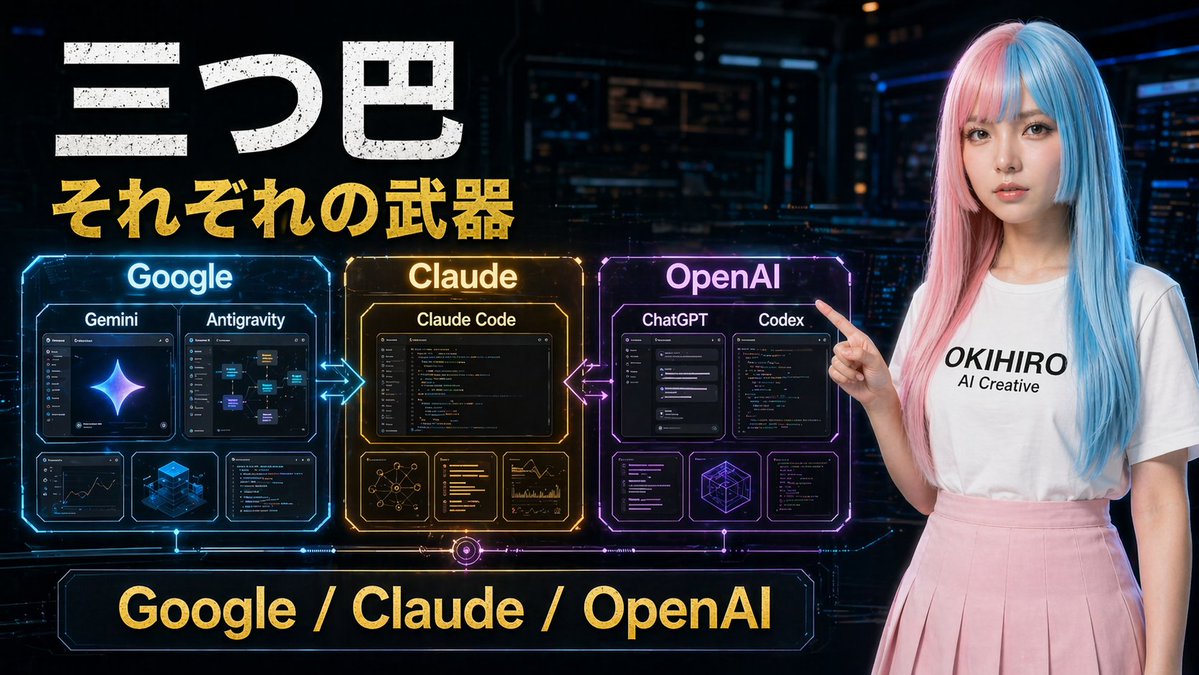
Visual Effects
A futuristic Japanese tech comparison poster in a dark cyberpunk control-room setting, wide 16:9 composition. Large distressed white Japanese headline text at the upper left reading "三つ巴", with a bold gold subtitle directly below reading "それぞれの武器". Across the center-left are 3 glowing holographic comparison panels arranged horizontally and connected by neon arrows: a blue panel labeled "Google", an amber-gold panel labeled "Claude", and a purple-magenta panel labeled "OpenAI". The Google panel contains 4 inner cards: 2 larger top cards labeled "Gemini" and "Antigravity", plus 2 smaller bottom cards showing analytics/dashboard-like visuals and a blue isometric cube graphic. The Claude panel contains 4 inner cards: 1 large top card labeled "Claude Code", plus 3 smaller bottom cards showing a network diagram, text/code list, and chart analytics. The OpenAI panel contains 5 inner cards: 2 larger top cards labeled "ChatGPT" and "Codex", plus 3 smaller bottom cards showing interface/code windows and a geometric wireframe cube. Add glowing bidirectional arrows between Google and Claude, and between Claude and OpenAI. At the bottom center, place a large neon-framed banner with gold text reading "Google / Claude / OpenAI". On the right side, include a young woman standing and pointing left toward the panels, with long straight split-dyed hair in pastel pink and cyan blue, a plain white t-shirt with black text reading "{argument name="shirt text" default="OKIHIRO AI Creative"}", and a soft pink pleated skirt. Her face is obscured by a smooth rectangular blur block. Use cinematic sci-fi lighting, glossy hologram UI details, high contrast, vivid blue-gold-purple accents, and a polished YouTube thumbnail aesthetic.
This is a free AI prompt from the Orelon library. Thousands more image prompts here are free to copy and adapt.
Explore more image prompts


Ready to create
Start with this curated direction in Orelon, then shape it into your next visual.