Camera Control
Nano Banana Pro Diagram Generation Prompts (15 Templates)
Likes
1
Views
72
 Orelon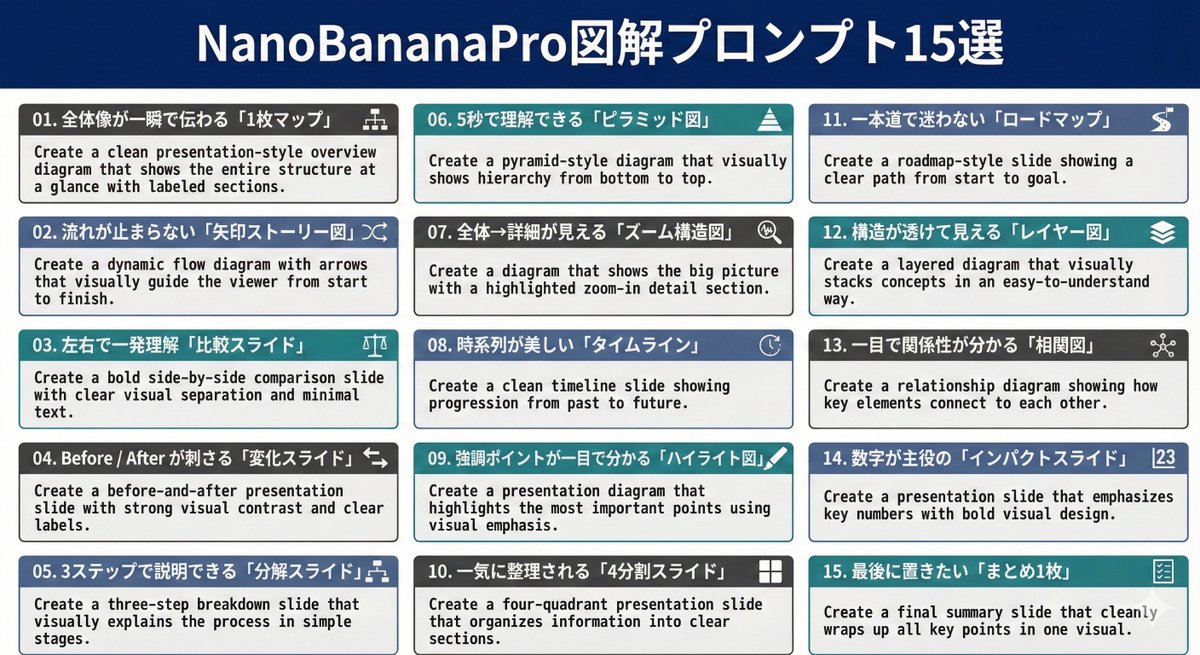
Camera Control
01. Create a clean presentation-style overview diagram that shows the entire structure at a glance with labeled sections. 02. Create a dynamic flow diagram with arrows that visually guide the viewer from start to finish. 03. Create a bold side-by-side comparison slide with clear visual separation and minimal text. 04. Create a before-and-after presentation slide with strong visual contrast and clear labels. 05. Create a three-step breakdown slide that visually explains the process in simple stages. 06. Create a pyramid-style diagram that visually shows hierarchy from bottom to top. 07. Create a diagram that shows the big picture with a highlighted zoom-in detail section. 08. Create a clean timeline slide showing progression from past to future. 09. Create a presentation diagram that highlights the most important points using visual emphasis. 10. Create a four-quadrant presentation slide that organizes information into clear sections. 11. Create a roadmap-style slide showing a clear path from start to goal. 12. Create a layered diagram that visually stacks concepts in an easy-to-understand way. 13. Create a relationship diagram showing how key elements connect to each other. 14. Create a presentation slide that emphasizes key numbers with bold visual design. 15. Create a final summary slide that cleanly wraps up all key points in one visual.
This is a free AI prompt from the Orelon library. Thousands more image prompts here are free to copy and adapt.
Explore more image prompts





Ready to create
Start with this curated direction in Orelon, then shape it into your next visual.