Commercial
Double-Exposure Sports Tribute Poster
Likes
1
Views
83
 Orelon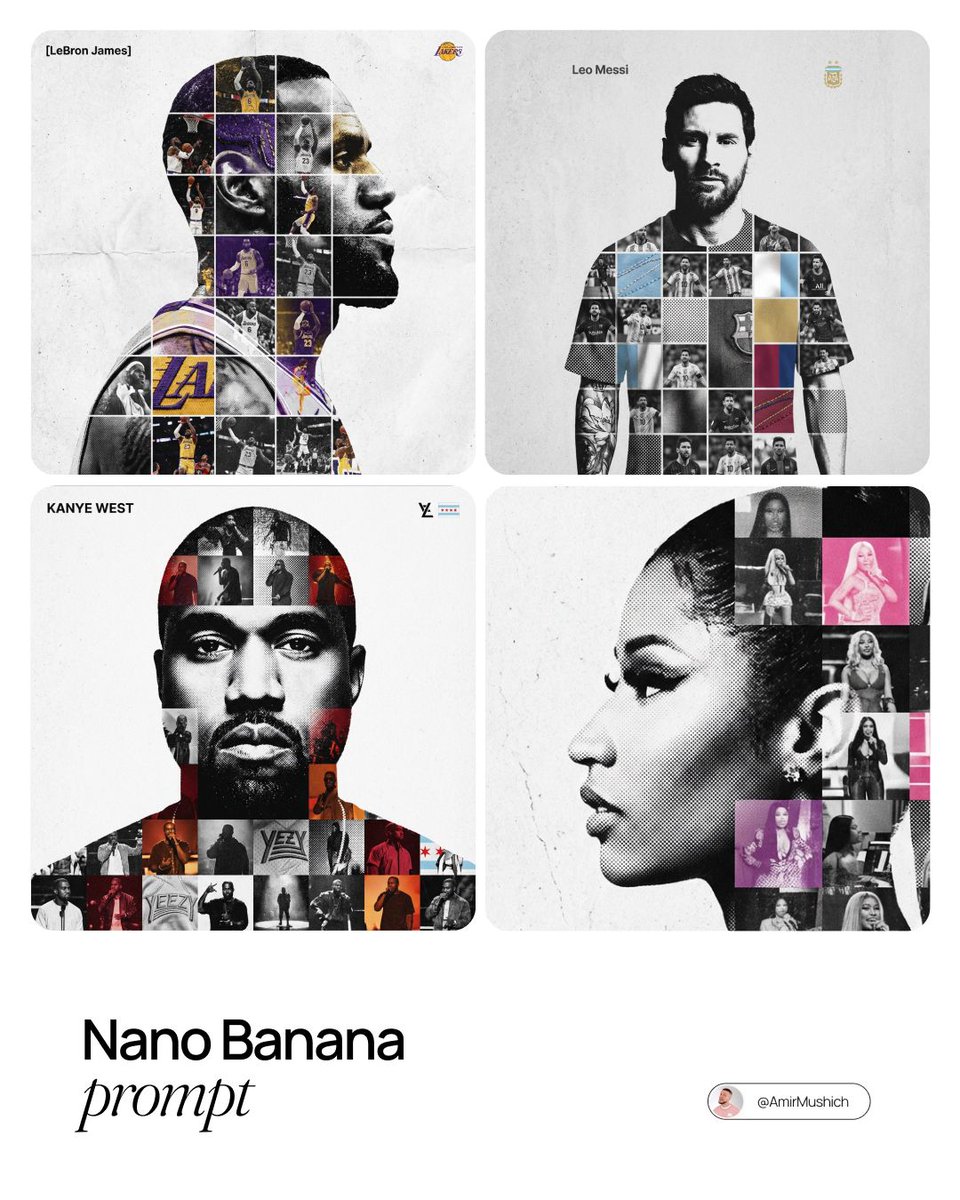
Commercial
{argument name="person name" default="[PERSON NAME]"}. Act as a premium sports graphic designer making a conceptual tribute poster. Style: an intricate "double-exposure photo-grid composite" blending mixed-media textures. CENTER (THE VESSEL): A large, high-contrast black-and-white portrait silhouette of {argument name="person name" default="[PERSON NAME]"} dominates the frame. This silhouette serves as the container holding everything else. GRID INTERIOR (MIXED MEDIA): Fill the inside of the silhouette with a dense photo-mosaic grid of career action moments. TEXTURE RULE: do not drop in flat images. Vary the cells with tactile, collage-style finishes: Halftone Dots: comic-book raster patterns on select cells. Fabric / Embroidery: faint thread or canvas weave evoking a jersey or patch. Film Grain: heavy noise on certain high-contrast action shots. COLOR STRATEGY: Anchor the piece in monochrome B&W. Drop selective color overlays (team or flag tones) onto a few isolated grid cells ONLY, creating visual rhythm. TYPOGRAPHY & BRANDING (STRICT MICRO-SCALING): Top Left (The Name): set "{argument name="person name" default="[PERSON NAME]"}" strictly in Inter Semibold. Kerning: tight negative kearning (-4%). Size: SMALL and understated. It must occupy MAXIMUM 20% of the canvas width. Do NOT make it large or loud. Top Right (The Symbol): place the primary logo (Team/Brand/Flag). Size: VERY SMALL. It must occupy MAXIMUM 10% of the canvas width. COMPOSITION & BACKGROUND: Background: off-white or light grey with a visible high-quality paper or concrete texture. It should not be flat digital white. Alignment: figure perfectly centered. Maintain wide negative space around the object.
This is a free AI prompt from the Orelon library. Thousands more image prompts here are free to copy and adapt.
Explore more image prompts




Ready to create
Start with this curated direction in Orelon, then shape it into your next visual.