Effects by Tags
Rabbit Character Sprite Sheet
Likes
2
Views
218
 Orelon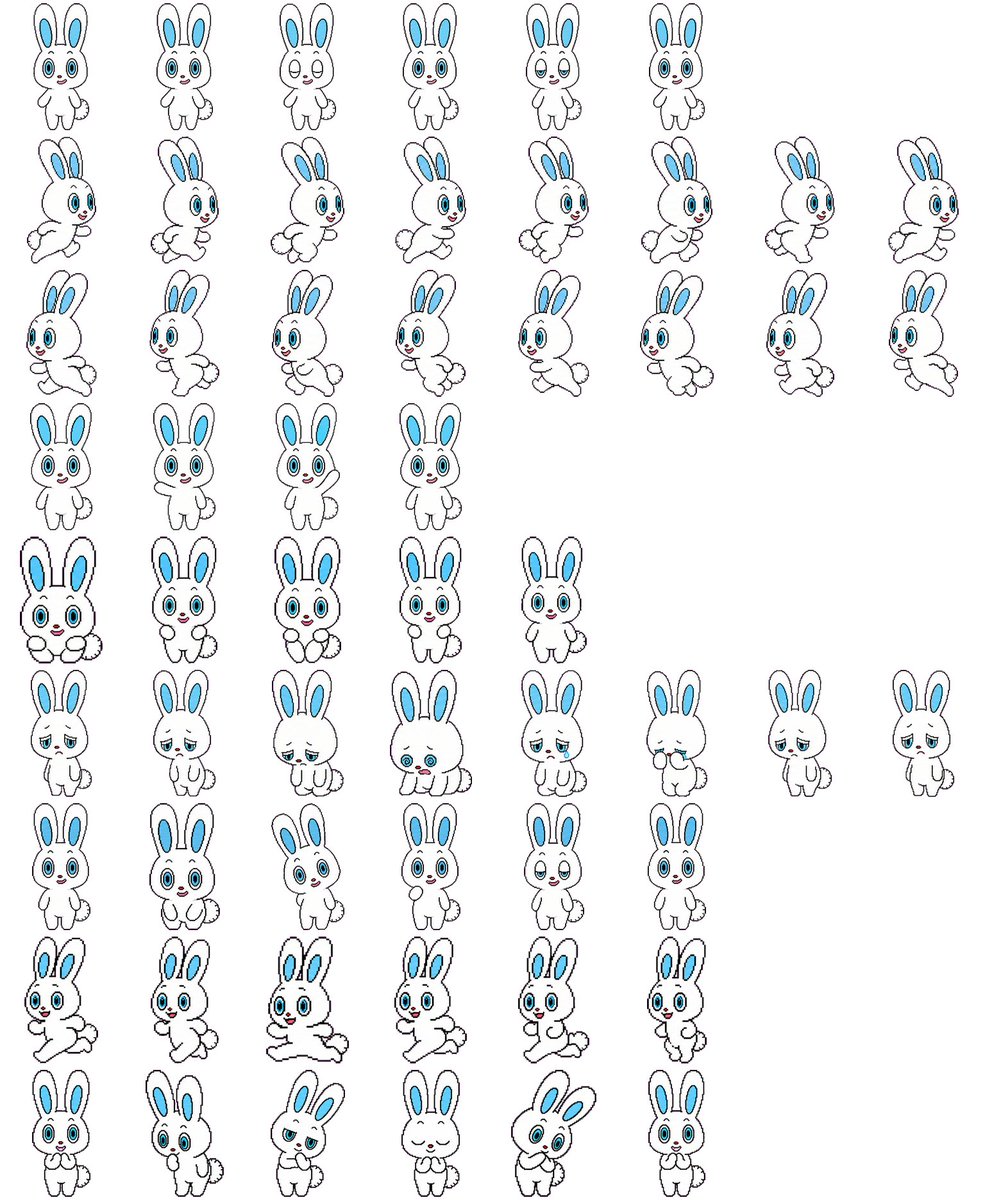
Effects by Tags
Using REFERENCE_0 as the character-design base, convert the character sheet into a clean 2D game sprite sheet on a {argument name="background color" default="plain white"} background. Preserve the rabbit character’s proportions, black outline style, blue inner ears, blue eyes, small red nose, and fluffy tail, but remove all Japanese labels and reference-sheet headings. Generate {argument name="sprite count" default="57"} separate full-body sprites arranged in a loose grid with transparent-looking spacing between poses. Include these visible rows: 6 small front-facing idle/expression sprites; 8 right-facing running sprites; 8 more right-facing running/stride sprites; 4 front-facing neutral idle sprites; 5 front-facing cute/holding-paws sprites; 8 sleepy, sad, crouching, and low-energy sprites; 6 front-facing cheerful/neutral expression sprites; 6 dynamic running or hopping sprites; and 6 bottom-row cute reaction sprites including shy, surprised, bashful, eyes-closed smiling, tilted-head, and hands-near-mouth poses. Keep the line art simple and consistent, like a hand-drawn cartoon sprite sheet for a {argument name="game type" default="2D platformer or casual mobile game"}, with each sprite isolated and no shadows, props, text, borders, or background scenery.
This is a free AI prompt from the Orelon library. Thousands more image prompts here are free to copy and adapt.
Explore more image prompts





Ready to create
Start with this curated direction in Orelon, then shape it into your next visual.