Commercial
Y2K Chrome Plush Product Render
Likes
36
Views
1K
 Orelon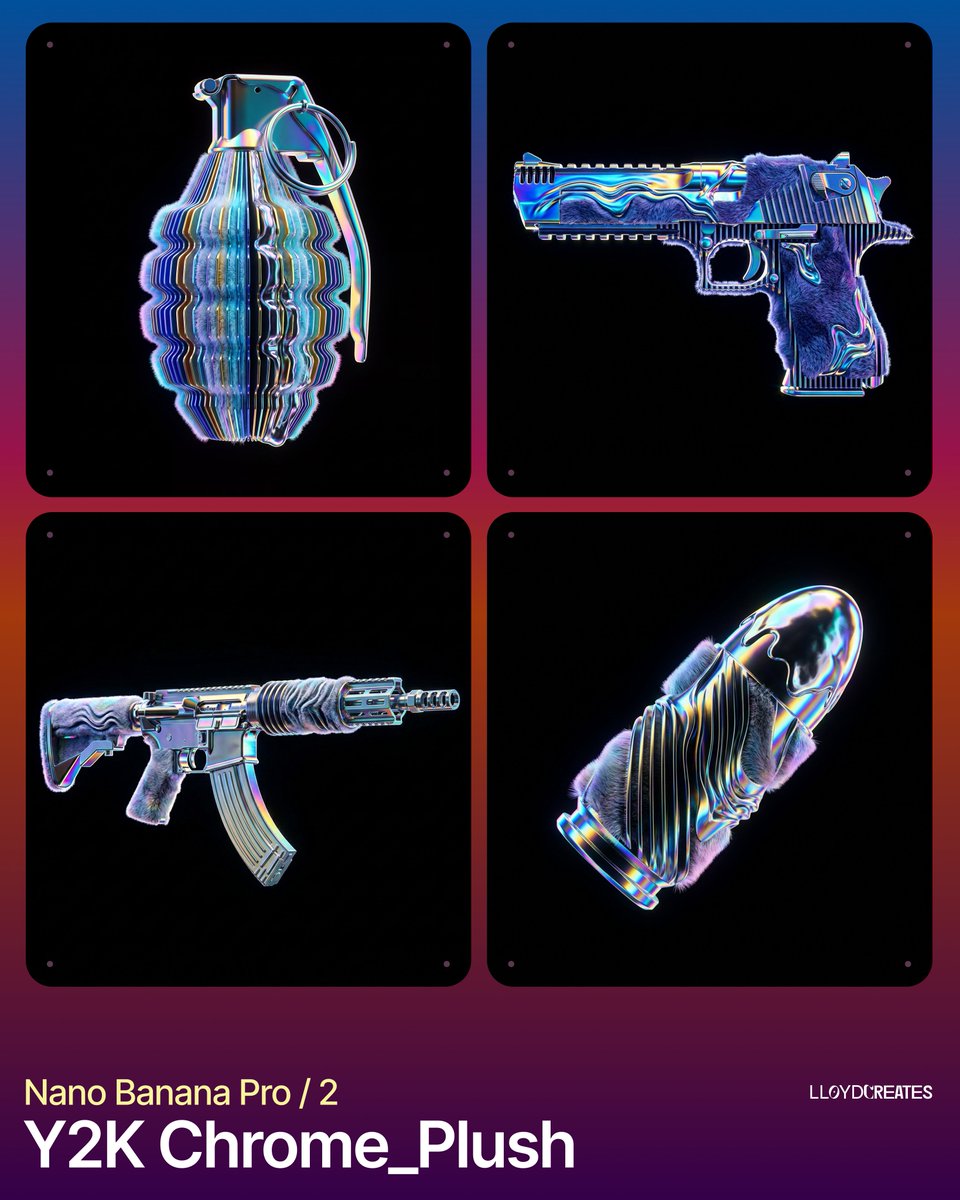
Commercial
{ "image_generation_request": { "subject": { "placeholder": "{argument name="product name" default="[INSERT_PRODUCT_NAME_HERE]"}", "positioning": "strictly centered, floating, levitating, full view, no cropping, entire object visible within frame", "scale": "0.8x of frame height to ensure no edge-cut" }, "stylization_blend": { "geometry": "parametric 3D sliced layers, vertical rhythmic ribs, undulating waveform distortions across the surface", "textures": [ "hyper-realistic plush faux fur with soft tactile fibers", "molten iridescent liquid chrome with high-viscosity surface tension", "holographic dispersion and spectral color shifts on metallic edges" ], "material_properties": "fusion of soft-touch textile and hard-surface refractive glass-metal" }, "environment": { "background": "absolute solid pitch black, hex code #000000, void", "lighting": "studio-quality rim lighting, internal glow, prismatic refraction, no visible light sources", "platforms": "none, no stands, no pedestals, no floor, no shadows on ground" }, "color_palette": { "primary_background": "#000000", "accent_colors": [ "#0000FF (Electric Blue)", "#FFD700 (Gold)", "#00FFC8 (Hyper-Cyan)", "#FF00FF (Vivid Magenta)" ], "shading": "high contrast, deep shadows, vibrant saturated highlights" }, "negative_constraints": { "elements_to_exclude": [ "text", "labels", "watermarks", "logos", "lighting boxes", "softboxes", "tripods", "camera gear", "platforms", "tables", "pedestals", "mannequin limbs", "props", "dust", "scratches", "out of frame", "cropped edges", "depth of field blur on product", "room background", "walls" ], "visual_errors": "cut off parts, clipping, extra appendages, distorted geometry beyond intended artistic ripple" }, "technical_specs": { "rendering_style": "8k octane render, unreal engine 5.4, ray-traced reflections, photorealistic, clean minimalist aesthetic", "aspect_ratio": "1:1" } } }
This is a free AI prompt from the Orelon library. Thousands more image prompts here are free to copy and adapt.
Explore more image prompts




Ready to create
Start with this curated direction in Orelon, then shape it into your next visual.