Camera Control
Soft-Lit Studio Portrait Collage
Likes
32
Views
1.5K
 Orelon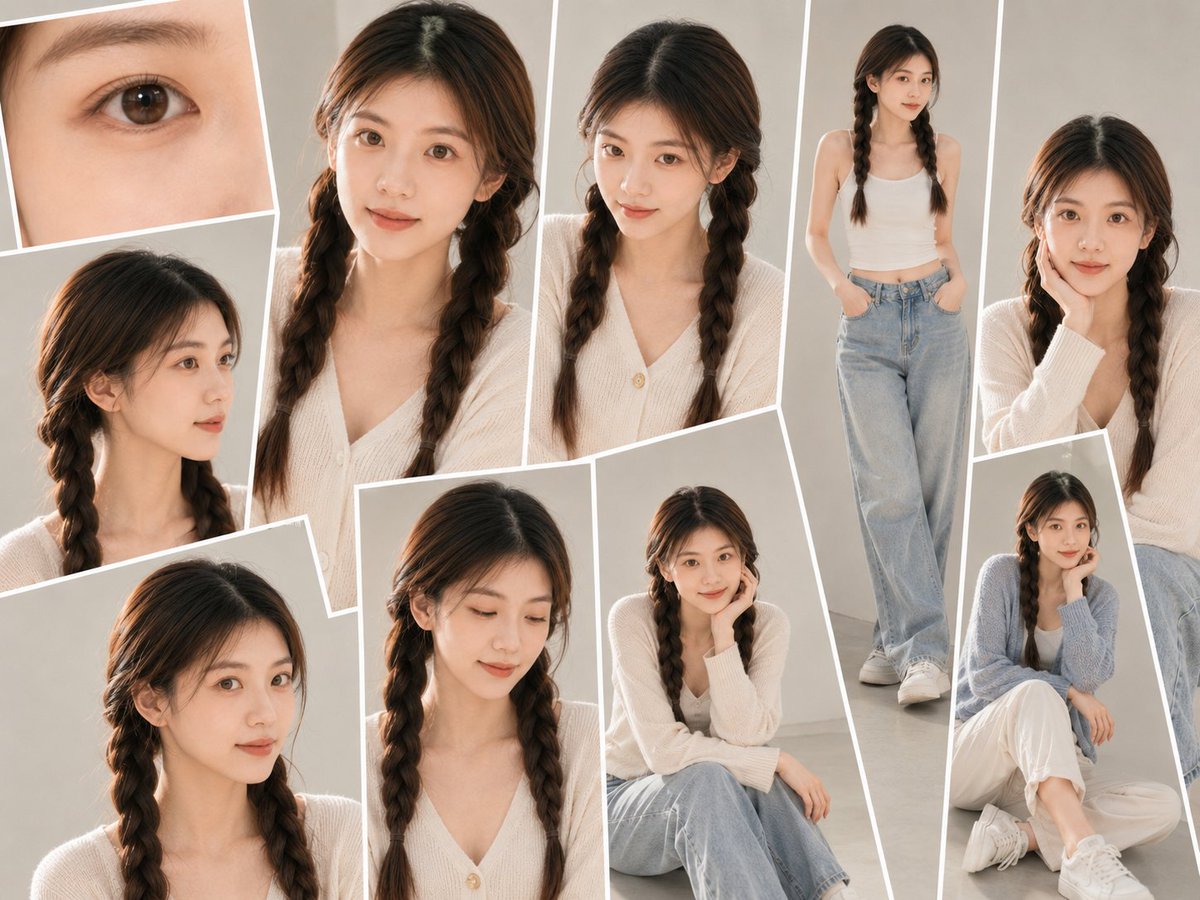
Camera Control
Use the uploaded portrait as the only identity reference. Preserve the person’s real facial features, face shape, skin tone, hairstyle, and natural body proportions. Create a {argument name="photo type" default="realistic studio-style photo collage"} with {argument name="layout" default="multiple overlapping portrait frames"}: close-up face shots, side profile, half-body pose, full-body pose, hair/detail close-ups, and relaxed seated poses. Use a {argument name="background" default="clean beige-gray studio background"}, soft indoor lighting, natural skin texture, realistic phone-camera/editorial photography feel, casual modern outfit chosen to suit the person, white photo borders, slightly tilted layout, high-detail but natural. No logo, no watermark, no text.
This is a free AI prompt from the Orelon library. Thousands more image prompts here are free to copy and adapt.
Explore more image prompts





Ready to create
Start with this curated direction in Orelon, then shape it into your next visual.