Effects by Tags
Positive OpenAI Provenance Screen
Likes
6
Views
245
 Orelon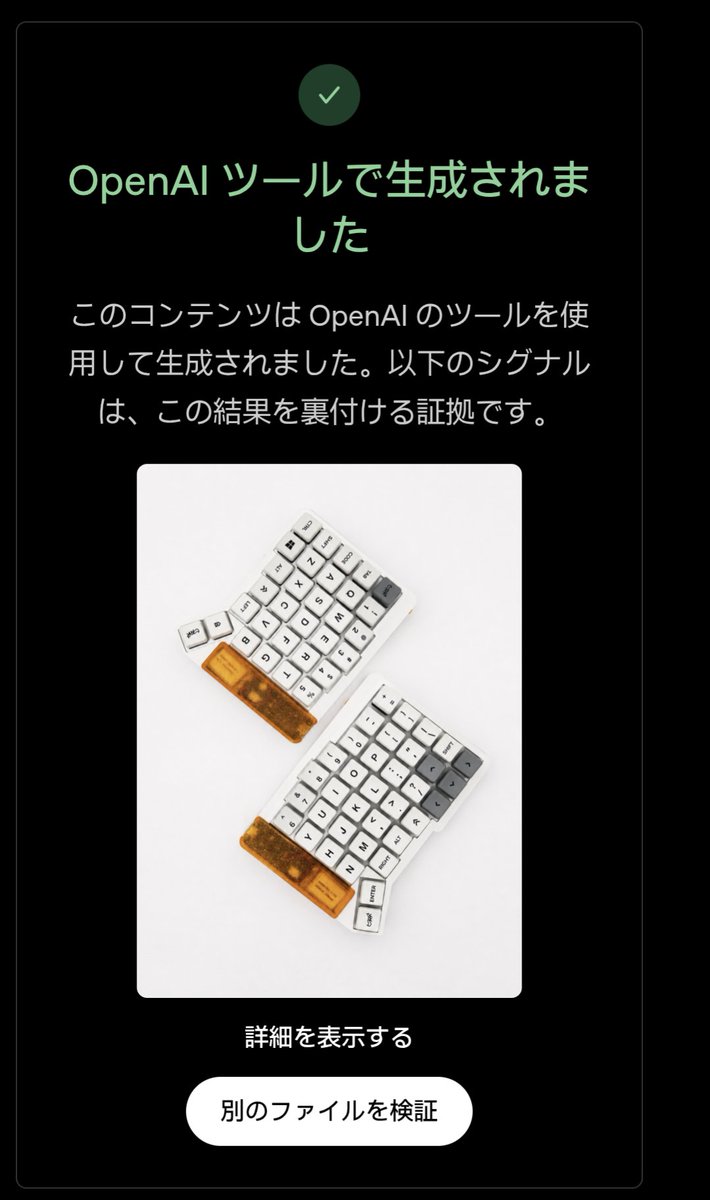
Effects by Tags
Using the provided reference image, edit the verification-result screen so it shows a positive OpenAI provenance detection result instead of a negative one. Keep the same dark rounded card layout, the embedded keyboard photo, the centered composition, the bottom link, and the white rounded button unchanged. Change exactly 3 verification-status elements: 1) replace the pink circular X icon with a green circular checkmark icon, 2) change the headline to green and set it to 「OpenAI ツールで生成されました」, and 3) replace the explanatory body text with 「このコンテンツは OpenAI のツールを使用して生成されました。以下のシグナルは、この結果を裏付ける証拠です。」 Preserve exactly 2 lower text elements as in the reference: the link 「詳細を表示する」 and the button label 「別のファイルを検証」. Use a clean Japanese UI style, high contrast on black, rounded corners, and make the edit look like an authentic screenshot rather than a redesigned poster.
This is a free AI prompt from the Orelon library. Thousands more image prompts here are free to copy and adapt.
Explore more image prompts





Ready to create
Start with this curated direction in Orelon, then shape it into your next visual.