Effects by Tags
Professional AI Headshot Transformation
Likes
1
Views
438
 Orelon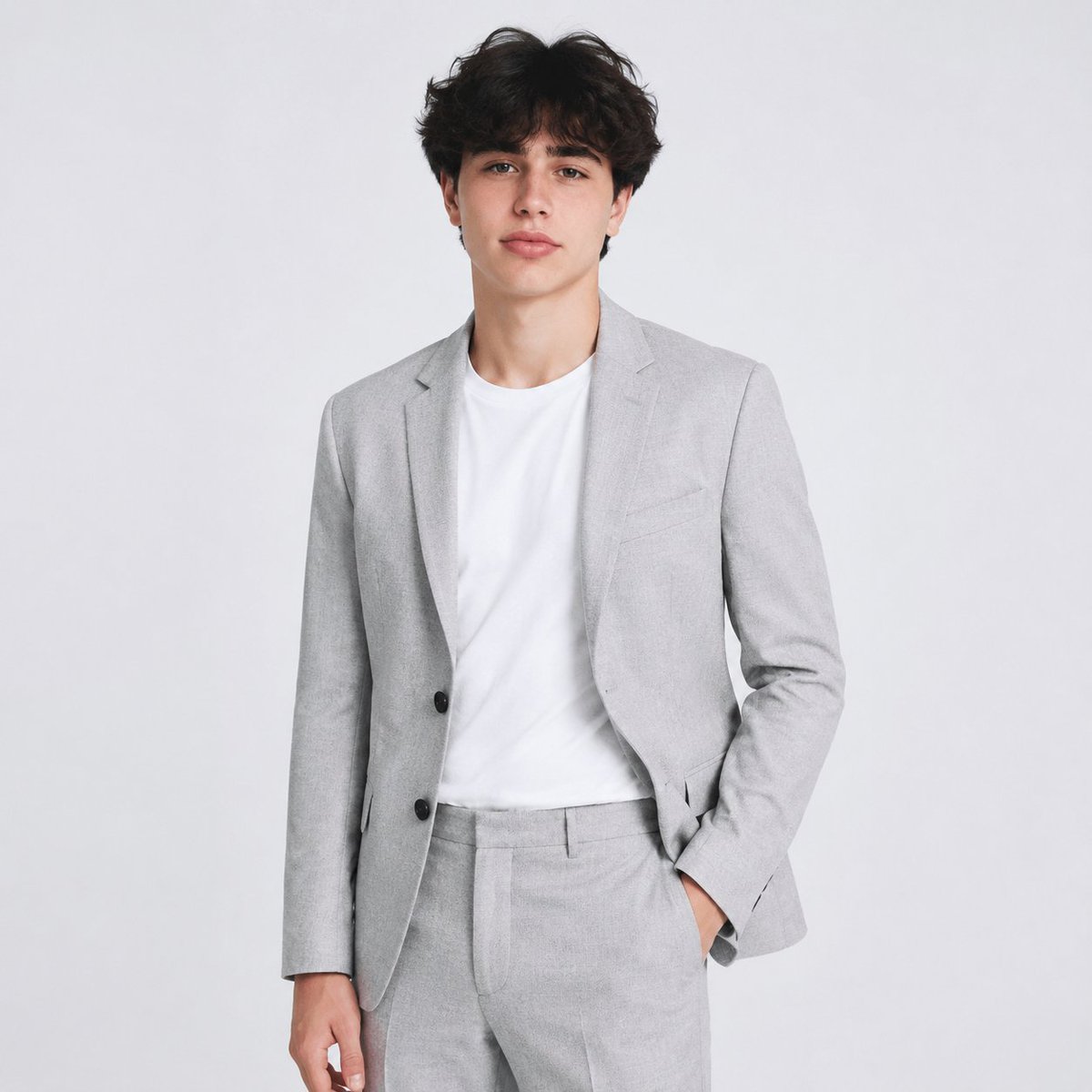
Effects by Tags
Using the provided reference image as the identity and hair reference, create a professional AI headshot / studio portrait. Replace the casual outdoor pool setting with a clean light gray studio background, expand the crop to a three-quarter body portrait, and dress the subject in a {argument name="suit color" default="light gray"} modern suit with matching trousers over a {argument name="shirt color" default="white"} crew-neck T-shirt. Keep the subject facing forward with a relaxed business pose: one hand in the trouser pocket, the other arm resting naturally at the side. Preserve the same general hairstyle and natural facial proportions from the reference, but make the hair slightly darker and neater for a polished corporate look. Use soft even studio lighting, realistic photography, sharp detail, neutral color grading, and a clean LinkedIn-style composition.
This is a free AI prompt from the Orelon library. Thousands more image prompts here are free to copy and adapt.
Explore more image prompts





Ready to create
Start with this curated direction in Orelon, then shape it into your next visual.