Effects by Tags
Convert Photo to Black and White Coloring Page
Likes
2
Views
166
 Orelon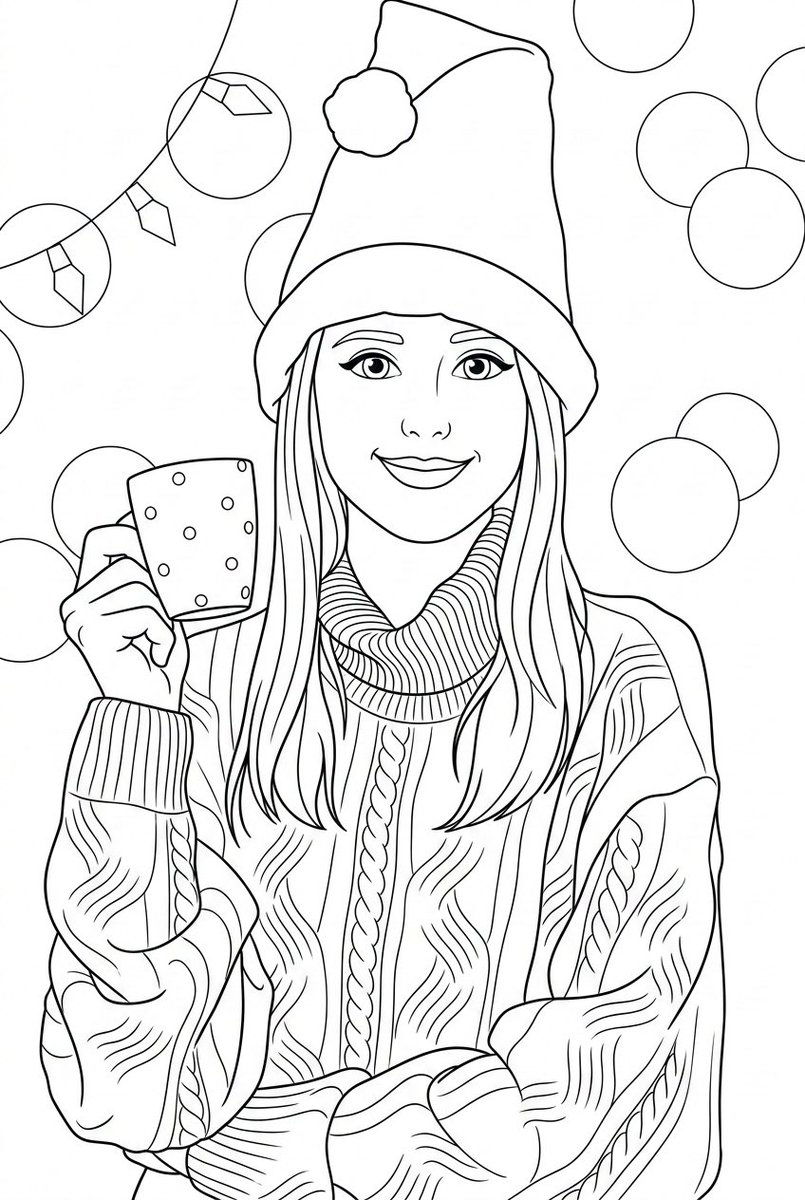
Effects by Tags
Convert the provided photo into a black and white coloring page. Preserve the original composition, proportions, and recognizable facial features from the original photo. Style: children's illustration with a soft cartoonish look, inspired by Pixar aesthetics, but simplified for coloring. Lines: clean, smooth, medium-thickness outlines, clear closed shapes, no broken lines, no sketchiness. Shading: no gray colors, no shadows, no gradients — outlines only. Details: simplified but accurate, preserving the recognizability of key objects and expressions, removing unnecessary background. Faces: expressive, friendly, slightly rounded features, kid-friendly, maintaining likeness. Background: simplified interior or environmental elements, minimalistic yet readable. Composition: centered, balanced, with comfortable margins for printing. Technical requirements: – clean black lines on a white background – high contrast – printable A4 / US Letter format – suitable for coloring with pencils or markers No color, no textures, no realism, no photo effects, no hatching, no cross-hatching.
This is a free AI prompt from the Orelon library. Thousands more image prompts here are free to copy and adapt.
Explore more image prompts





Ready to create
Start with this curated direction in Orelon, then shape it into your next visual.