Camera Control
Miniature Ink Movement Image Generation Prompt
Views
44
 Orelon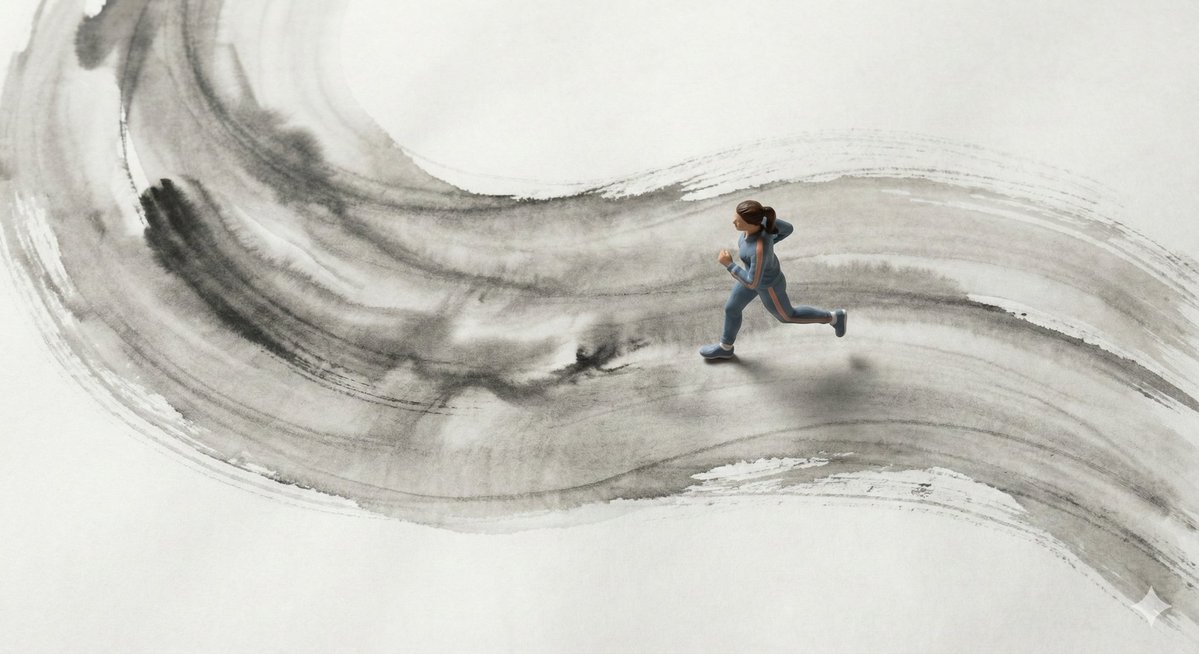
Camera Control
{ "Color": { "Color Behavior": "Dominant main color, supplemented by extremely soft second color accents", "Saturation": "Medium-high saturation, softened treatment, absolutely not harsh or muddy" }, "Environment": { "World Type": "Abstract canvas surface", "Material": [ "Ink pigment", "Subtle palette knife texture", "Minimalist brushstrokes", "Thin layers of pigment stacking texture" ], "Rendering Rules": "The environment symbolically represents a sports field or arena with restrained colors, clean texture, and controlled pigment thickness—absolutely no pursuit of literal realism", "Background Style": "Calm, uniform color blocks with subtle pigment texture" }, "Subject": { "Scale": "Miniature model", "Appearance": "{argument name="appearance" default="Highly realistic human figure"}", "Activity": "{argument name="activity" default="Dynamic moment during movement"}", "Clothing": "Precise sports-specific clothing and equipment", "Pose Style": "Natural, in-motion posture", "Shadows": "Soft, subtle shadows cast directly beneath the subject, reinforcing the overhead view" }, "Composition": { "Camera Angle": "Strict overhead view", "Camera Orientation": "Completely perpendicular to the surface (90-degree top-down perspective)", "Perspective Rules": [ "No tilt", "No diagonal angles", "No perspective distortion", "No depth of field perspective" ], "Layout": "Graphic, editorial feel, simple geometry", "Negative Space": "Deliberate and ample", "Depth of Field": "Flat, poster-like depth of field" }, "Lighting": { "Type": "Soft studio lighting", "Light Direction": "Uniform top lighting", "Contrast": "Low to medium contrast", "Purpose": "Maintain surface calmness and eliminate directional drama" }, "Style": { "Style Genre": [ "Conceptual fine art", "Editorial photography", "Surreal miniature" ] } }
This is a free AI prompt from the Orelon library. Thousands more image prompts here are free to copy and adapt.
Explore more image prompts





Ready to create
Start with this curated direction in Orelon, then shape it into your next visual.