Visual Effects
Fantasy Pop-up Book Transformation
Likes
2
Views
301
 Orelon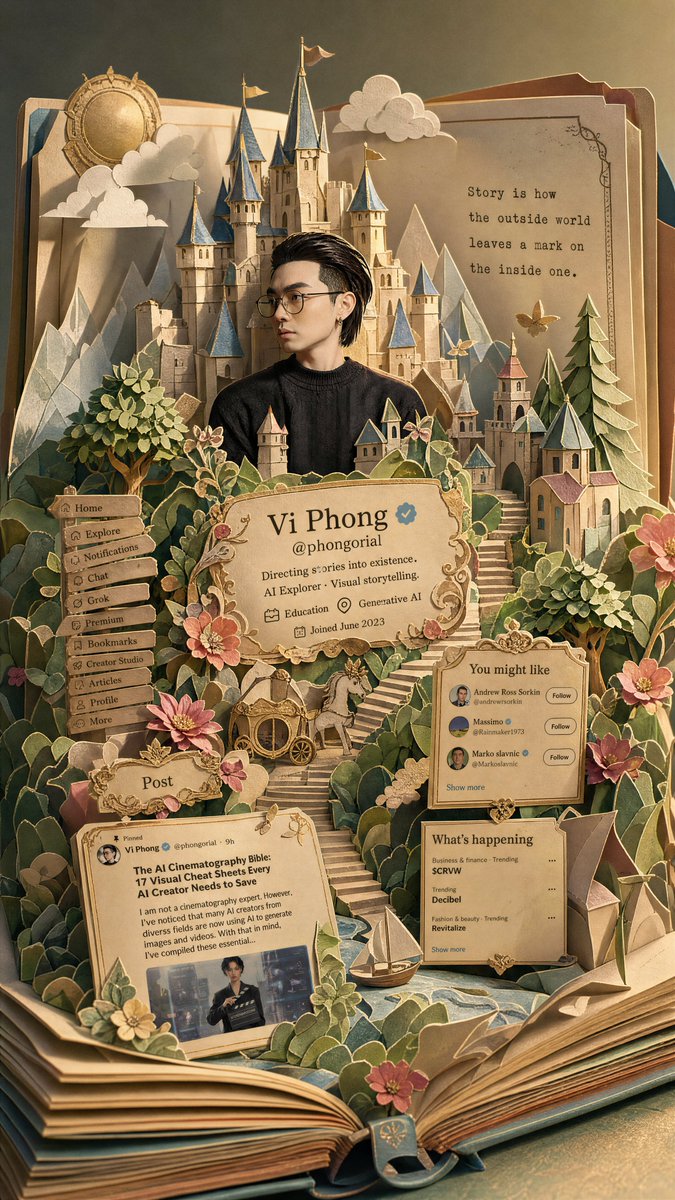
Visual Effects
Transform the entire image into a open pop-up book Included Elements: {argument name="elements" default="Castle, Forest, Stairs, Paper Clouds, Paper Mountains, Village, Flowers, Fairytale Objects"} All elements are “Paper structures connected to book pages” Style: Semi-realistic fantasy character A feel somewhere between classic fairytales and reality Slightly fairytale-like proportions allowed Maintain subtle realistic textures for skin and hair Popup Book Style: Pop up the main subject critically Layered paper craft Handcrafted popup book Premium paper diorama Color Scheme: classic fairy tale color palette {argument name="lighting" default="Warm golden hour lighting"} Pastel fantasy palette Completely replace the original colors: Cream - Warm Green - Soft Blue - Coral - Gold Accent Premium paper diorama Lighting: Warm golden hour lighting Soft cinematic light Subtle shadows on the cross-section of the paper structure Atmosphere: Dreamy {argument name="mood" default="Warm, Fairy tale sensibility"} Between reality and fantasy Sentimental adventure atmosphere Keep the composition classic fairy tale and balanced. Negative: Completely 2D illustrations Completely realistic images Plastic toy feel Low-quality paper model feel Excessive SD characterization Textures with a strong AI feel Compositions where the book is not visible Characters appearing detached from the fairy tale setting
This is a free AI prompt from the Orelon library. Thousands more image prompts here are free to copy and adapt.
Explore more image prompts



Ready to create
Start with this curated direction in Orelon, then shape it into your next visual.