Camera Control
Soul-Switching Mirror Magic Sequence
Likes
0
Views
0
 Orelon
Camera Control
0s – 4s (Opening Mystery) A hidden magical kingdom under heavy rain at night. The girl stands beside a glowing water mirror in an ancient palace courtyard. Blue magical fog surrounds her. The water reflects faint glowing runes. She slowly reaches toward the reflection. Camera: Slow push-in close-up, cinematic depth of field Mood: Mysterious, calm tension, soft rain sounds 4s – 8s (Soul Switch Event) Her fingers touch the water reflection suddenly the surface shatters into glowing blue energy. A magical pulse spreads. Her eyes flash with light as her soul violently switches with the crown prince. Camera: Fast magical shockwave transition, close-up eye zoom VFX: Soul transfer glow, water turning into floating light particles Mood: Intense, dramatic awakening 8s – 12s (Living as the Prince) Now inside the crown prince’s body (her consciousness), she stands in a royal throne room. Nobles bow before her, unaware of the switch. She struggles to act like him while hiding panic. Subtle expressions of confusion and fear. Camera: Slow tracking shot through palace hall Lighting: Cold golden royal lighting with shadows Mood: Suspense, identity tension, hidden fear 12s – 16s (Hidden Truth + Cliffhanger) Back in the courtyard mirror, the prince (in her body) looks back at her real form from the reflection. The magical water starts cracking again, suggesting unstable soul connection. Blue energy rises violently.
This is a free AI prompt from the Orelon library. Thousands more video prompts here are free to copy and adapt.
Explore more video prompts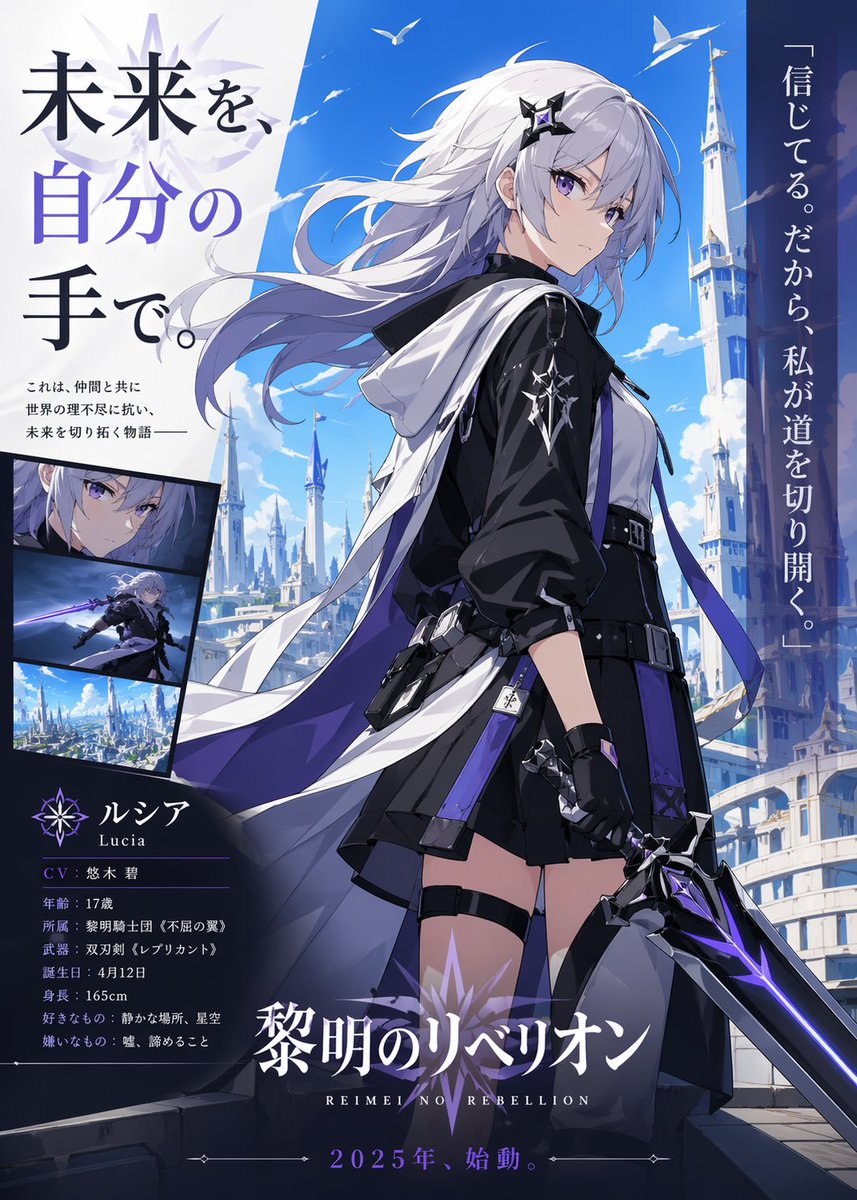



Ready to create
Start with this curated direction in Orelon, then shape it into your next visual.