Camera Control
Prism Refraction Editorial Close-Up Prompt
Views
62
 Orelon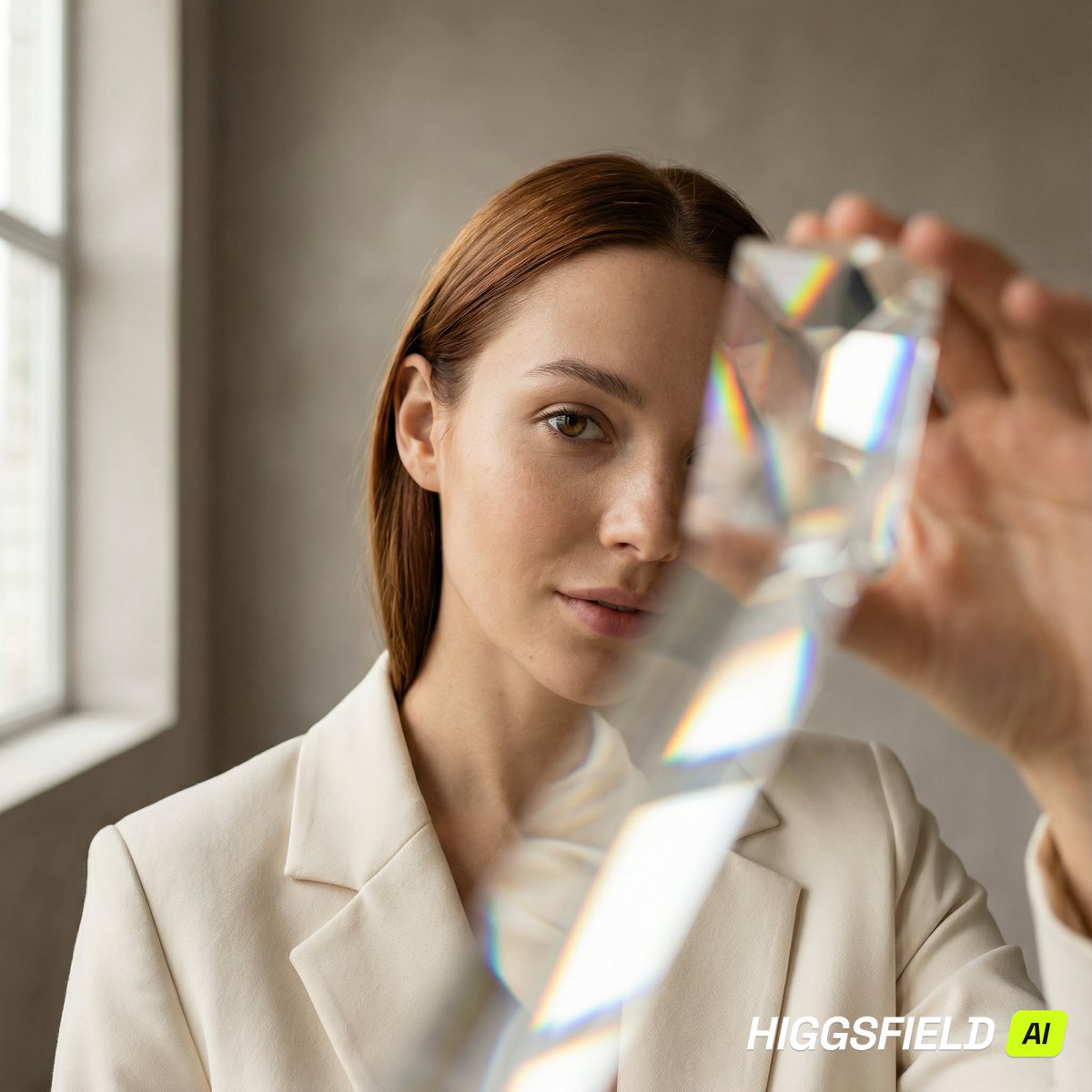
Camera Control
{ "metadata": { "version": "1.1", "project": "Prism Refraction Editorial Close-Up", "style_preset": "modern_editorial" }, "canvas_settings": { "dimensions": { "width": 1200, "height": 1200, "unit": "px" }, "format": { "aspect_ratio": "1:1", "orientation": "square" } }, "environment": { "location": { "setting": "minimal studio corner", "era": "contemporary", "atmosphere": "clean, premium, calm, gallery-like" }, "lighting": { "primary_source": { "type": "large window light", "position": "camera-left", "temperature": "soft daylight", "behavior": "broad wrap, gentle falloff" }, "modifier": { "type": "white bounce card", "position": "camera-right", "behavior": "soft fill without flattening" }, "global_contrast": "medium" }, "background_elements": { "wall": { "material": "matte plaster", "color": "{argument name="wall color" default="warm gray"}", "pattern": "smooth" } } }, "props_and_optics": { "foreground_tool": { "item": "handheld optical prism", "use": "placed near lens to create controlled refraction fragments", "behavior": "rainbow edge splitting, geometric layering, no face obstruction on main eye" } }, "character_model": { "identity": { "gender": "female", "age": "mid 20s", "ethnicity": "light to medium skin tone" }, "anatomy_details": { "skin": "natural realistic texture, subtle freckles, visible pores", "hair": { "color": "{argument name="hair color" default="auburn"}", "style": "sleek straight, tucked behind one ear", "parting": "side" } }, "performance": { "pose": "close-up, chin slightly down, eyes toward lens", "expression": "soft confidence, neutral lips" }, "wardrobe": { "item": "structured blazer", "color": "cream", "finish": "matte fabric, fine weave" } }, "cinematography": { "camera": { "angle": "eye-level", "framing": "tight close-up", "focus": "near eye razor-sharp" }, "optics": { "technique": "prism refraction", "depth_of_field": "very shallow", "background_blur": "smooth creamy bokeh" }, "color_profile": { "dominant": ["warm gray", "cream", "natural skin tones"], "accents": ["subtle rainbow refraction"], "grading": "clean editorial, gentle contrast, accurate color" } }, "render_quality": { "positive_attributes": [ "high resolution", "photorealistic", "realistic catchlights", "sharp skin micro-texture", "controlled refraction clarity" ], "negative_prompt": [ "cartoon", "anime", "illustration", "milky haze", "overexposed skin", "blurred eyes", "double face", "distorted anatomy", "extra limbs" ] } }
This is a free AI prompt from the Orelon library. Thousands more image prompts here are free to copy and adapt.
Explore more image prompts





Ready to create
Start with this curated direction in Orelon, then shape it into your next visual.