Camera Control
Abstract Blue Gradient Wallpaper
Views
36
 Orelon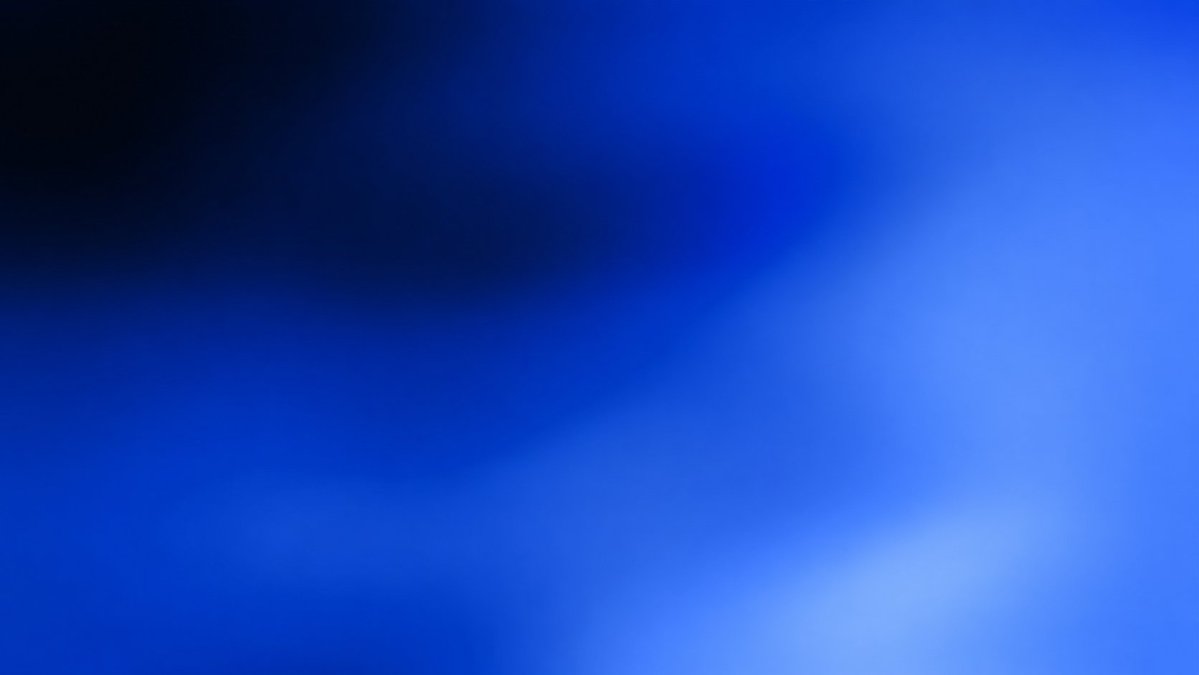
Camera Control
Create a simple abstract full-frame gradient wallpaper in a 16:9 landscape canvas. Use a smooth, soft-focus blue color field with no text, no objects, no visible shapes, and no borders. The composition should transition from very dark navy and near-black in the upper-left corner into saturated cobalt and royal blue across the center, then into brighter azure and electric blue toward the right side, with a pale icy blue glow near the lower-right area. Keep the gradient organic and slightly uneven, like a blurred luminous surface, with subtle diagonal movement from dark upper left to bright lower right. Use high resolution, clean digital rendering, minimal noise, and a polished modern tech aesthetic. Main palette: {argument name="dark corner color" default="near-black navy"}, {argument name="central blue" default="deep cobalt blue"}, and {argument name="bright glow color" default="pale icy azure"}.
This is a free AI prompt from the Orelon library. Thousands more image prompts here are free to copy and adapt.
Explore more image prompts





Ready to create
Start with this curated direction in Orelon, then shape it into your next visual.