Effects by Tags
Ethereal Data Portrait for Astronomers
Likes
25
Views
684
 Orelon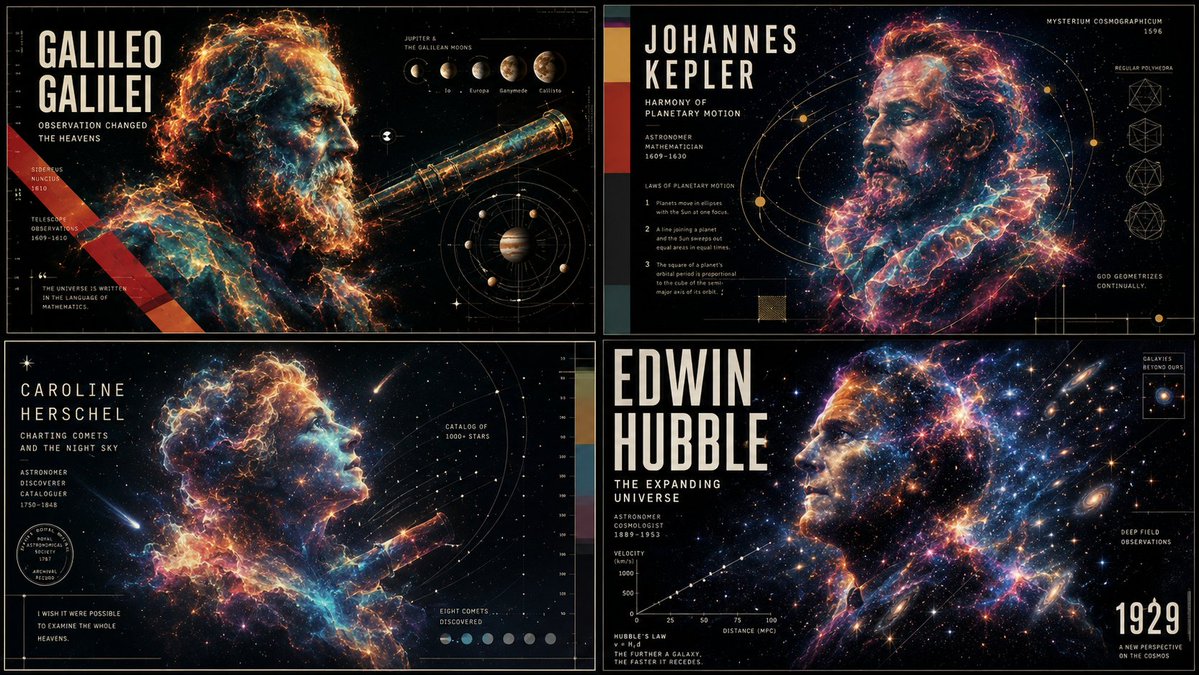
Effects by Tags
2x2 grid, do this for 4 famous astronomers: class ethereal_data_portrait: def __init__(self, subject="{argument name="astronomer name" default="[visionary_name]"}", field="{argument name="field of study" default="[field_of_study]"}"): self.background = "absolute pitch black void" self.layout = "high-end scientific documentary poster, 16:9 aspect ratio" def generate_visuals(self): # ai inference: deduce the elemental material based on the field elemental_matter = f"ai_infer(glowing, ethereal particles representing {self.field}, e.g., cosmic dust, bioluminescence, or electrical plasma)" # the portrait portrait = f"a side-profile portrait of {self.subject}, looking upward. their face and shoulders are not flesh, but physically composed entirely of the {elemental_matter}." # the data overlay technical_ui = f"crisp, thin gold and white vector lines. ai_infer(mathematical diagrams, orbits, or schematics specific to {self.subject}'s discoveries) overlaying the portrait." return [portrait, technical_ui, self.background] # execute: high contrast. the glowing elemental face must illuminate the thin vector lines of the technical ui.
This is a free AI prompt from the Orelon library. Thousands more image prompts here are free to copy and adapt.
Explore more image prompts





Ready to create
Start with this curated direction in Orelon, then shape it into your next visual.