Effects by Tags
MS Paint Charlie Brown Flag Doodle
Likes
1
Views
203
 Orelon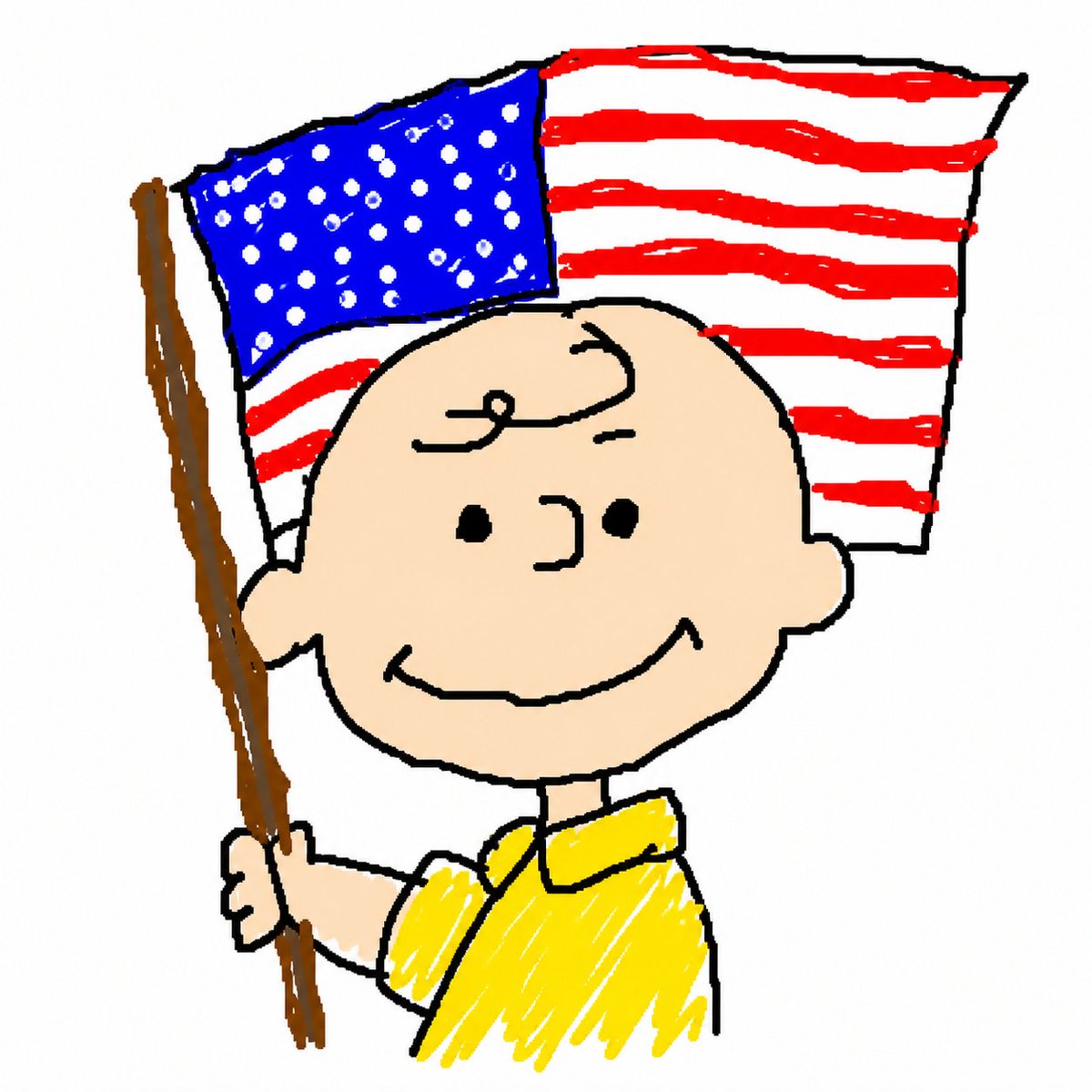
Effects by Tags
Create a deliberately crude Microsoft Paint style cartoon illustration on a plain white background, with thick uneven black outlines, wobbly hand-drawn shapes, scribbly brush fills, and a childlike digital doodle look. The single subject is {argument name="character name" default="Charlie Brown"}, shown from the waist up, smiling calmly at the viewer with a round peach-colored bald head, one small curl of hair on the forehead, dot eyes, simple curved nose, round ears, and a wide curved grin. He wears a bright {argument name="shirt color" default="yellow"} short-sleeve collared shirt filled with messy scribble strokes. His left hand grips a tall brown wooden flagpole angled slightly upward along the left side of the image. Behind his head is a waving {argument name="flag type" default="American flag"} with a blue canton full of many irregular white dots for stars and red-and-white horizontal stripes drawn as rough uneven bands; the flag is outlined in black and appears attached to the pole. Use a square composition, centered character, playful nostalgic Peanuts-like proportions, intentionally imperfect MS Paint brush texture, no text, no shadows, no realistic rendering.
This is a free AI prompt from the Orelon library. Thousands more image prompts here are free to copy and adapt.
Explore more image prompts





Ready to create
Start with this curated direction in Orelon, then shape it into your next visual.