Commercial
Premium Black and White Editorial Poster
Likes
2
Views
79
 Orelon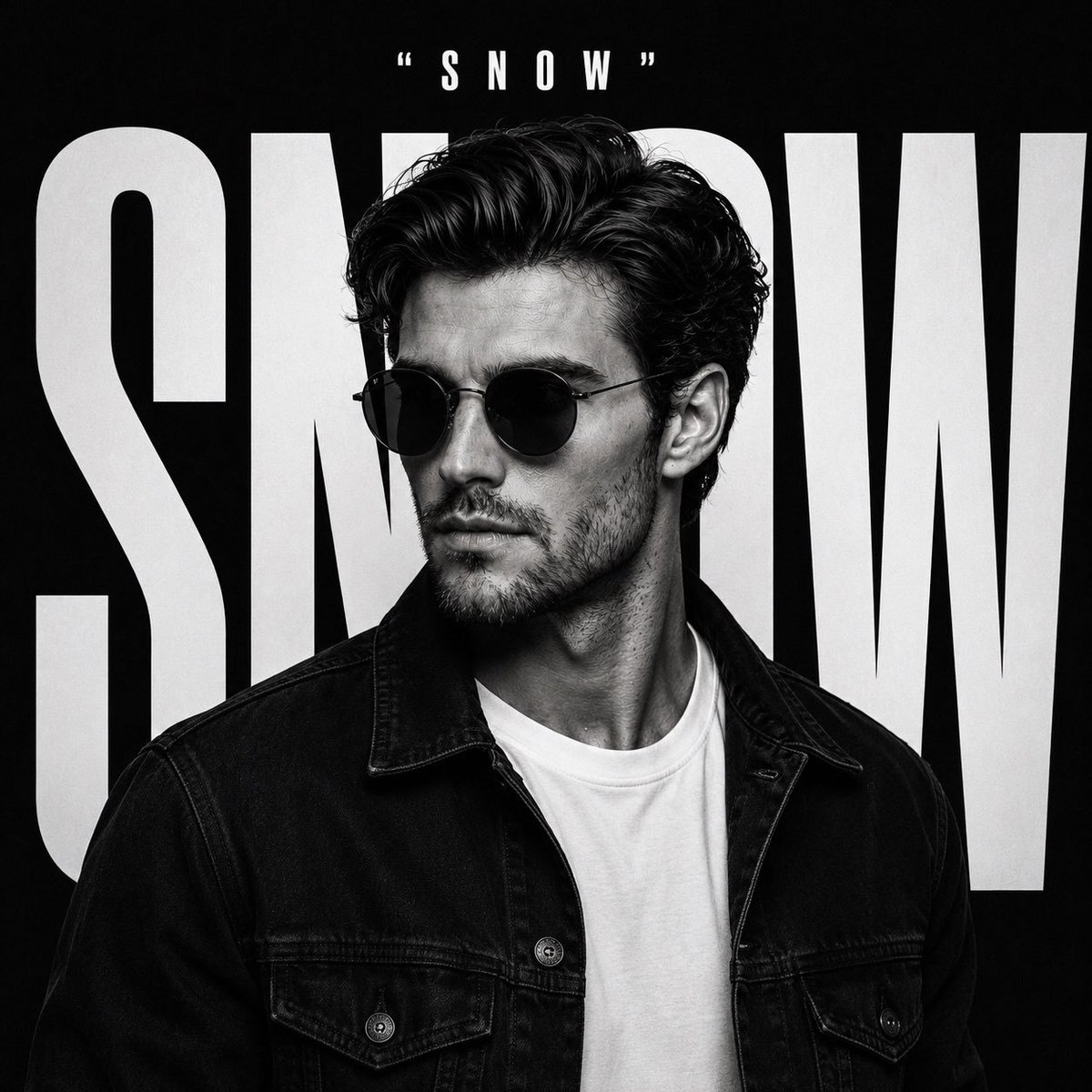
Commercial
Create a premium black and white editorial poster using the uploaded image as the exact facial reference. Preserve the person’s identity, facial features, hairstyle, skin tone, and face shape accurately. Position the subject in a confident three-quarter side profile, looking slightly left, wearing {argument name="accessories" default="round black sunglasses"}, a {argument name="outerwear" default="black denim jacket"} over a plain white crew-neck T-shirt, with a calm, confident expression. The background is a deep matte black studio backdrop featuring the giant word “{argument name="background text" default="SNOW"}” in massive bold condensed white typography spanning nearly the entire canvas behind the subject. The letters should be partially hidden by the person’s head and shoulders to create depth and a premium magazine-cover aesthetic. Place the smaller text “SNOW” centered at the top in clean uppercase white typography with quotation marks. High-contrast monochrome grading, dramatic studio lighting, sharp jawline highlights, crisp hair texture, luxury fashion campaign style, minimalist composition, ultra-realistic skin details, subtle film grain, razor-sharp focus, shallow depth of field, premium typography layout, modern streetwear editorial, Vogue meets GQ aesthetic, cinematic 8K, IMAX quality, photorealistic, square 1:1 composition.
This is a free AI prompt from the Orelon library. Thousands more image prompts here are free to copy and adapt.
Explore more image prompts




Ready to create
Start with this curated direction in Orelon, then shape it into your next visual.