Camera Control
FACS Facial Expression Sequence
Likes
0
Views
0
 Orelon
Camera Control
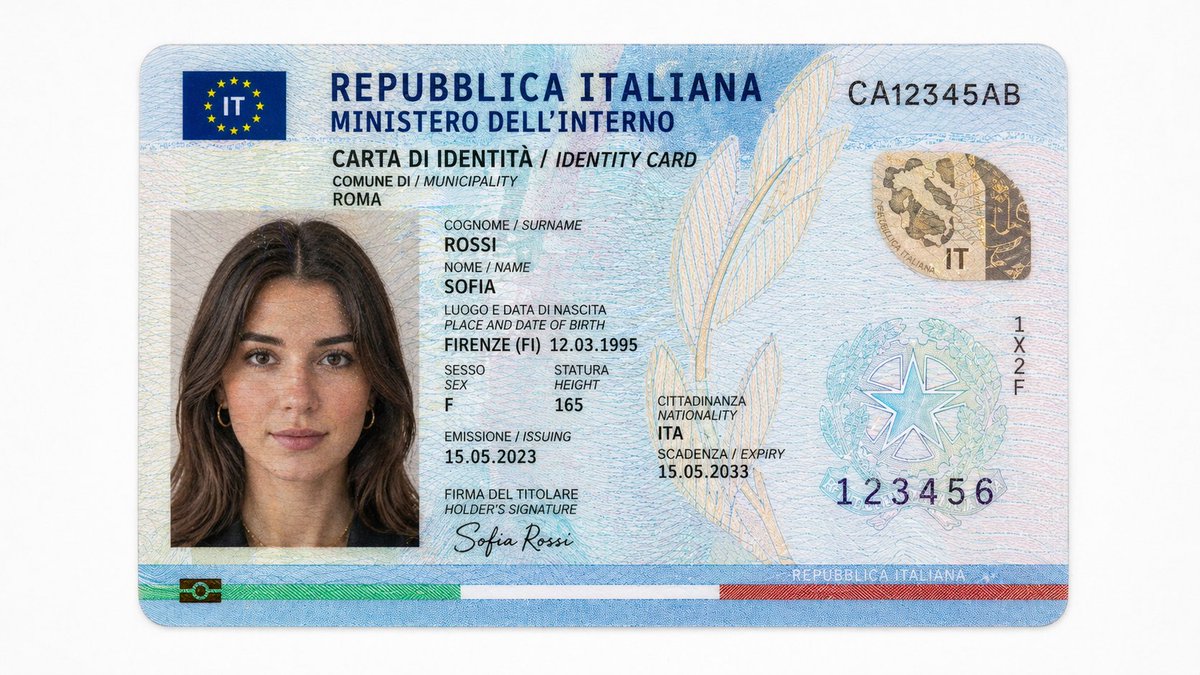
Use the provided character @ Image1 as the fixed identity reference. Use @ Image2 as AU reference.\n\nTreat each of the AUs as sequential fluid live-action motion. Preserve the exact shot order and make the video feel like a continuous flow into each AU, with continuous, fluid live-action motion.\n\n15s, 1:1, 14 beats, beat-synced, cinematic tight close-up, subtle neutral background, high facial clarity, slow micro push-in, shallow depth of field.\n\n1: AU09\n2: AU20\n3: AU22\n4: AU23\n5: AU27\n6: AU28\n7: AU45\n8: AU53\n9: AU61\n10: AU62\n11: AU64\n12: AU85\n13:AU84\n14: AU46\n\nhypnotic, controlled mood. no comedy, no text overlay, no watermark.
This is a free AI prompt from the Orelon library. Thousands more video prompts here are free to copy and adapt.
Explore more video prompts


Ready to create
Start with this curated direction in Orelon, then shape it into your next visual.