Effects by Tags
Cinematic 12-Panel Timeline of a Subject's Epic Day
Likes
1
Views
102
 Orelon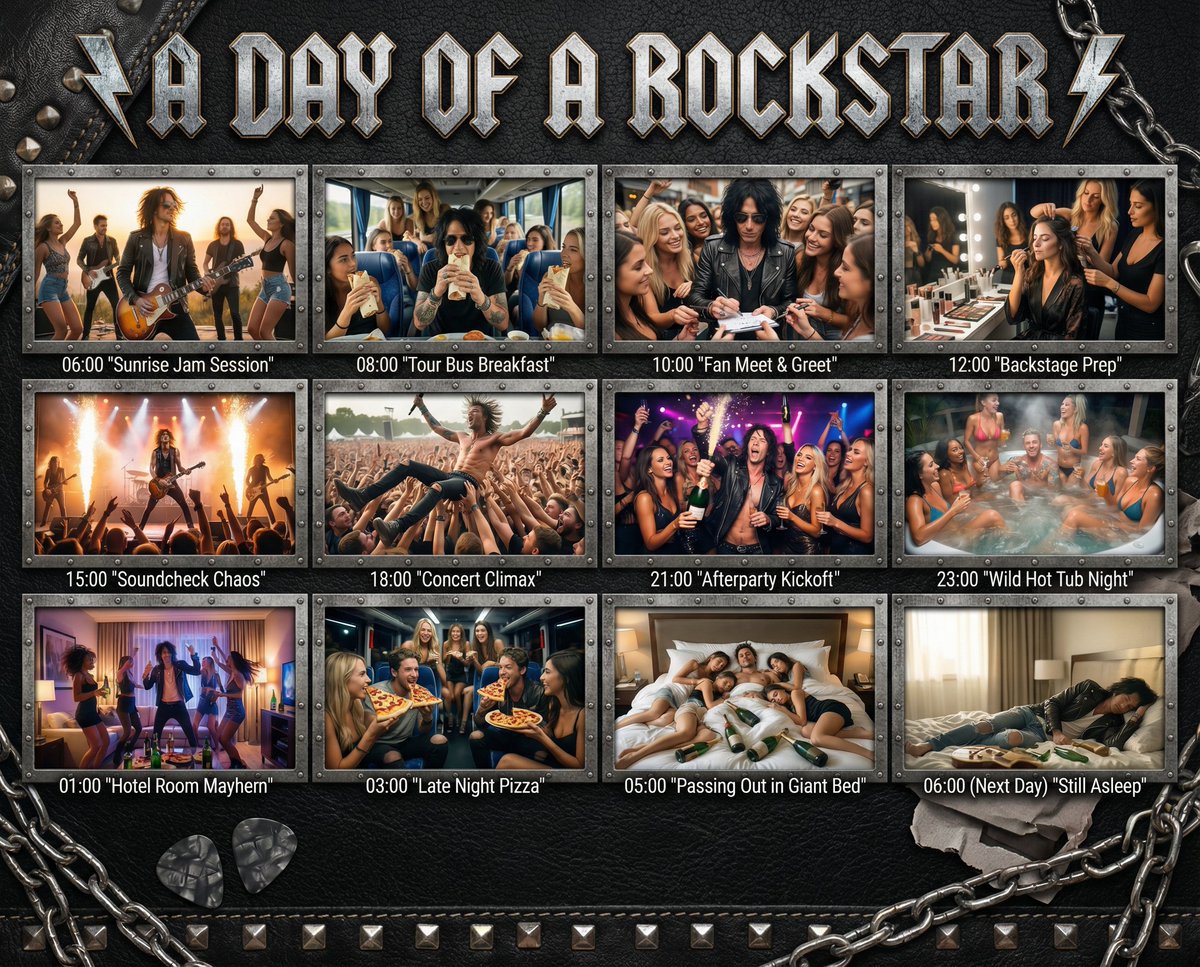
Effects by Tags
"In the Day of {argument name="subject" default="[SUBJECT]"}": Design a 12-panel (4x3) cinematic timeline capturing an epic, chaotic, or hilarious day in the life of {argument name="subject" default="[SUBJECT]"}. Add this title in a style that matches the subject to the top of the image. Each panel must be [PHOTOREALISTIC], large, and show: a timestamp (e.g. 06:00, 08:00...) a short, punchy caption in quotes (e.g. "Potion Mishap", "Midnight Bounty Run") a richly detailed, high-energy scene tailored to that moment of their day. The overall backdrop, panel frames, textures, and visual UI elements must match the subject’s universe — e.g., {argument name="theme example" default="leather + studs for rockstars"}, arcane scrolls for wizards, chrome HUD for cyborgs, jungle vines for pirates, etc. Panels are arranged in a grid or storyboard, with rugged or themed dividers. Final panel (06:00 next day) shows collapse, rest, or post-chaos resolution.
This is a free AI prompt from the Orelon library. Thousands more image prompts here are free to copy and adapt.
Explore more image prompts





Ready to create
Start with this curated direction in Orelon, then shape it into your next visual.