Effects by Tags
Convert Copilot cat image to pixel art
Views
51
 Orelon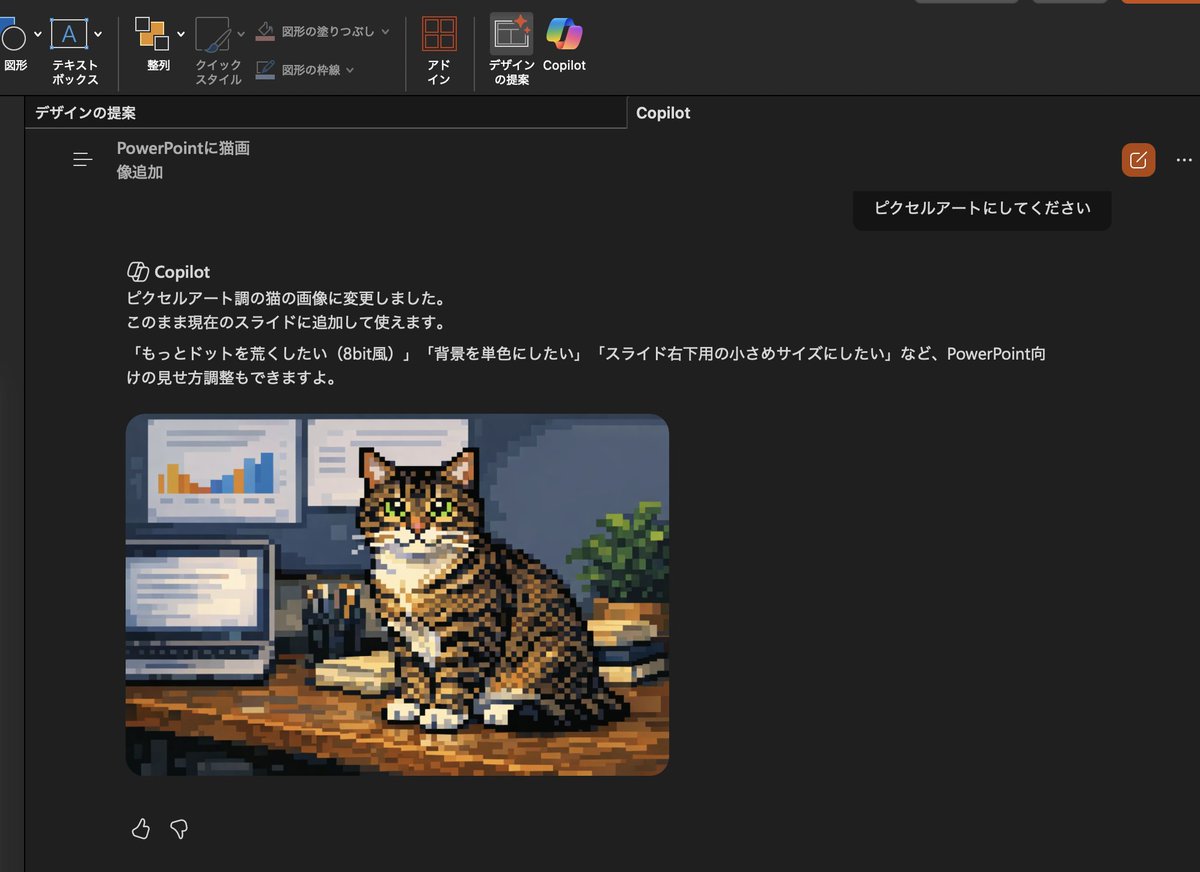
Effects by Tags
Using the provided reference image, transform only the inserted cat photo into retro pixel art while keeping the overall PowerPoint dark-mode Copilot screenshot layout, interface, and composition unchanged. Preserve the same tabby cat, pose, desk setting, laptop, wall charts, books, and plant, but redraw that image as chunky low-resolution game-style pixel art with visible square pixels, simplified shading, and an 8-bit feel. Also update the visible Japanese Copilot request and response text so the request says 「ピクセルアートにしてください」 and the response explains that the cat image was changed to pixel-art style, with follow-up suggestions mentioning 3 options: 「もっとドットを荒くしたい(8bit風)」, 「背景を単色にしたい」, and 「スライド右下用の小さめサイズにしたい」.
This is a free AI prompt from the Orelon library. Thousands more image prompts here are free to copy and adapt.
Explore more image prompts





Ready to create
Start with this curated direction in Orelon, then shape it into your next visual.