Effects by Tags
Google Maps Street to Autumn Illustration
Likes
3
Views
43
 Orelon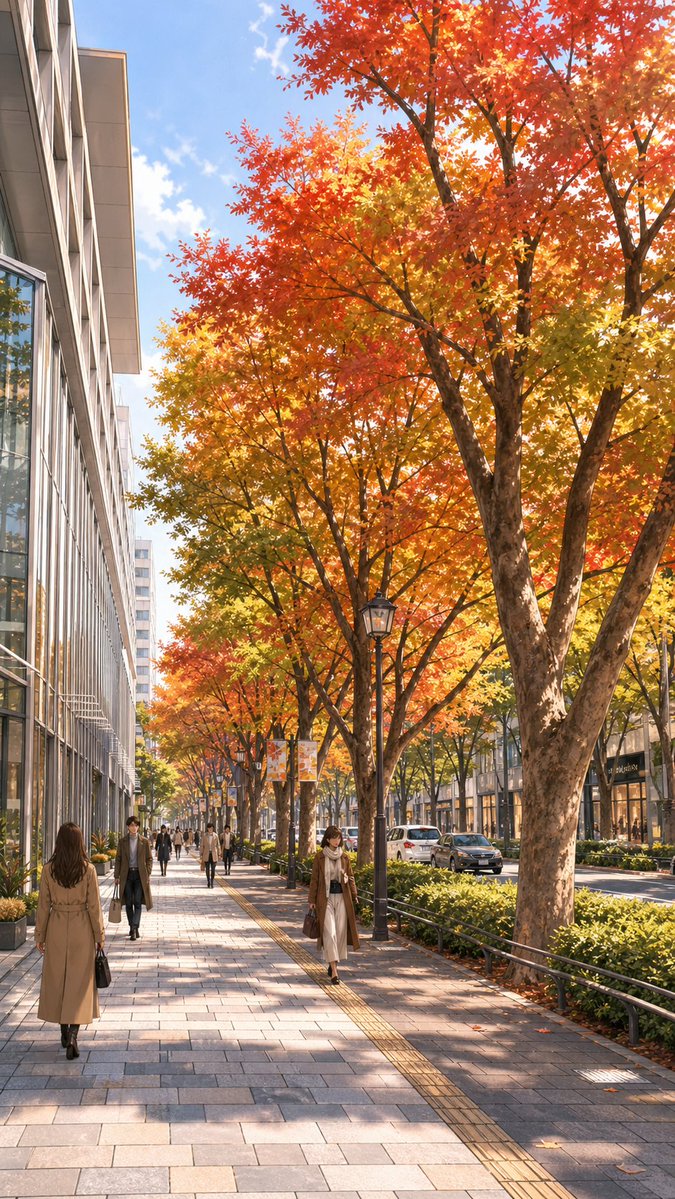
Effects by Tags
Using the provided reference image of the city sidewalk, transform the scene into a polished illustration-style urban streetscape in peak autumn. Keep the same viewpoint, street layout, tree placement, sidewalk perspective, road on the right, and building massing on the left, but replace the green summer foliage with vivid fall leaves in red, orange, and golden yellow. Change the overcast look to a bright, clear daytime sky with warm sunlight and soft directional shadows. Clean up the Google Maps screenshot artifacts and regenerate the whole scene as a refined, realistic anime-style background illustration. Preserve the feeling of a busy shopping street, but redraw the pedestrians as stylish modern city walkers and make the storefronts and cars look more elegant and coherent.
This is a free AI prompt from the Orelon library. Thousands more image prompts here are free to copy and adapt.
Explore more image prompts





Ready to create
Start with this curated direction in Orelon, then shape it into your next visual.