Camera Control
Dynamic Cheerleader Performance Shot
Likes
3
Views
86
 Orelon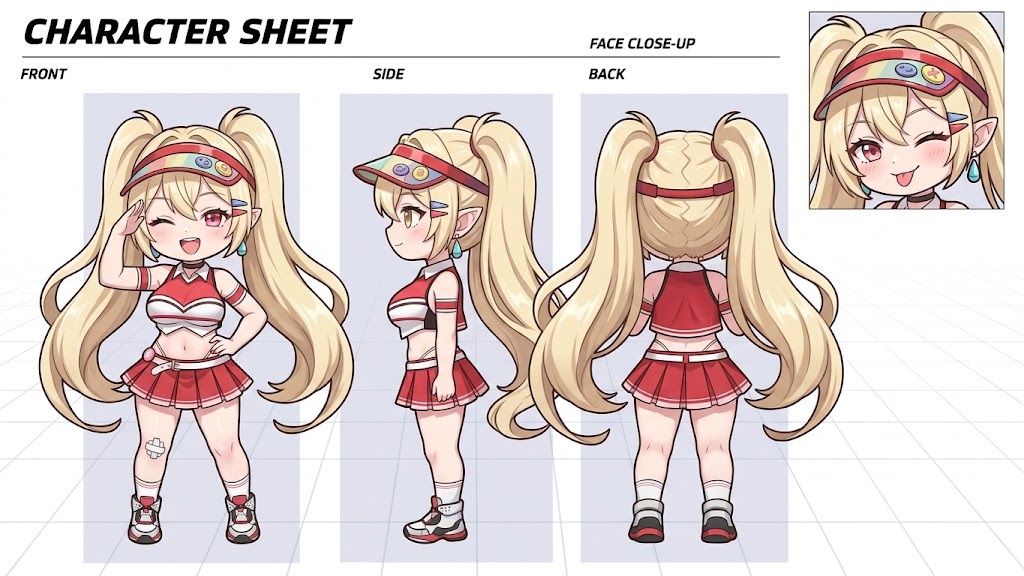
Camera Control
Image size: “9:16”. Create an image incorporating the following elements. Create a cheerleading performance scene featuring three cheerleaders: “{argument name="Character A" default="Bay"},” “{argument name="Character B" default="Poli"},” and “{argument name="Character C" default="Clay"}.” ## Positioning - “Clay” is positioned in the center. - “Poli” is positioned to the right of “Clay.” - “Bay” is positioned to the left of “Clay.” ## Location - On the {argument name="location" default="baseball field"}. ## Action - Dynamic, energetic cheerleading actions full of movement. - “Clay” is jumping high into the air and performing a toe touch. ## Camera - Dutch angle. - Low angle. - Important - Be sure to clearly depict “Clay” positioned at the center of the three cheerleaders.
This is a free AI prompt from the Orelon library. Thousands more image prompts here are free to copy and adapt.
Explore more image prompts





Ready to create
Start with this curated direction in Orelon, then shape it into your next visual.