Camera Control
Cinematic Blender Scene Transformation
Views
34
 Orelon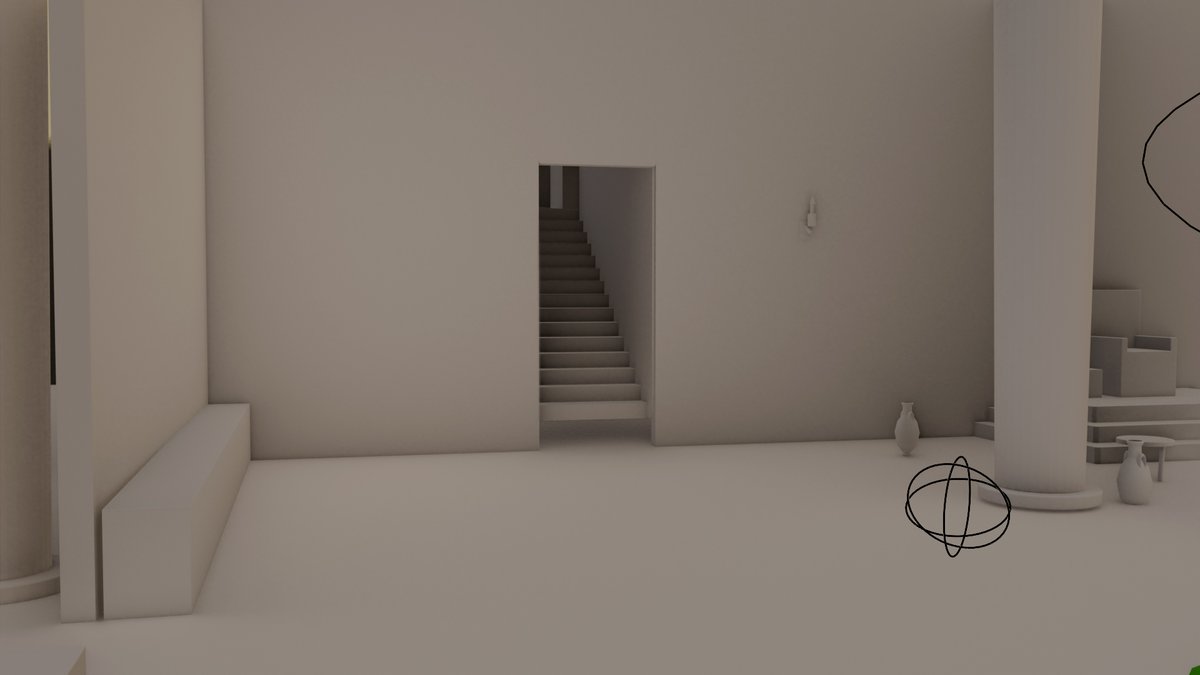
Camera Control
Using REFERENCE_0 as an instruction screenshot, extract the prompt it contains and execute it: texture a Blender architectural scene while taking into account a second visual reference arranged as a grid with exactly 4 views of the scene. Produce a single cinematic render of the interior scenario, preserving the minimalist architectural layout and neutral warm palette. Style target: {argument name="visual style" default="cinematic shot on IMAX MSM 9802, 50mm prime lens, heavy authentic film grain, desaturated teal color grade with warm firelight highlights, shallow depth of field, high production value, grounded visceral Bronze Age realism"}. Constraints: {argument name="negative style" default="No 3D, no cartoon, no VFX"}.
This is a free AI prompt from the Orelon library. Thousands more image prompts here are free to copy and adapt.
Explore more image prompts





Ready to create
Start with this curated direction in Orelon, then shape it into your next visual.