Camera Control
Realistic Manicure Hand Retouch
Likes
1
Views
221
 Orelon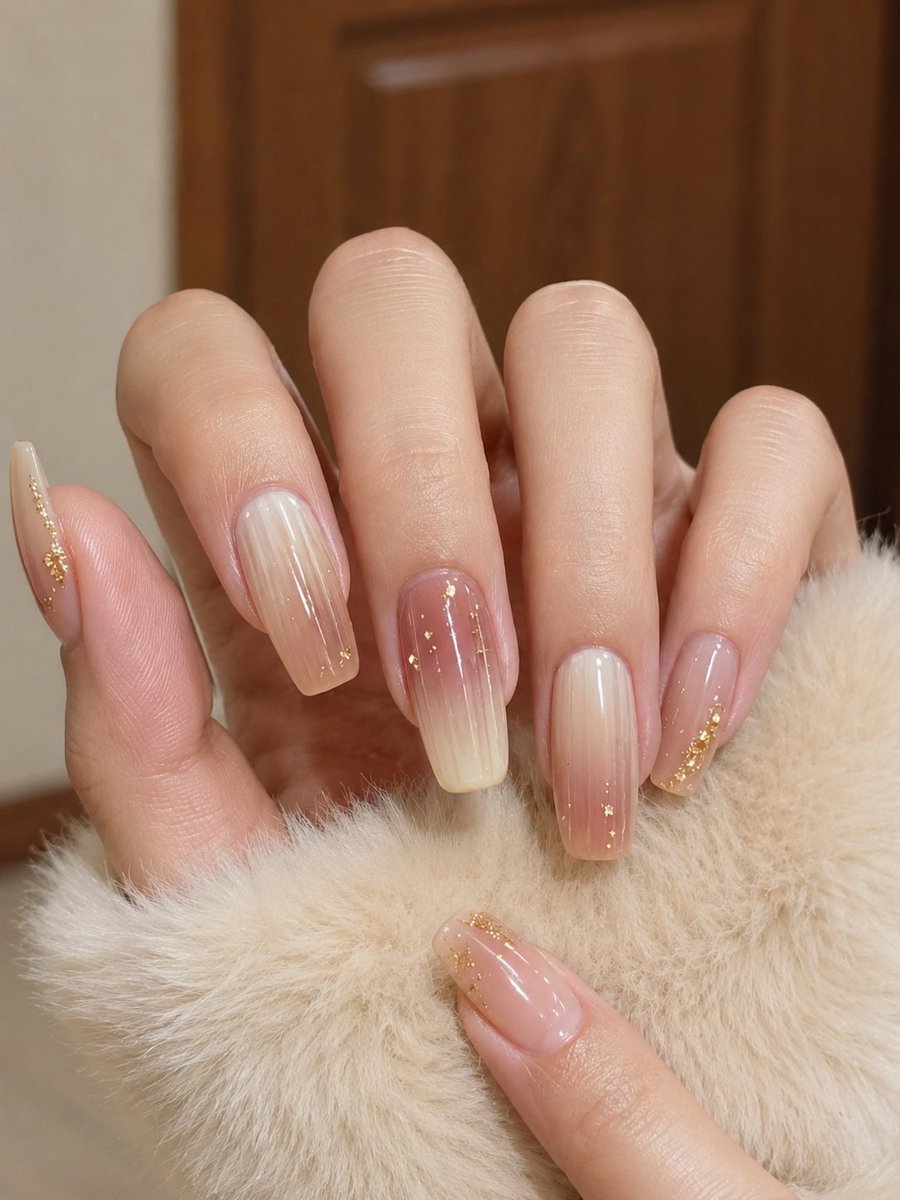
Camera Control
Using REFERENCE_0 as the base image, keep the same composition, camera angle, manicure design, soft beige furry prop, warm indoor background, and overall cozy lighting. Retouch only the hand to make it look like a real photographed hand instead of an over-smoothed AI hand: restore {argument name="skin realism level" default="natural hand texture and color"}, add fine skin pores, subtle wrinkles, fingertip lines, knuckle creases, believable skin-tone transitions, and clearer nail-bed edges. Preserve the 6 visible manicured nails exactly in style and placement: left-side thumb nail, index nail, middle nail, ring nail, pinky nail, and lower foreground thumb nail. Reduce plastic smoothness and blur while keeping the image flattering, clean, and realistic.
This is a free AI prompt from the Orelon library. Thousands more image prompts here are free to copy and adapt.
Explore more image prompts





Ready to create
Start with this curated direction in Orelon, then shape it into your next visual.