Commercial
Streetwear Motion Clone Editorial
Likes
2
Views
412
 Orelon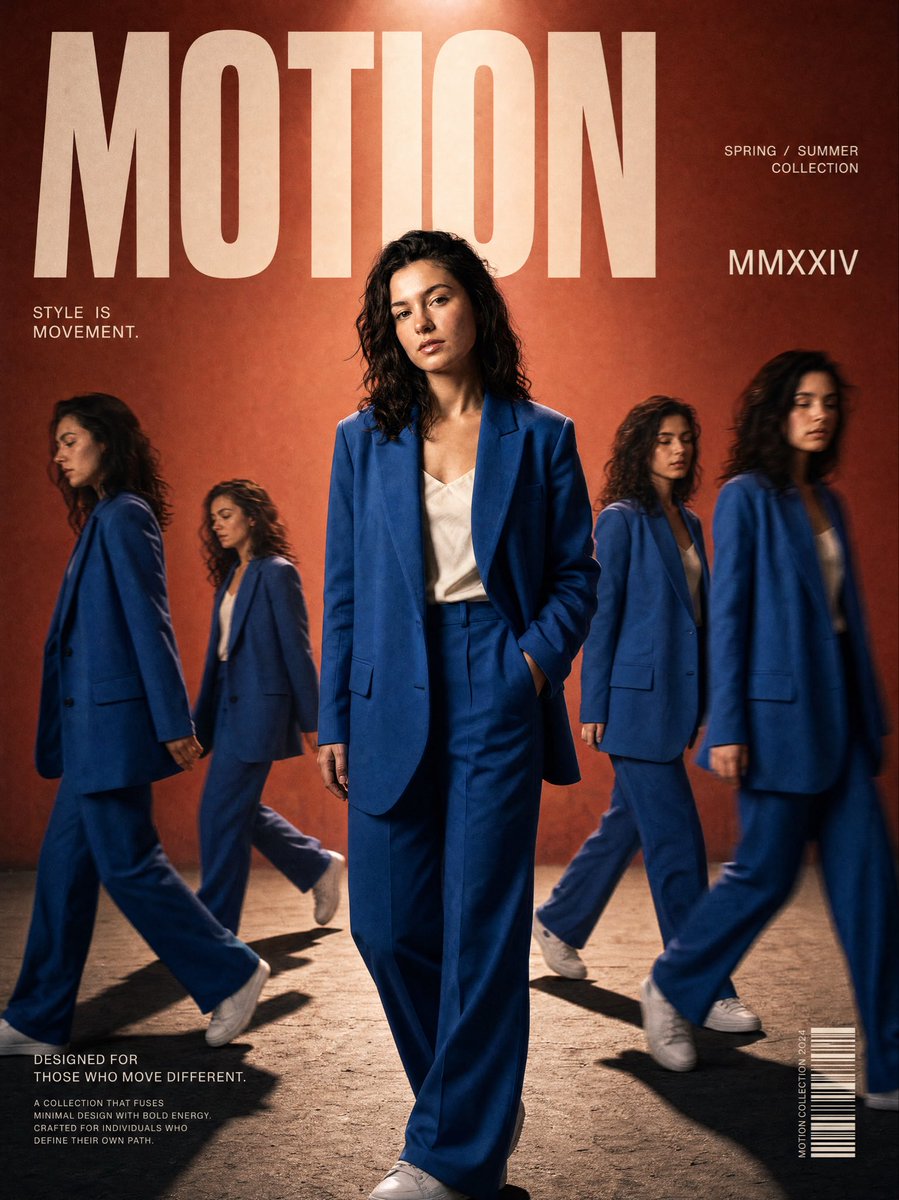
Commercial
Turn {argument name="source" default="my photo"} into a luxury cinematic streetwear editorial poster. Preserve my face, body, pose, outfit and original background so I'm still clearly recognizable, then upgrade the whole frame into a {argument name="style" default="high-end fashion campaign look"}. Across the composition place {argument name="count" default="4"} realistic duplicate versions of me arranged like motion-captured steps of a walk sequence. Keep the central/front version the biggest, sharpest and most detailed, while the side clones are softly faded or motion blurred. Light it with dramatic top-down lighting, a subtle glow, deep shadows, long floor shadows, a cool-toned cinematic color grade, strong contrast, glossy highlights and a touch of fine film grain. Render outfit textures crisp and premium. In the top corner add bold oversized magazine-style typography with one powerful word tied to movement or style (e.g. MOTION, STATIC, RUSH, ECHO), plus smaller minimal text like a collection year, slogan, barcode or campaign details.
This is a free AI prompt from the Orelon library. Thousands more image prompts here are free to copy and adapt.
Explore more image prompts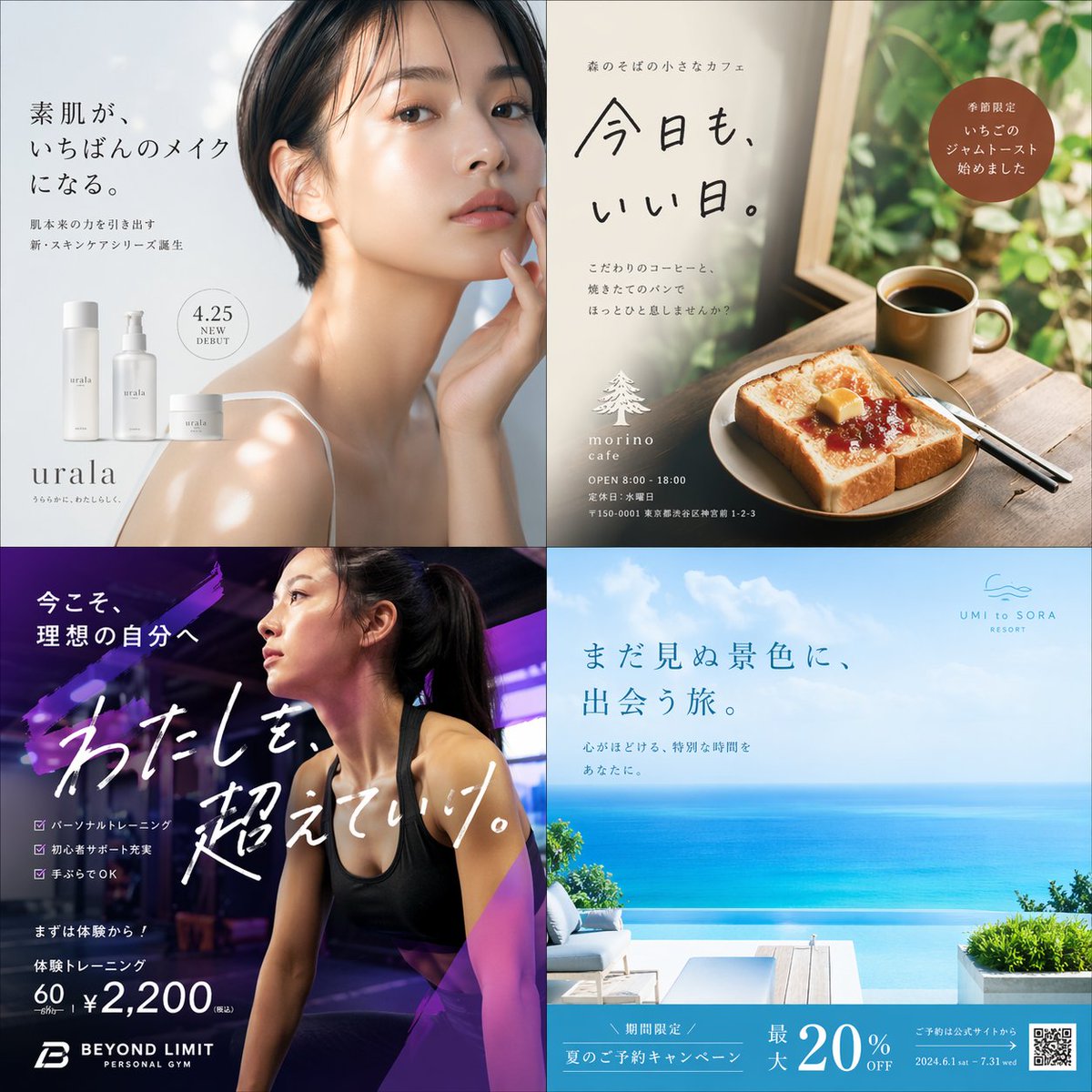


Ready to create
Start with this curated direction in Orelon, then shape it into your next visual.