Commercial
Red Suit Fashion Editorial Portrait
Likes
15
Views
1.3K
 Orelon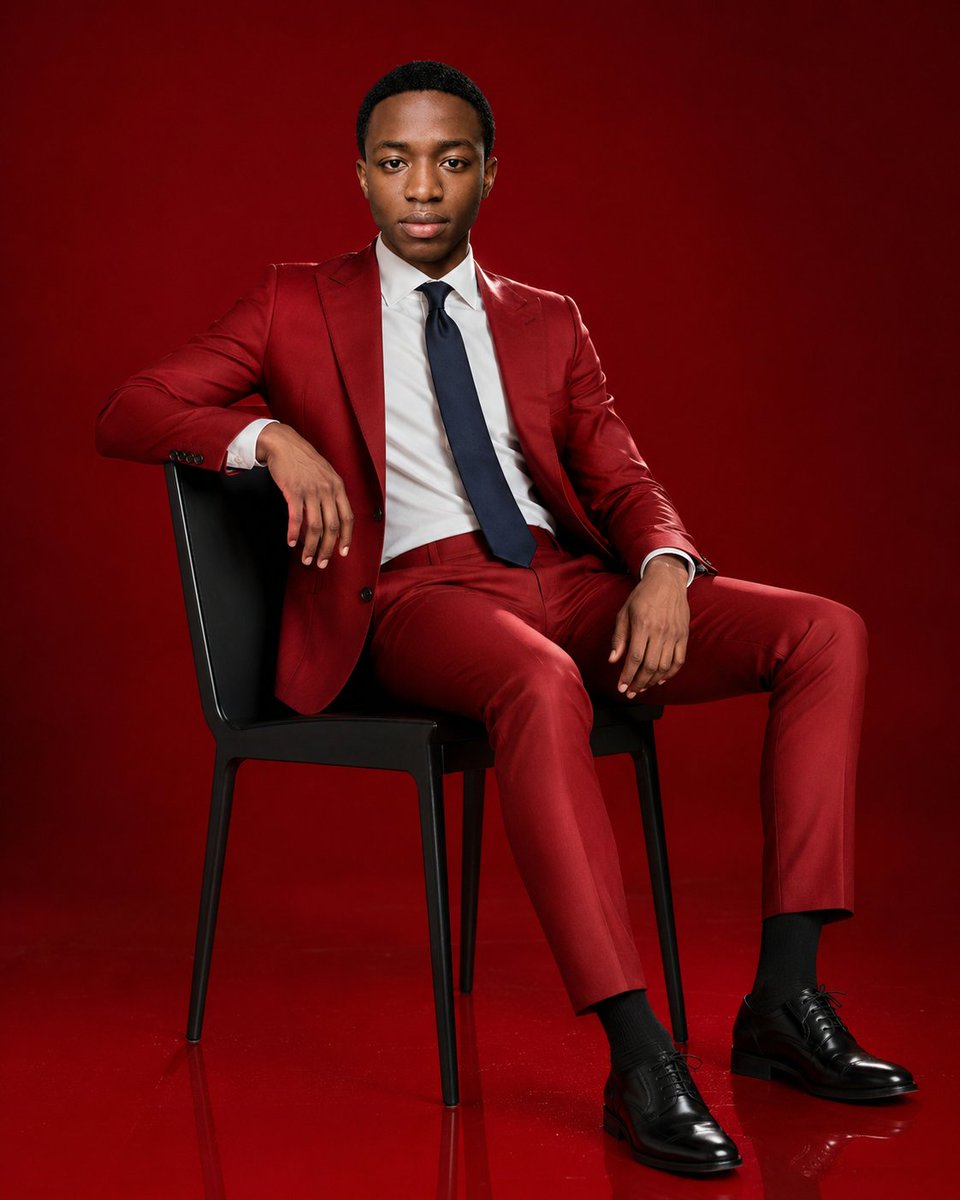
Commercial
Create an ultra-realistic luxury fashion editorial portrait in a 4:5 vertical aspect ratio. A young Black male model with short close-cropped black hair and smooth skin sits confidently on a modern black chair in a studio. He wears a perfectly tailored glossy {argument name="suit color" default="deep crimson red"} two-piece suit with a fitted blazer and slim trousers, a crisp {argument name="shirt color" default="white"} dress shirt, a {argument name="tie color" default="dark navy"} tie, black dress socks, and polished black leather oxford shoes. His pose is relaxed and composed: body angled slightly toward camera, legs spread naturally, one forearm draped over the chair back with the hand hanging down, the other hand resting on his thigh, shoulders squared, direct calm gaze into the lens, neutral serious expression. Use a seamless {argument name="background color" default="deep red"} studio backdrop and matching glossy floor with subtle reflections. Lighting should feel like a premium fashion campaign: soft frontal key light, gentle highlights on the suit fabric, controlled shadows, sharp facial detail, realistic skin texture, clean tailoring lines, high-end editorial styling. Frame as a full-body seated portrait with the chair fully visible, centered slightly left, no props beyond the chair, no text, no watermark, photorealistic studio photography, polished magazine-cover quality.
This is a free AI prompt from the Orelon library. Thousands more image prompts here are free to copy and adapt.
Explore more image prompts




Ready to create
Start with this curated direction in Orelon, then shape it into your next visual.