Camera Control
PS1 Retro Gaming Style Prompt
Views
95
 Orelon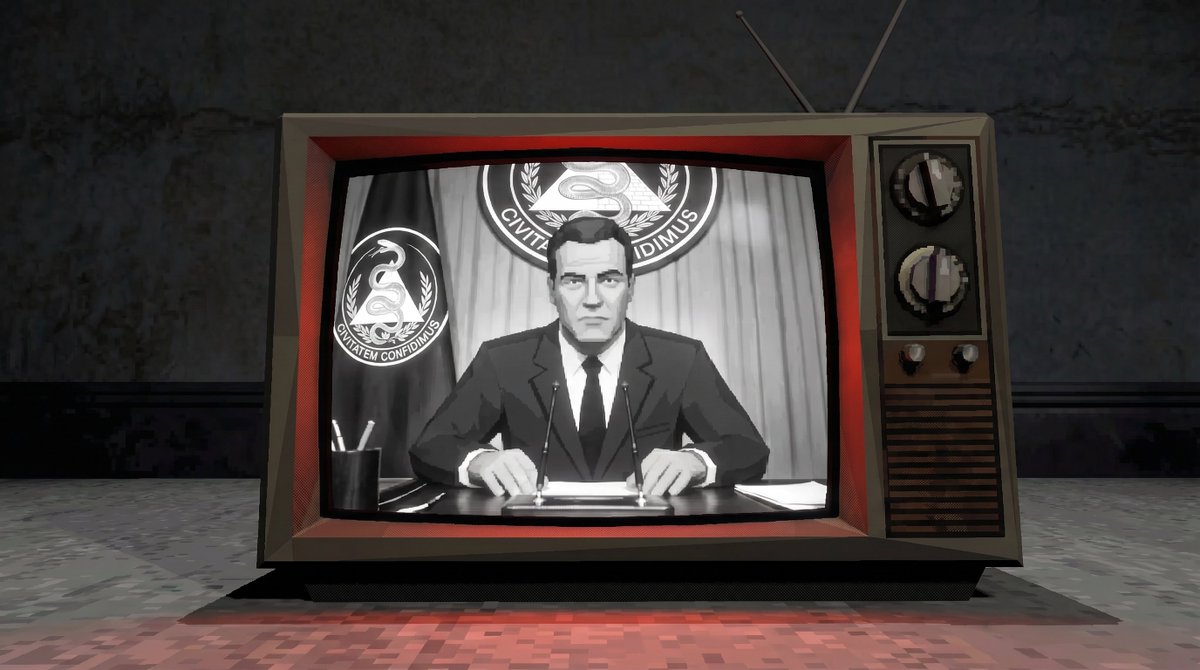
Camera Control
Transform the entire image into an authentic screenshot captured directly from a {argument name="console era" default="late-1990s PlayStation 1 (PS1)"} video game running on original hardware. Re-render every single element of the scene — every object, character, surface, background, lighting, and detail — as {argument name="geometry style" default="low-polygon 3D models"} with clearly visible triangular facets, flat angular geometry, and no smoothing or subdivision whatsoever. Use extremely low-resolution textures (256×256 pixels or smaller) that are blurry, pixelated, and heavily compressed, with obvious tiling seams, mipmapping artifacts, and poor UV mapping. Apply classic PS1 affine texture mapping across all surfaces so textures visibly stretch, warp, wobble, and distort unnaturally with any change in perspective or camera angle (especially noticeable on floors, walls, and curved objects). Remove all anti-aliasing entirely — every edge must be sharply jagged and aliased with prominent stair-stepping. Use only basic flat shading or simple Gouraud vertex shading with no dynamic lights, no real-time shadows, no specular highlights, and no advanced effects. Simulate the PS1’s 16-bit color depth and 5-5-5 RGB limitations by introducing visible checkerboard or ordered dithering patterns in all color gradients, skies, shadows, and semi-transparent areas to prevent banding. Include typical PS1 graphical quirks: subtle vertex snapping/jitter/wobbling on moving or angled geometry, minor polygon pop-in or Z-fighting where appropriate, and a limited draw distance that may softly fade into a low-detail fog. The overall resolution should feel like a raw {argument name="resolution" default="320×240"} or 640×480 PS1 framebuffer output, giving the whole image a slightly soft yet crunchy retro pixel look when viewed at modern sizes. Preserve the original scene composition and camera angle exactly, but convert everything into this pure PS1 3D style as if the photo itself were modeled and rendered inside an actual PS1 game. No text overlays, no HUD elements, no subtitles, no menu graphics, no scanlines, no CRT curvature, and no modern post-processing of any kind — just a clean, direct screenshot from the console’s video output.
This is a free AI prompt from the Orelon library. Thousands more image prompts here are free to copy and adapt.
Explore more image prompts





Ready to create
Start with this curated direction in Orelon, then shape it into your next visual.