Effects by Tags
Cinematic Analog Portrait Transformation
Likes
9
Views
153
 Orelon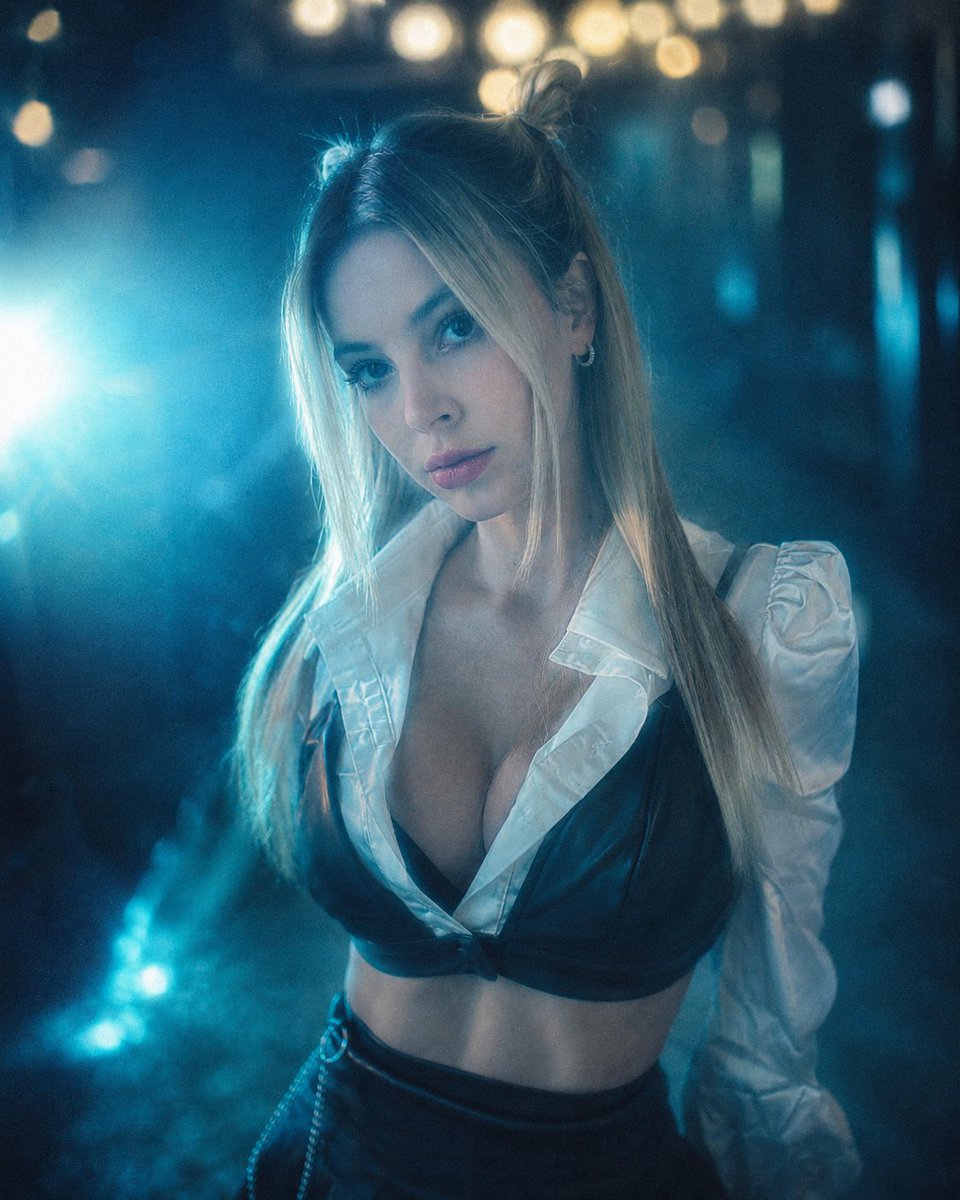
Effects by Tags
Create a cinematic portrait from the attached image. The scene has a pronounced {argument name="color filter" default="cyan and turquoise"} color filter, with a soft haze effect and a {argument name="light flare color" default="bright blue"} light flare on the left. A blurred night background features {argument name="bokeh color" default="bright yellow"} bokeh lights at the top. The style is analog photography, with subtle grain, a dreamy feel, soft lighting, and low saturation of warm tones.
This is a free AI prompt from the Orelon library. Thousands more image prompts here are free to copy and adapt.
Explore more image prompts





Ready to create
Start with this curated direction in Orelon, then shape it into your next visual.