Commercial
Sunlit Bouquet Photo Retouch
Likes
12
Views
2.2K
 Orelon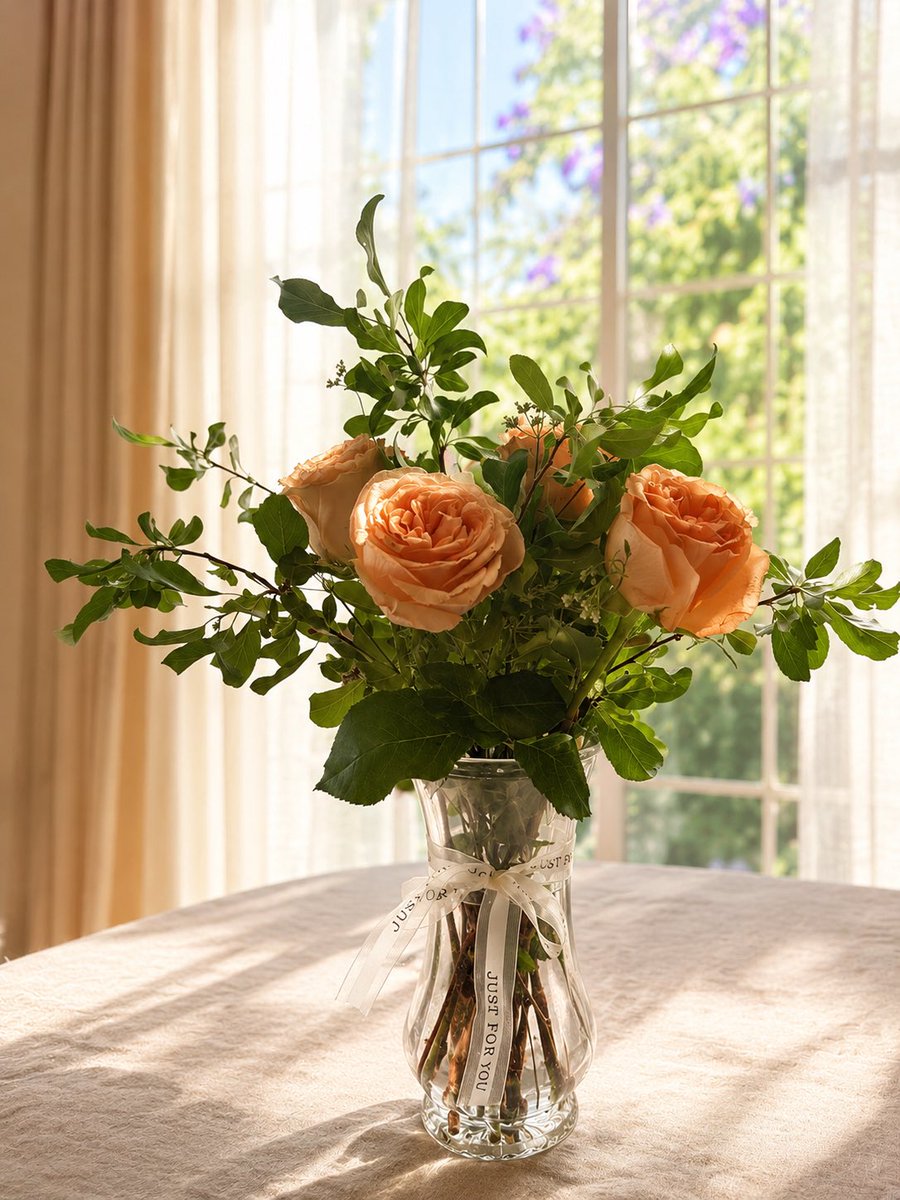
Commercial
Using REFERENCE_0 as the base photo, retouch it into a clean, professional lifestyle shot while preserving the bouquet, clear glass vase, white ribbon text “JUST FOR YOU,” and the exact arrangement with 4 visible peach roses. Brighten the entire scene with warm natural sunlight coming through the window, improve exposure and color, make the greenery and roses look fresh and vivid, and add a soft shallow-depth-of-field look to the outdoor view. Neaten the composition by centering the vase and bouquet more elegantly, removing distracting table items such as the 2 gray placemats and dark chair backs, and making the tablecloth look freshly ironed, smoother, cleaner, and softly lit. Keep the window, sheer curtains, and cozy indoor setting, but make the result look polished, airy, and photorealistic, as if shot for a home decor or flower delivery advertisement.
This is a free AI prompt from the Orelon library. Thousands more image prompts here are free to copy and adapt.
Explore more image prompts




Ready to create
Start with this curated direction in Orelon, then shape it into your next visual.