Camera Control
Cinematic Astronaut Cockpit Scene
Likes
2
Views
53
 Orelon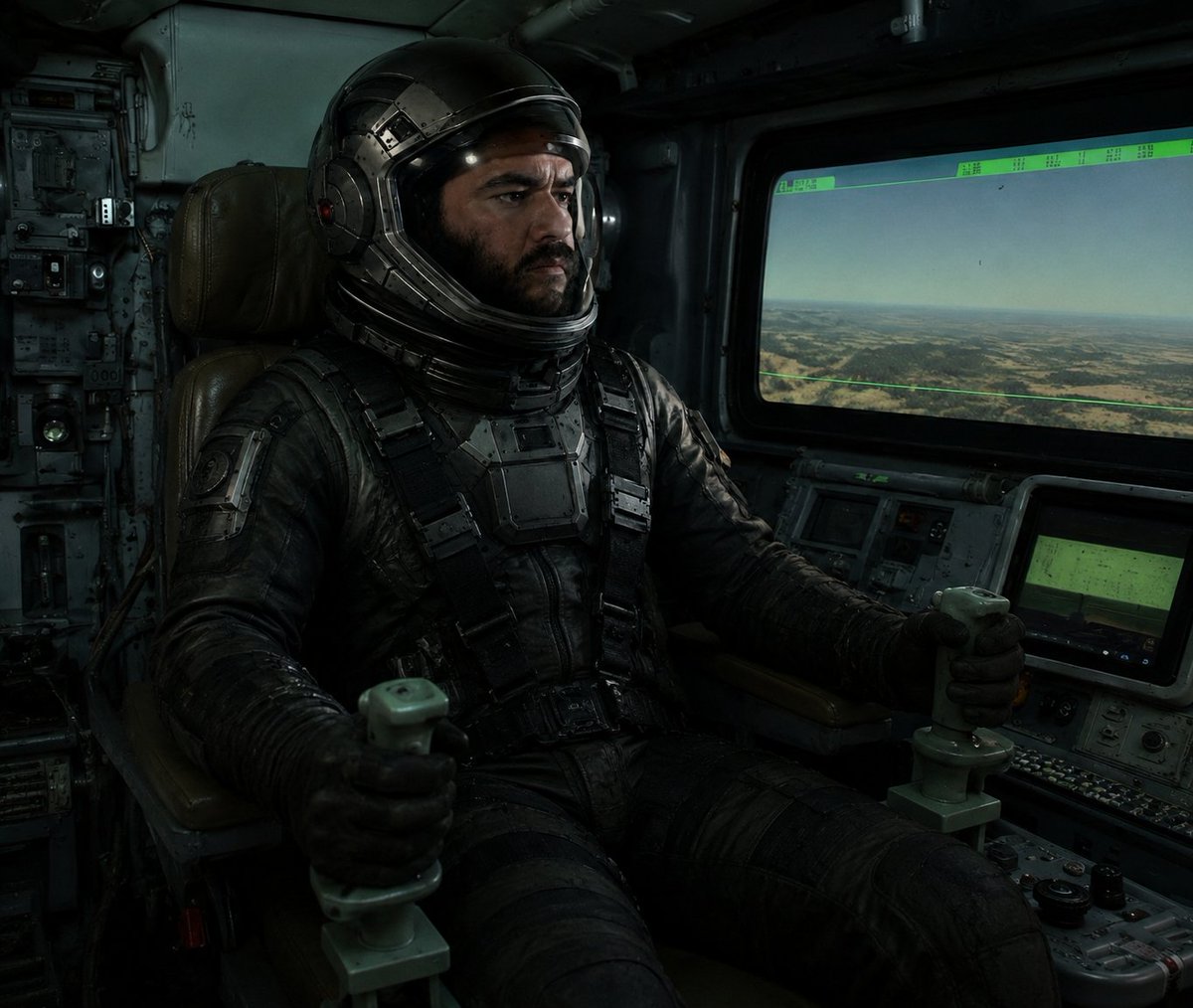
Camera Control
Create a dark cinematic sci-fi cockpit scene in a gritty realistic style: a single astronaut pilot, {argument name="pilot type" default="armored astronaut pilot"}, sits centered-left in a worn brown leather command chair inside an old military spacecraft or aircraft cockpit, wearing a bulky black tactical pressure suit with straps, chest armor plates, gloves, and a glossy black helmet with metallic segmented details. The helmet visor area is deliberately obscured by one solid dark square censor block, covering the face and front visor. The pilot grips exactly two pale green joystick control handles, one in each hand, with both arms extended forward. Surround the pilot with dense analog control panels, switches, knobs, cables, worn metal walls, and dim green instrument displays. On the right side, include one large rectangular cockpit window showing a hazy aerial landscape of desert plains and low hills under a pale sky, with a thin green HUD overlay and small unreadable data markings along the top edge. Below the window, include two smaller console screens glowing muted green among buttons and dials. Use low-key moody lighting with greenish-blue shadows, dusty volumetric atmosphere, high contrast, realistic textures, scuffed metal, black leather, and a cinematic relit look. Composition should feel like a still from a dystopian space film, 4:3 aspect ratio, close-medium interior shot, no readable text, no extra characters, no logos, no watermark.
This is a free AI prompt from the Orelon library. Thousands more image prompts here are free to copy and adapt.
Explore more image prompts





Ready to create
Start with this curated direction in Orelon, then shape it into your next visual.