Camera Control
Image to 16-Bit Retro Pixel Art Transformation
Likes
5
Views
163
 Orelon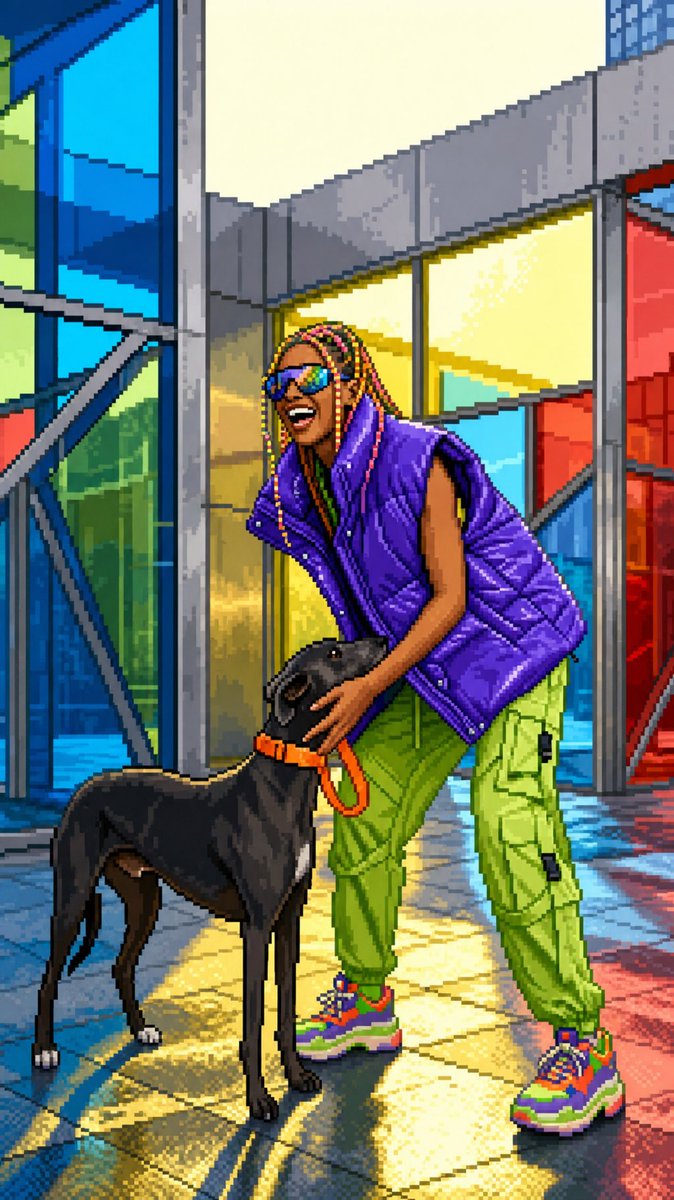
Camera Control
Transform the uploaded image into clean high-quality retro pixel art while preserving the original composition, subject placement, camera angle, proportions, pose, clothing, and overall scene structure. FORMAT Preserve the original image aspect ratio, composition and framing. Do not crop, zoom, reposition, or redesign the scene. Maintain the original visual hierarchy and subject placement. SUBJECT Preserve the main subject, recognizable silhouette, facial direction, clothing structure, pose, body proportions, and key visual features. Reduce unnecessary detail while keeping the subject immediately recognizable. Do not alter the person, anatomy, outfit, or scene structure. PIXEL ART STYLE Convert the entire image into premium {argument name="bit depth" default="16-bit"} retro pixel art. Use a strict low-resolution pixel grid across the entire image. Downsample into large visible pixels before rendering. Consistent pixel size throughout. Clean pixel-perfect geometry. Crisp hard edges. No semi-realistic rendering. COLOR Limited retro gaming color palette. Strong contrast between shapes. Clear color separation. {argument name="color quality" default="Carefully selected colors with excellent readability"}. No excessive color variation. SHADING Simplified retro-game shading. Flat color regions. One to two shading tones per surface. Minimal highlights. No realistic gradients. No soft lighting transitions. ENVIRONMENT Convert all environmental elements into pixel-art equivalents — background, props, architecture, vegetation, terrain, sky, lighting. Keep scene depth and perspective while simplifying details. QUALITY No blur. No anti-aliasing. No smooth transitions. No noise. No artifacts. No smudging. FINAL LOOK A polished {argument name="console era" default="SNES-era"} retro game screenshot — faithful to the original composition, pixel-perfect in every detail.
This is a free AI prompt from the Orelon library. Thousands more image prompts here are free to copy and adapt.
Explore more image prompts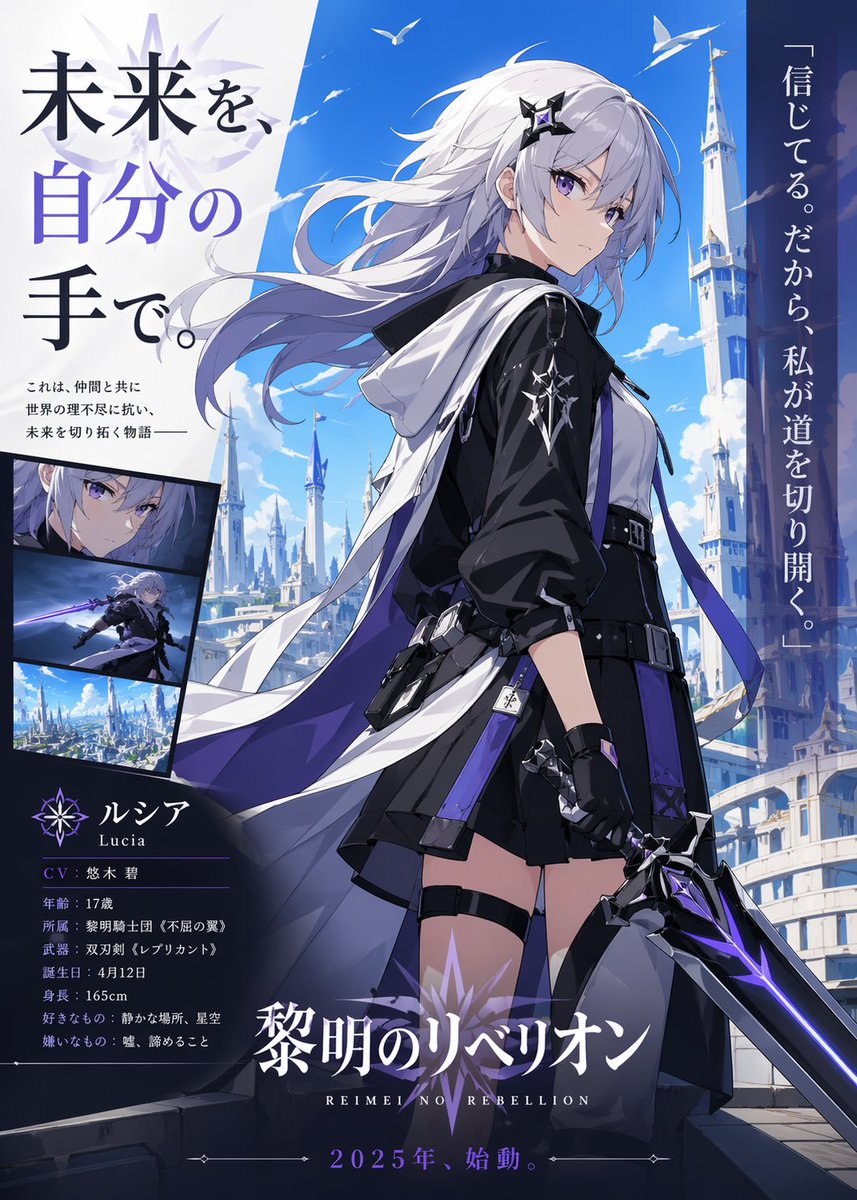

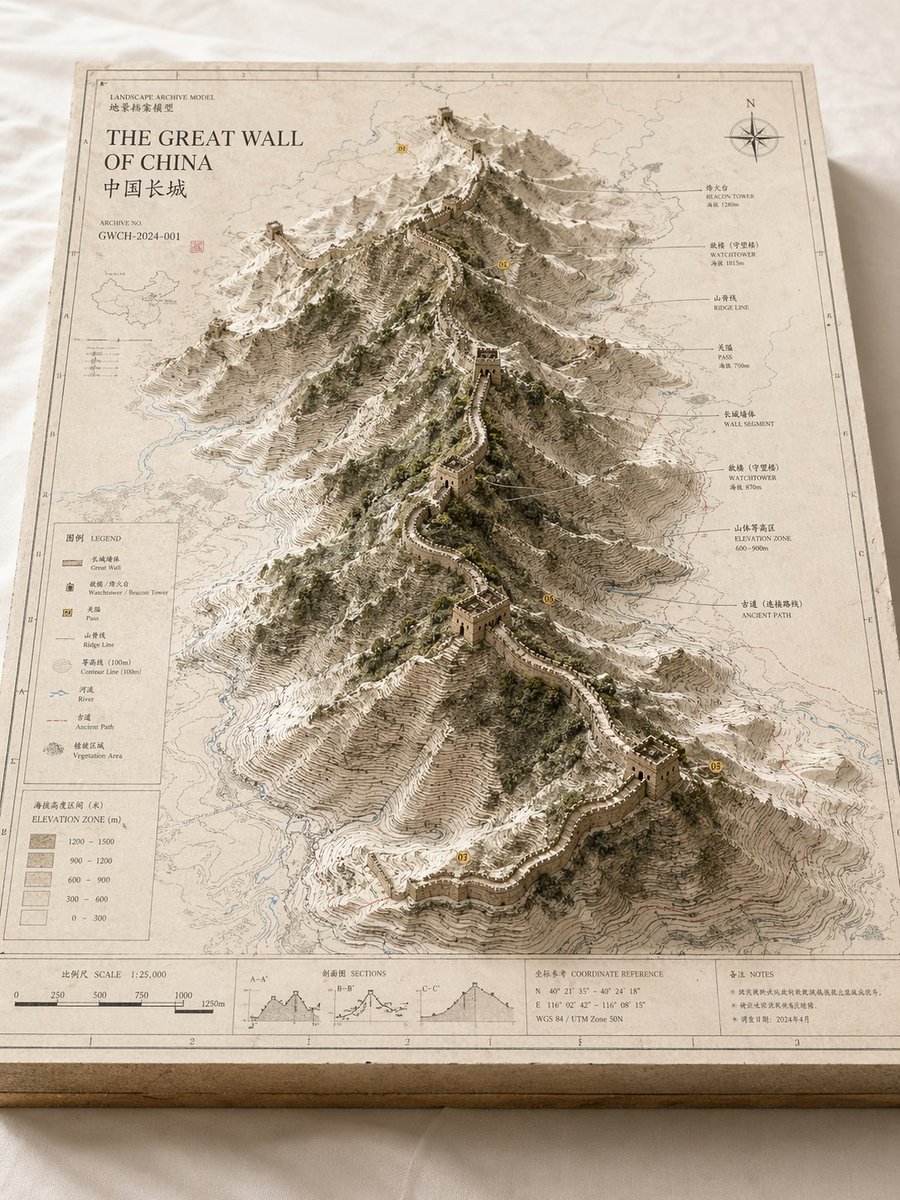
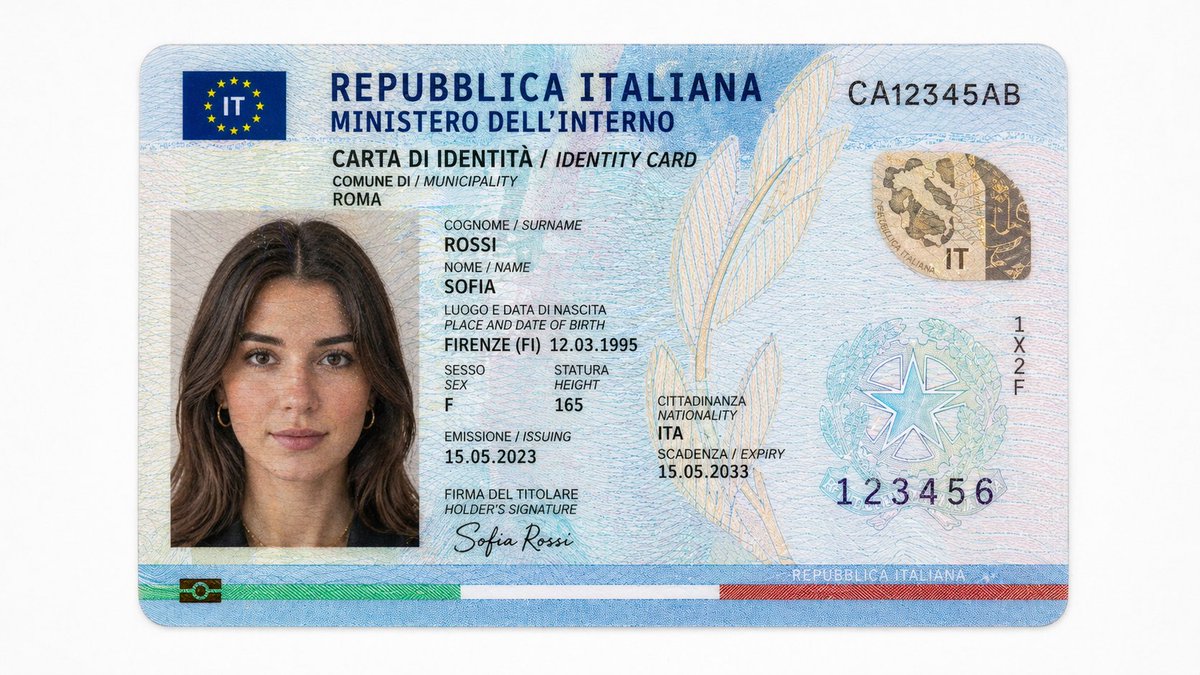

Ready to create
Start with this curated direction in Orelon, then shape it into your next visual.