Effects by Tags
Childlike Jazz Beat Crayon Lesson
Likes
1
Views
107
 Orelon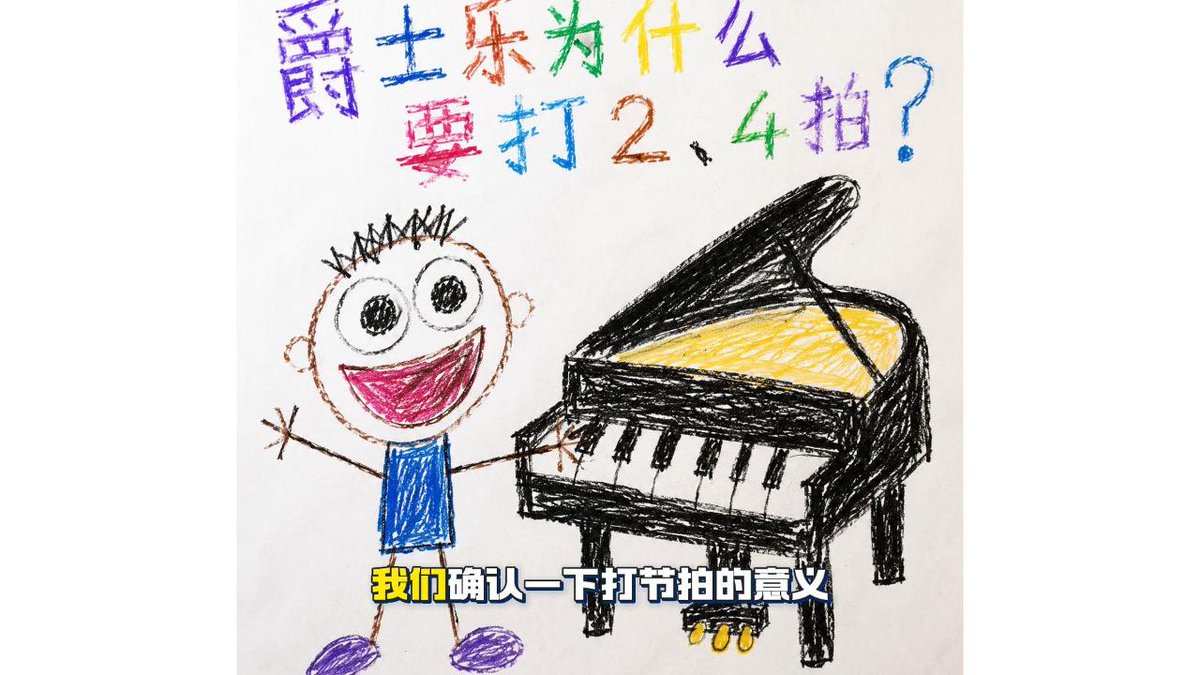
Effects by Tags
Create a cheerful children's crayon drawing on white paper in a 16:9 frame, like a hand-drawn educational video keyframe about jazz rhythm. At the top, write a large colorful Chinese crayon headline in two lines: {argument name="headline text" default="爵士乐为什么要打2、4拍?"}, with each character in a different bright color such as purple, blue, red, green, yellow, and cyan, slightly uneven like a child wrote it. In the center-left, draw one smiling cartoon child with a round head, spiky black hair, huge circular eyes, a wide open magenta mouth, stick arms raised happily, a blue scribbled shirt, thin brown stick legs, and purple shoes. On the center-right, draw one black grand piano in rough crayon lines with its lid open, yellow scribbled strings inside, four visible legs, a keyboard showing 7 white keys and 5 black keys, and 3 small yellow pedals beneath it. The child reaches toward or plays the piano, creating a cute beginner music lesson feeling. Add a bold subtitle near the bottom over the drawing reading {argument name="subtitle text" default="我们确认一下打节拍的意义"}, styled as thick white Chinese characters with a dark blue outline and yellow emphasis on the first two characters. Use messy wax-crayon texture, simple childlike proportions, imperfect perspective, bright primary colors, and lots of visible scribble strokes; keep the background plain white with no extra objects.
This is a free AI prompt from the Orelon library. Thousands more image prompts here are free to copy and adapt.
Explore more image prompts





Ready to create
Start with this curated direction in Orelon, then shape it into your next visual.