Effects by Tags
DiT Parasite in Autoencoder Latent Diagram
Likes
20
Views
2.1K
 Orelon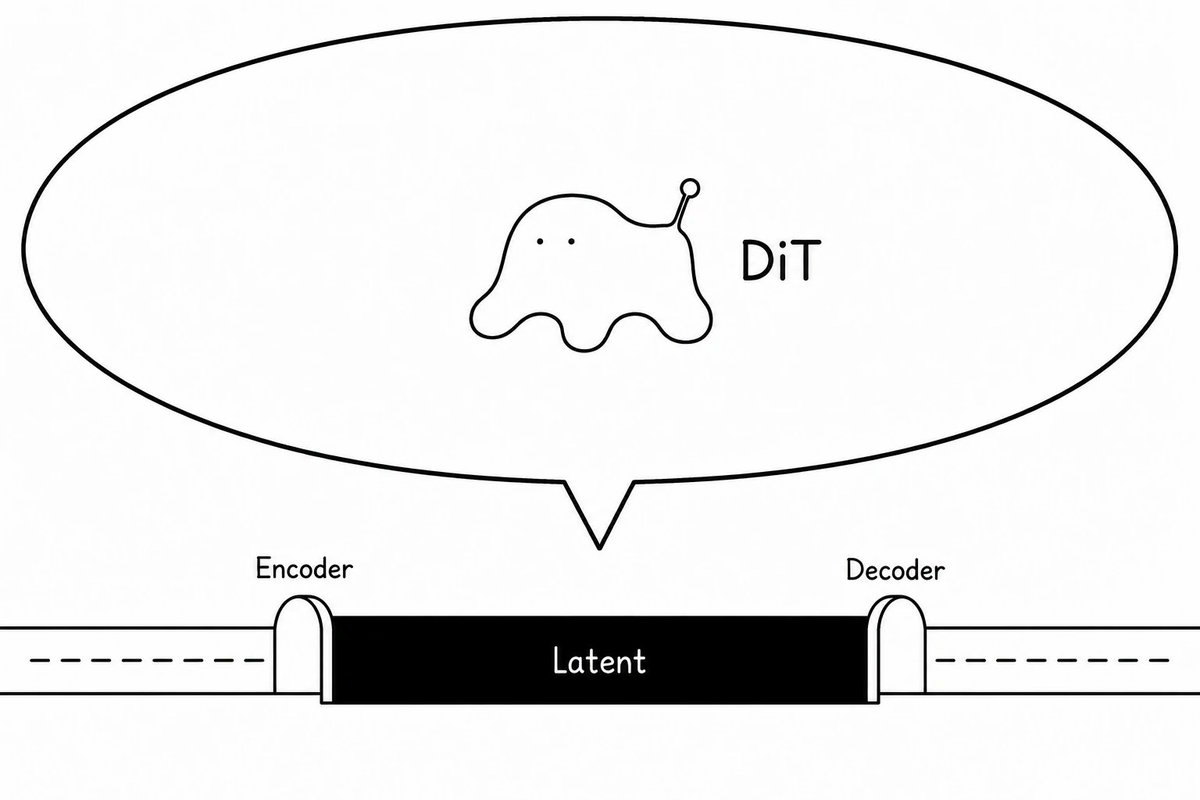
Effects by Tags
Create a minimalist black-and-white conceptual diagram on a wide 16:9 white canvas showing a diffusion-transformer creature parasitizing an autoencoder latent space. Use thin hand-drawn black outlines and simple sans-serif labels, with a clean article-illustration style. Across the lower third, draw a horizontal pipeline: a long white tube enters from the left with a dashed centerline, passes through a small rounded arch labeled “Encoder,” then becomes a solid black rectangular central block labeled “Latent” in white, then exits through a matching rounded arch labeled “Decoder” into a white tube on the right with a dashed centerline. Above the latent block, draw one very large oval speech-bubble or callout balloon with a pointed tail aimed down toward the latent block. Inside the balloon, centered slightly left, draw exactly one small blob-like creature: soft amoeba body, two tiny dot eyes, four rounded drippy legs, and one raised antenna ending in a small circle; make it mildly uncanny but not scary and not overly cute. To the right of the creature inside the balloon, place the label “{argument name="creature label" default="DiT"}” in black. Use exactly three visible text labels on the diagram: “Encoder,” “Latent,” and “Decoder,” plus the creature label. Keep the composition sparse, monochrome, no shading, no color, no extra icons, no watermark.
This is a free AI prompt from the Orelon library. Thousands more image prompts here are free to copy and adapt.
Explore more image prompts





Ready to create
Start with this curated direction in Orelon, then shape it into your next visual.