UGC / Ad Templates
Mirror Selfie with Pose and Depth Controls
Likes
25
Views
1.7K
 Orelon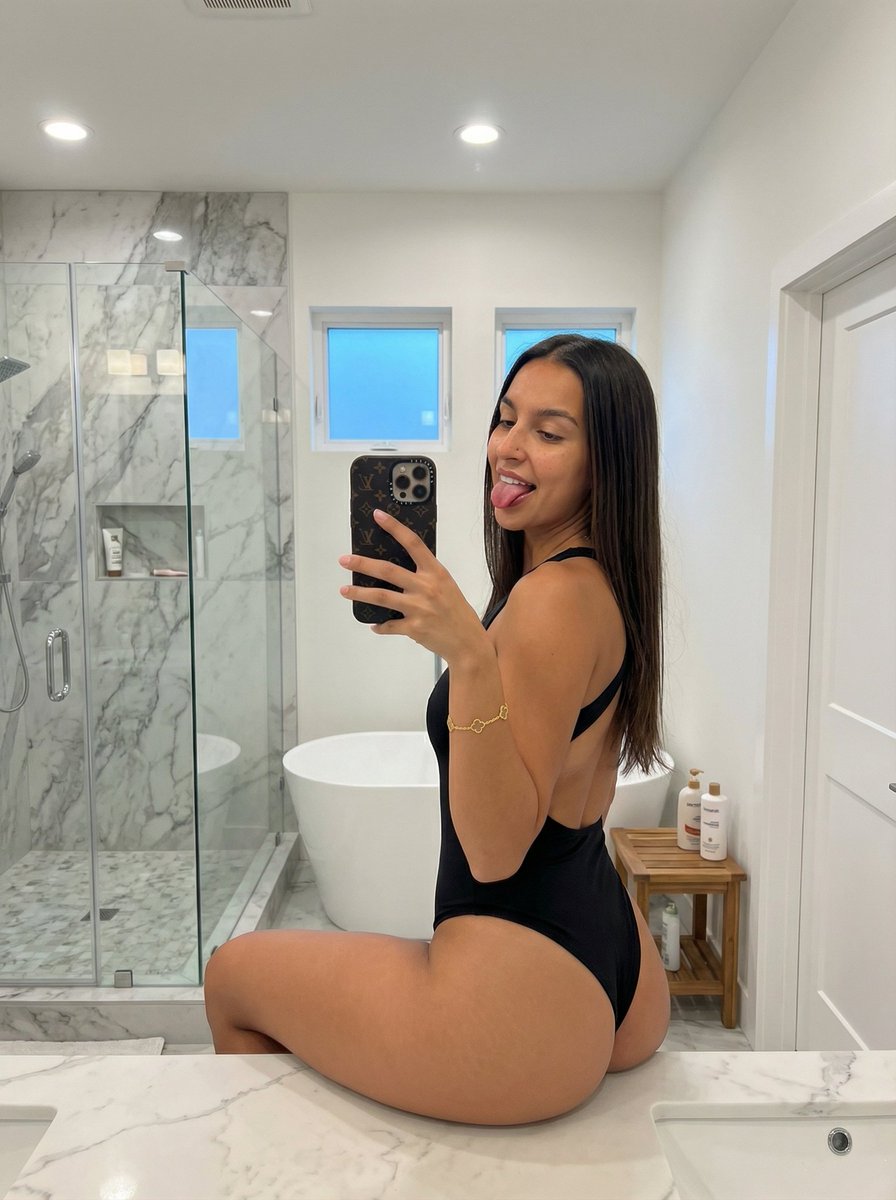
UGC / Ad Templates
{ "subject": { "description": "Young woman with long straight dark brown hair seated on a bathroom counter.", "attire": "Black matte high-cut open-back bodysuit.", "anatomy": "Emphasis on hips, thighs, and glutes from seated angle; natural tan skin.", "accessories": "Gold clover chain bracelet.", "makeup": "Natural glam with eyeliner and matte lips." }, "pose": { "type": "Seated mirror selfie", "orientation": "Rear 3/4 view, torso twisted toward mirror", "expression": "Playful, tongue out", "arms": "Right hand holding phone, left resting", "legs": "One knee bent in foreground", "spine": "Natural seated arch" }, "environment": { "location": "Modern bright bathroom", "features": "White marble counter, glass shower, freestanding tub, small windows, wooden stool, recessed lights", "floor": "White marble tile" }, "camera": { "type": "Smartphone mirror selfie", "lens": "Wide (~26mm equiv)", "dof": "Deep focus", "device": "iPhone with dark patterned case" }, "lighting": { "sources": ["Ceiling downlights", "Window daylight"], "quality": "Bright, even, cool-neutral" }, "output": { "ratio": "3:4", "orientation": "Portrait", "style": "Photorealistic casual snapshot" }, "controls": { "pose": "DWPose (1.0)", "depth": "ZoeDepth (0.8)" }, "negative_prompt": [ "body averaging", "slimmed proportions", "closed mouth", "cinematic lighting", "blur", "low resolution", "illustration", "3d render" ] }
This is a free AI prompt from the Orelon library. Thousands more image prompts here are free to copy and adapt.
Explore more image prompts





Ready to create
Start with this curated direction in Orelon, then shape it into your next visual.