Effects by Tags
Crude MS Paint Photo Doodle
Likes
25
Views
1.4K
 Orelon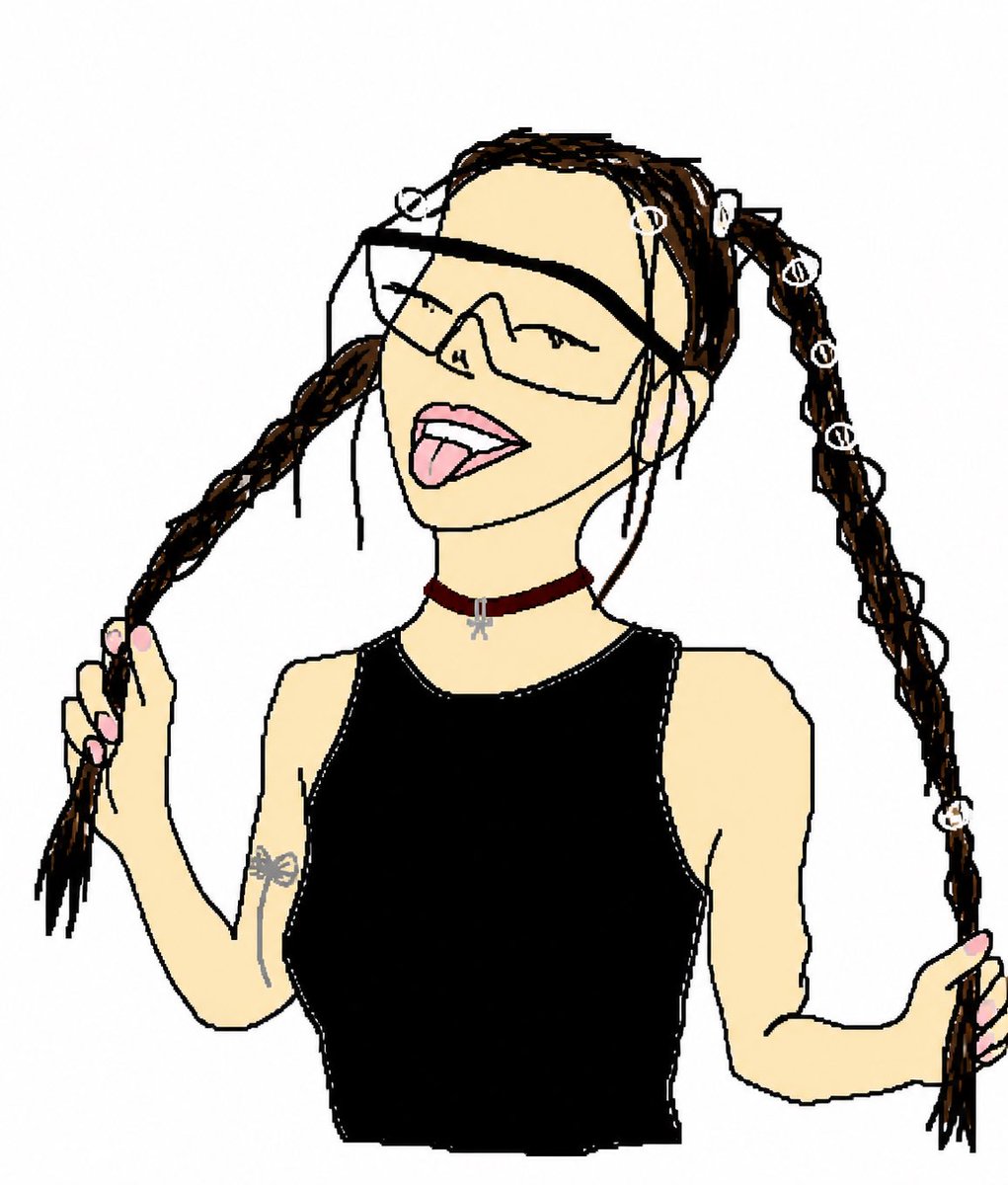
Effects by Tags
Using REFERENCE_0 as the subject and pose reference, transform the photo into an intentionally crude hand-drawn digital doodle, like a simple MS Paint/cartoon trace made with thick uneven black lines, flat colors, minimal shading, and a plain white background. Preserve the same upper-body framing, twin braided pigtail pose with both hands holding the braids, black sleeveless top, burgundy choker with small silver charm, arm tattoo, pink nails, and the seven visible white loop hair accessories: top-left loop, forehead loop, right-top loop, and four loops down the right braid. Replace the obscured face with a playful cartoon face: oversized angular wraparound sunglasses, closed smiling eyes, open mouth, and tongue sticking out. Remove the concrete wall and street background completely. Make the result look deliberately imperfect, loose, funny, and hand-drawn rather than polished.
This is a free AI prompt from the Orelon library. Thousands more image prompts here are free to copy and adapt.
Explore more image prompts





Ready to create
Start with this curated direction in Orelon, then shape it into your next visual.