Camera Control
Reference Character Painting Self-Portrait in Oil Style
Views
38
 Orelon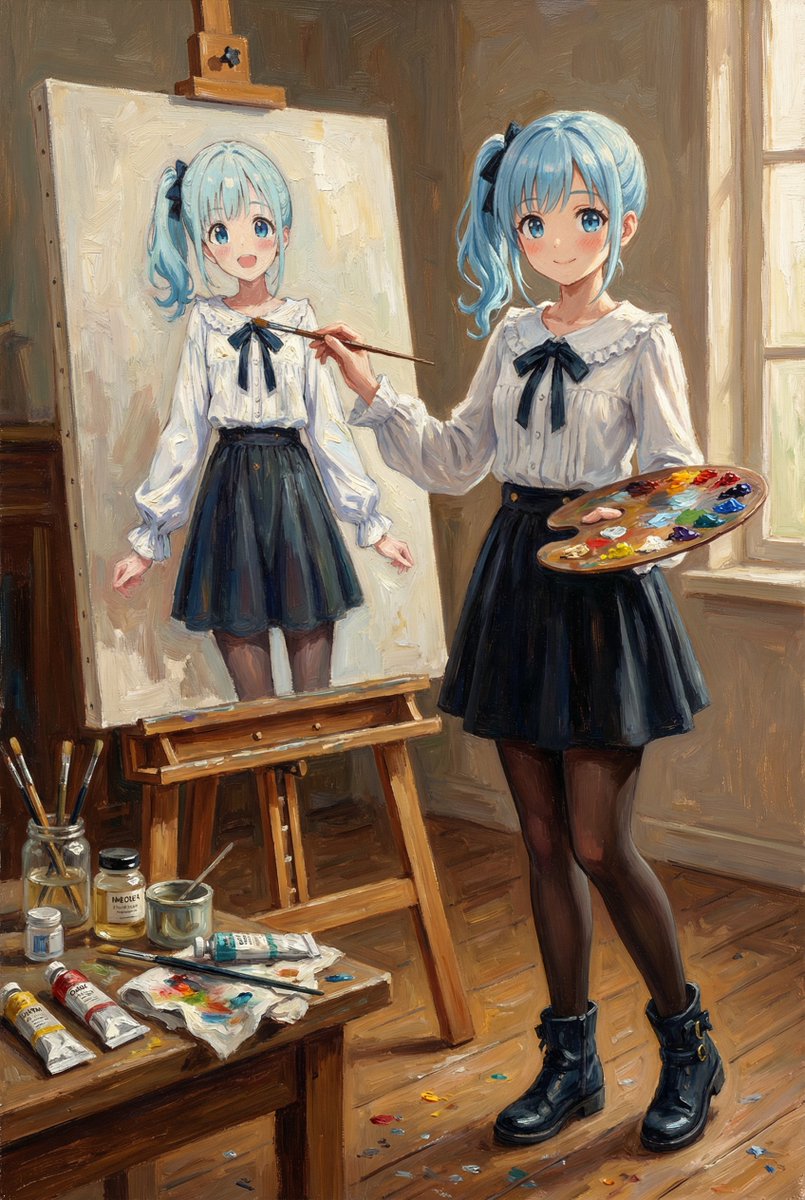
Camera Control
【Input Image】 Image 1: Reference Character (Do not change the appearance of this character under any circumstances) 【Top Priority Rule: Identity Lock】 - Match 100% of the reference image character's "face," "hairstyle," "hair color," "eye shape/color," "skin color," "body proportion," "clothing," "accessories," "patterns," and "color scheme." - Maintain the expression exactly as in Image 1 (even if a change is necessary, make it "very slight"). - Do not arbitrarily add new small items, clothes, or decorations. Prohibit modifications such as lengthening/shortening hair. Do not change age, gender, physique, or sense of race. - Changes are only allowed for "pose," "background (location)," "lighting," "camera angle," and "art supplies (brushes/palettes/easels, etc.)." 【Scene to Generate】 Character from Image 1 standing in a painting studio in front of an easel, painting a "self-portrait" in oil. - Brush in the right hand, palette in the other hand. - On the desk: tubes of oil paint, solvent oil, brush washing jar, cloth, dirty palette, and a few scattered paint marks on the floor. - The canvas has an "unfinished self-portrait" that is instantly recognizable as the "same character" as Image 1 (same face, same hair, same clothes, same color scheme). A slightly rough brushstroke is acceptable since it is unfinished. 【Art Style (Overall Expression)】 - Depict the entire work as a classic oil painting. Show the canvas texture, impasto brushstrokes, buildup of paint, and depth of glazing. - However, the character design (lines/shape/color/features) must absolutely not deviate from Image 1. The oil texture should be applied as an "overlay." 【Composition/Camera】 - 3/4 angle medium wide shot (upper body to knees). Character + easel + canvas visible simultaneously. - Warm afternoon oblique light enters from the window, hitting the face and canvas. The background is slightly dark to make the subject stand out. 【Output Specification】 - 1 image. Vertical 2:3 aspect ratio. - Do not include text in the image.
This is a free AI prompt from the Orelon library. Thousands more image prompts here are free to copy and adapt.
Explore more image prompts





Ready to create
Start with this curated direction in Orelon, then shape it into your next visual.