Effects by Tags
Abstract Rock Guitarist Album Art
Likes
3
Views
58
 Orelon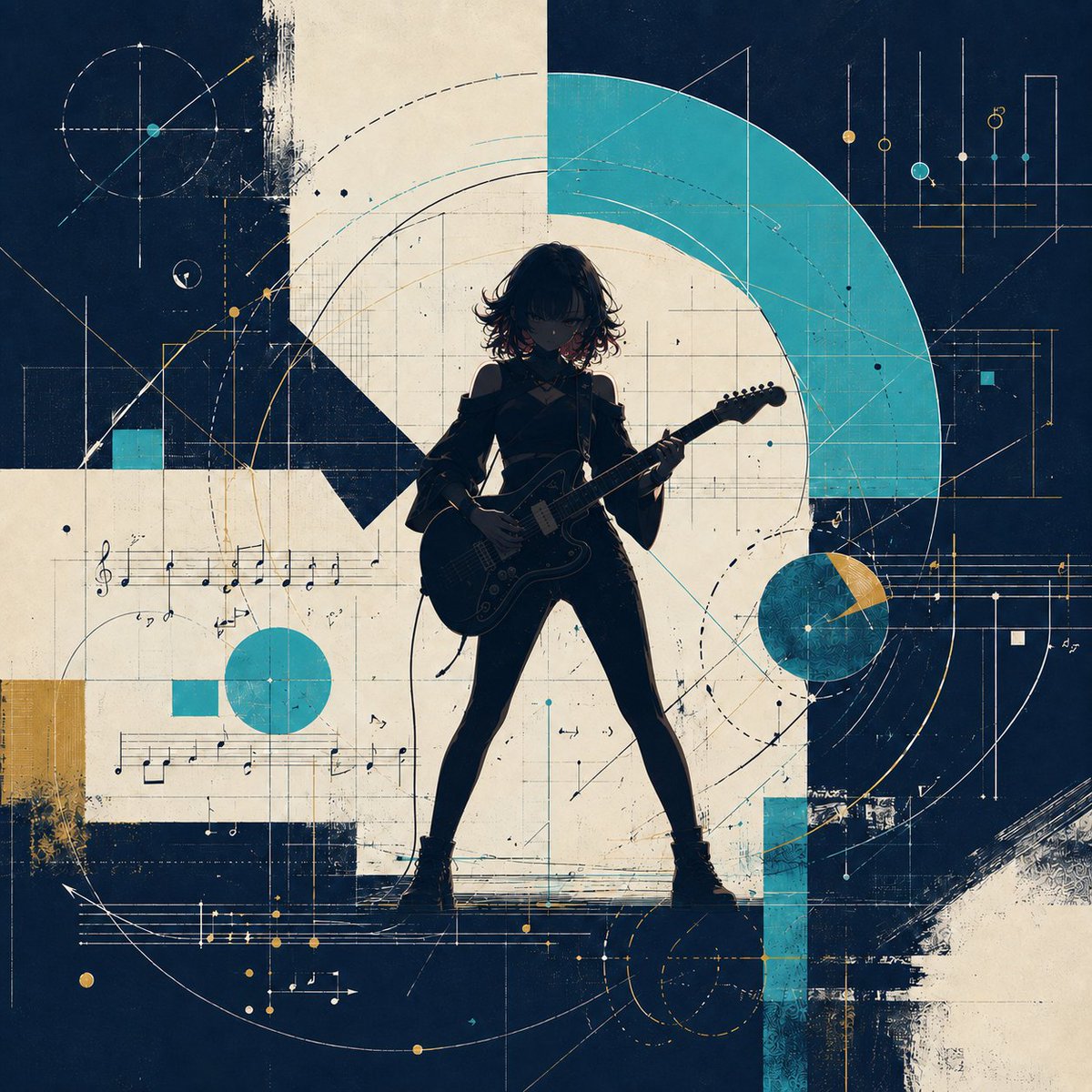
Effects by Tags
Create a square album-cover-style illustration of {argument name="character name" default="an anonymous young female rock guitarist"} standing in a powerful wide-legged pose at the center, rendered mostly as a dark silhouette with subtle anime-inspired details. She has messy short wavy hair, a slim figure, an off-shoulder dark jacket or dress-like rock outfit, ankle boots, and she holds a black electric guitar diagonally across her body as if performing. The background is an abstract geometric music diagram: a textured navy-blue and warm ivory collage with one large turquoise semi-circular arc sweeping across the upper right, a large off-white circular/spiral form behind the character, and scattered turquoise and mustard accent shapes. Include fine technical drafting lines, circular orbit guides, grids, dotted arcs, measurement marks, small nodes, and architectural linework throughout. Add exactly 3 prominent turquoise geometric accents: one large semi-circle arc in the upper right, one solid circle left of center below the sheet music, and one vertical turquoise rectangle near the lower right. Add exactly 2 mustard-gold block accents: one rectangle on the left edge and one small wedge on the right circular motif. Incorporate musical notation in exactly 3 visible staff areas: one horizontal staff with treble clef and notes across the left-middle, one thin staff line cluster across the right-middle, and one lower staff with arrows and gold dots near the bottom. Use a distressed screenprint texture, rough paint edges, scratch marks, ink speckles, and layered paper collage feel. Color palette: deep navy, aged cream, bright teal/turquoise, muted mustard gold, and black. Lighting should emphasize the musician as a backlit silhouette with a faint rim glow, no readable typography, no logo, no watermark, high-detail graphic poster composition.
This is a free AI prompt from the Orelon library. Thousands more image prompts here are free to copy and adapt.
Explore more image prompts





Ready to create
Start with this curated direction in Orelon, then shape it into your next visual.