Visual Effects
Penguin Pirate Admiral Parody
Likes
15
Views
4.3K
 Orelon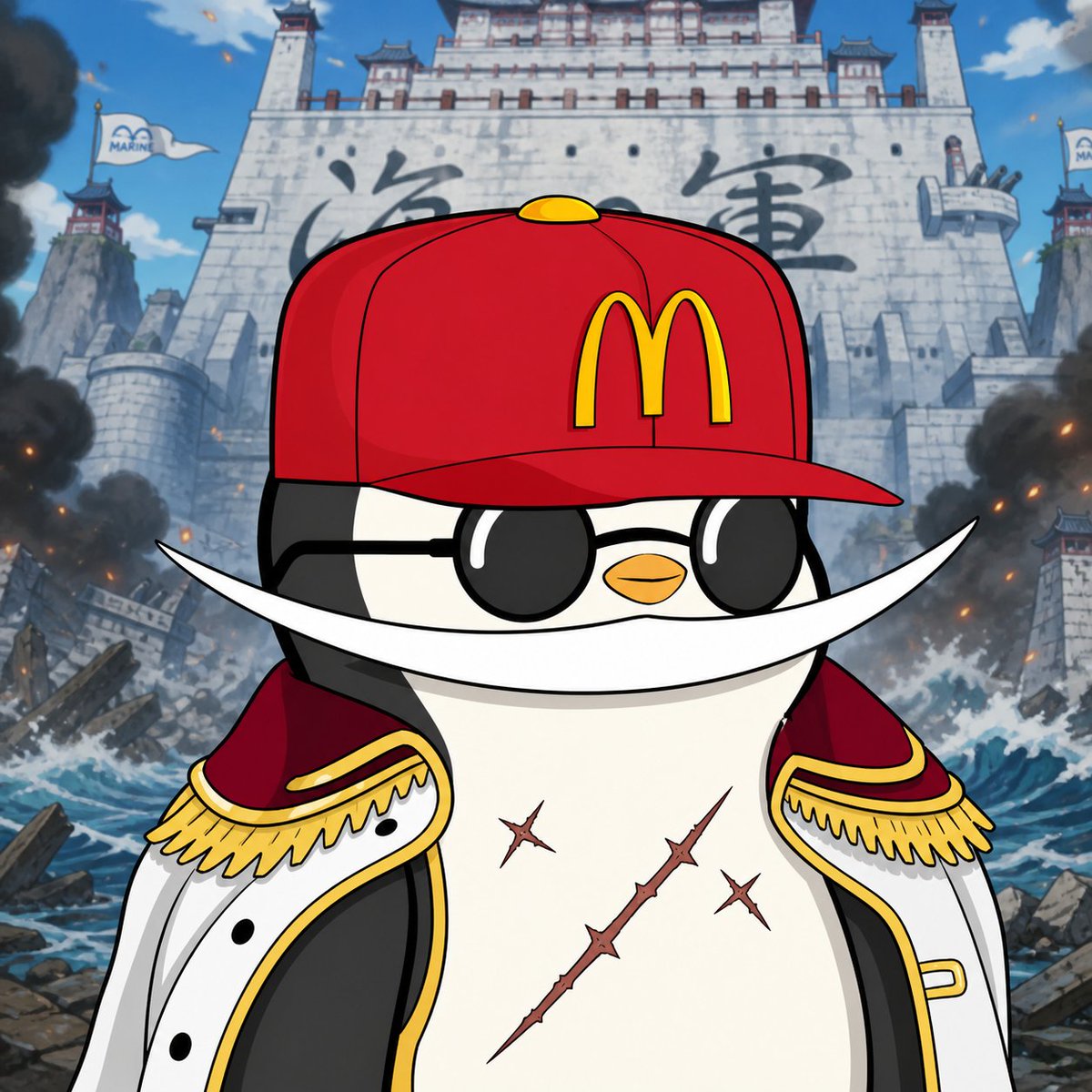
Visual Effects
Create a square anime-style parody illustration of {argument name="character description" default="a chubby black-and-white penguin pirate admiral"} standing heroically in the foreground, centered and cropped from the waist up. The character wears one bright red baseball cap with a yellow {argument name="cap logo" default="McDonald's golden arches"} on the front, one pair of glossy black round sunglasses, one huge curved white crescent moustache stretching far past both cheeks, and one open white naval coat with red lining, black trim, gold edging, and exactly two ornate gold epaulettes with fringe. The penguin has a tiny orange beak, a confident stoic expression, and exactly three visible scars on its white belly: one long diagonal thorny scar and two smaller cross-shaped scars. Behind the character, depict a colossal gray stone fortress inspired by a Marine headquarters from a shonen pirate anime, with large dark Japanese-style calligraphy on the wall, tall towers, battlements, and exactly two white flags marked with a blue marine emblem. The background is chaotic and cinematic: crashing ocean waves, shattered debris, rocky ruins, smoke columns on both sides, scattered orange embers, and a bright blue sky with a few clouds. Use crisp cel-shaded anime line art, bold outlines, saturated colors, dramatic low-angle composition, high detail, epic battle atmosphere, clean character silhouette, and a playful crossover tone.
This is a free AI prompt from the Orelon library. Thousands more image prompts here are free to copy and adapt.
Explore more image prompts


Ready to create
Start with this curated direction in Orelon, then shape it into your next visual.